Manual Page 87
B.3.10 Output Option USB
Universal Serial Bus (USB) is a serial bus standard for interface devices, e.g. storage
devices.
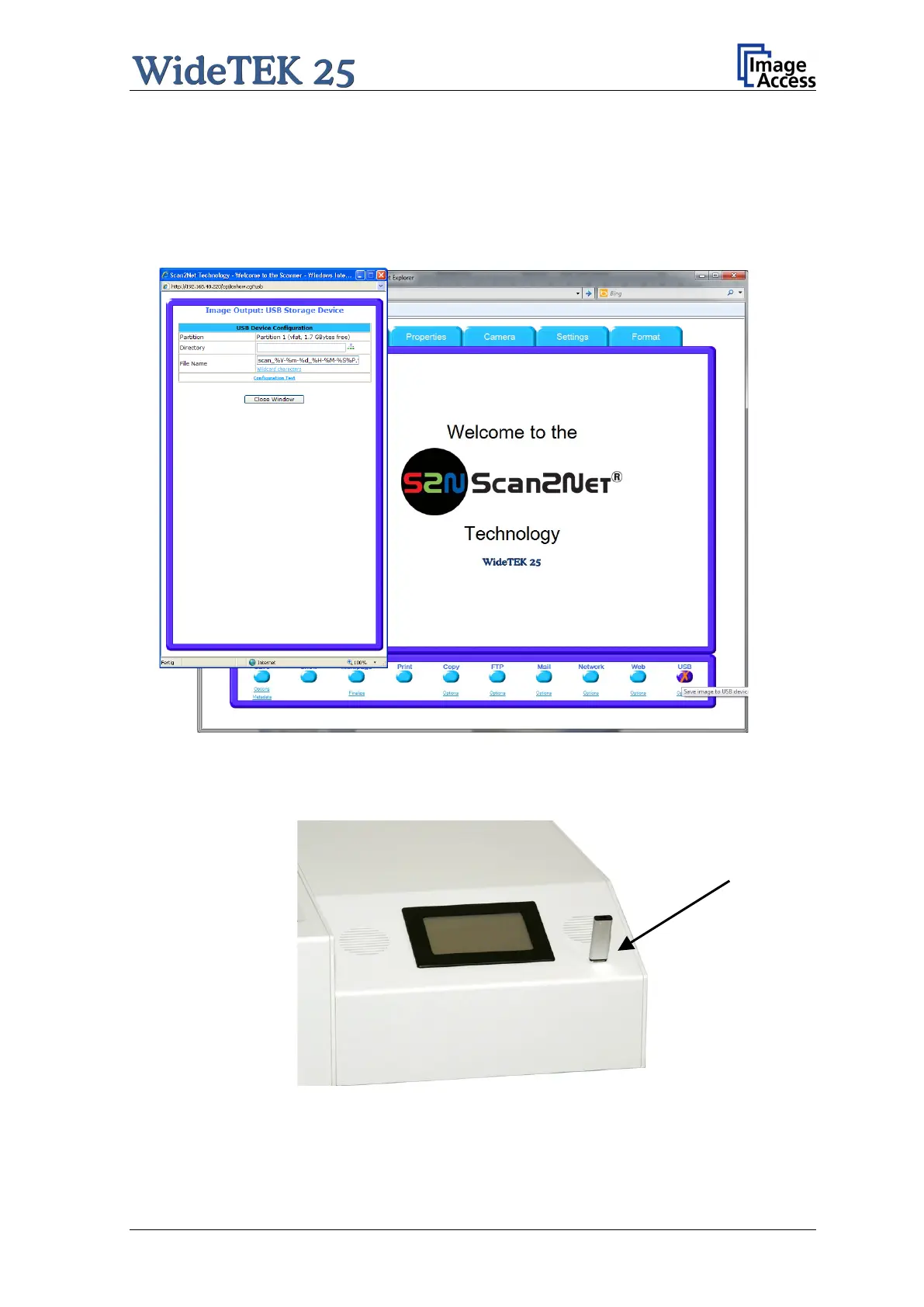
The output option USB enables direct scanning to a USB Standard-A flash memory data
storage device.
Picture 80: Output Option: USB
At the front panel of the WideTEK 25 scanner a USB connector is found beside the
touch panel.
Picture 81: USB stick in USB connector
Go to Options to configure the USB interface. A configuration window will pop up.











 To Next Page