Page 66 Manual
B.2.5 The Format Screen
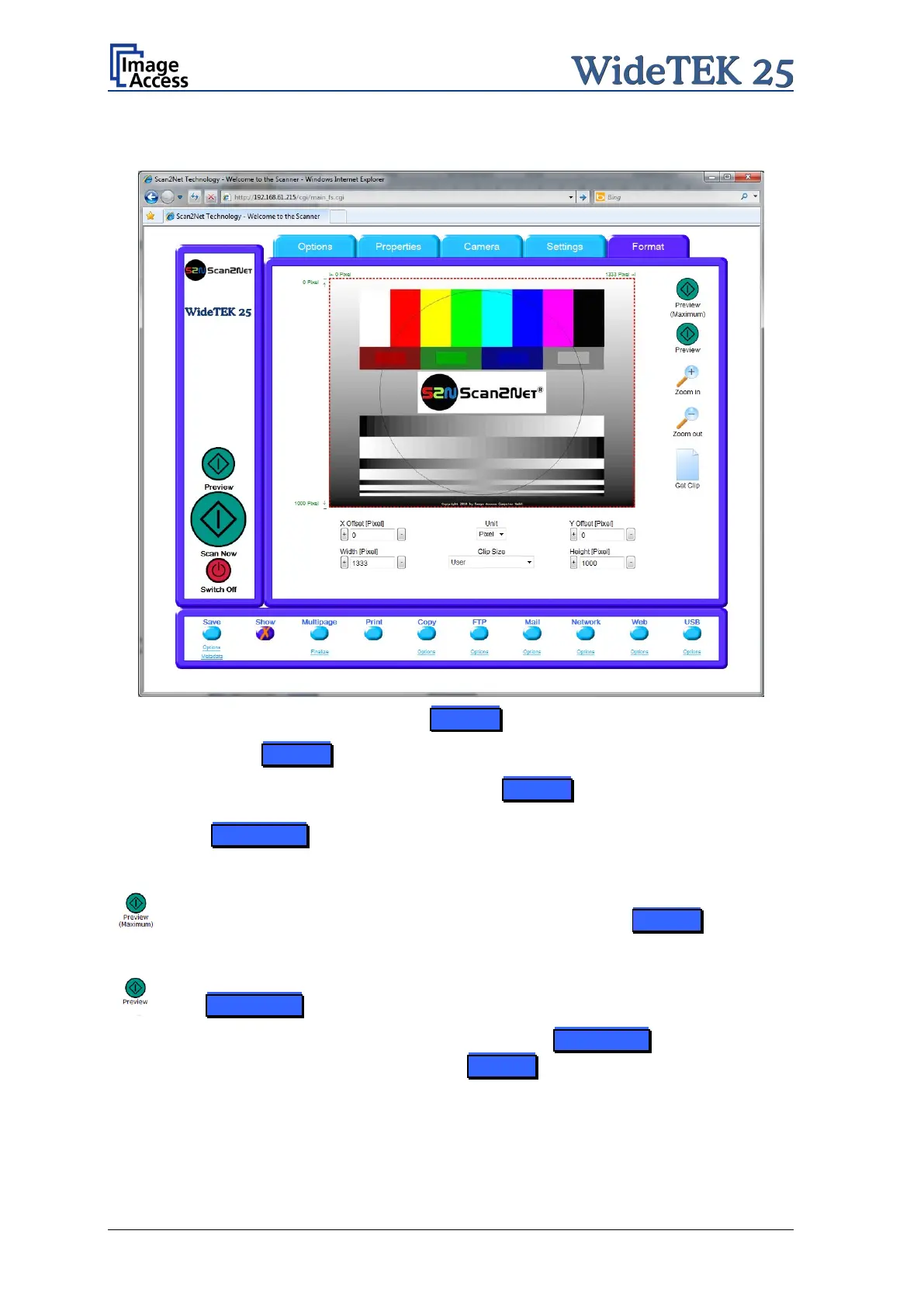
Picture 60: Format screen
When selecting the Format screen, a test image is displayed.
If a scan has been executed before selecting the Format screen, the image scanned
and displayed at last is displayed. The dimension of the image depends on the selected
format in the Properties screen.
The Preview (Maximum)
button allows to rescans the complete document
area. The image will be displayed in the preview area of the Format screen.
The Preview button rescans the document area which is set in
the Properties screen.
To get a new preview scan, first change to the Properties screen, set the
new format, and finally return to the Format screen. Click on the Preview
button to display the new image.











 To Next Page