Page 34 Manual
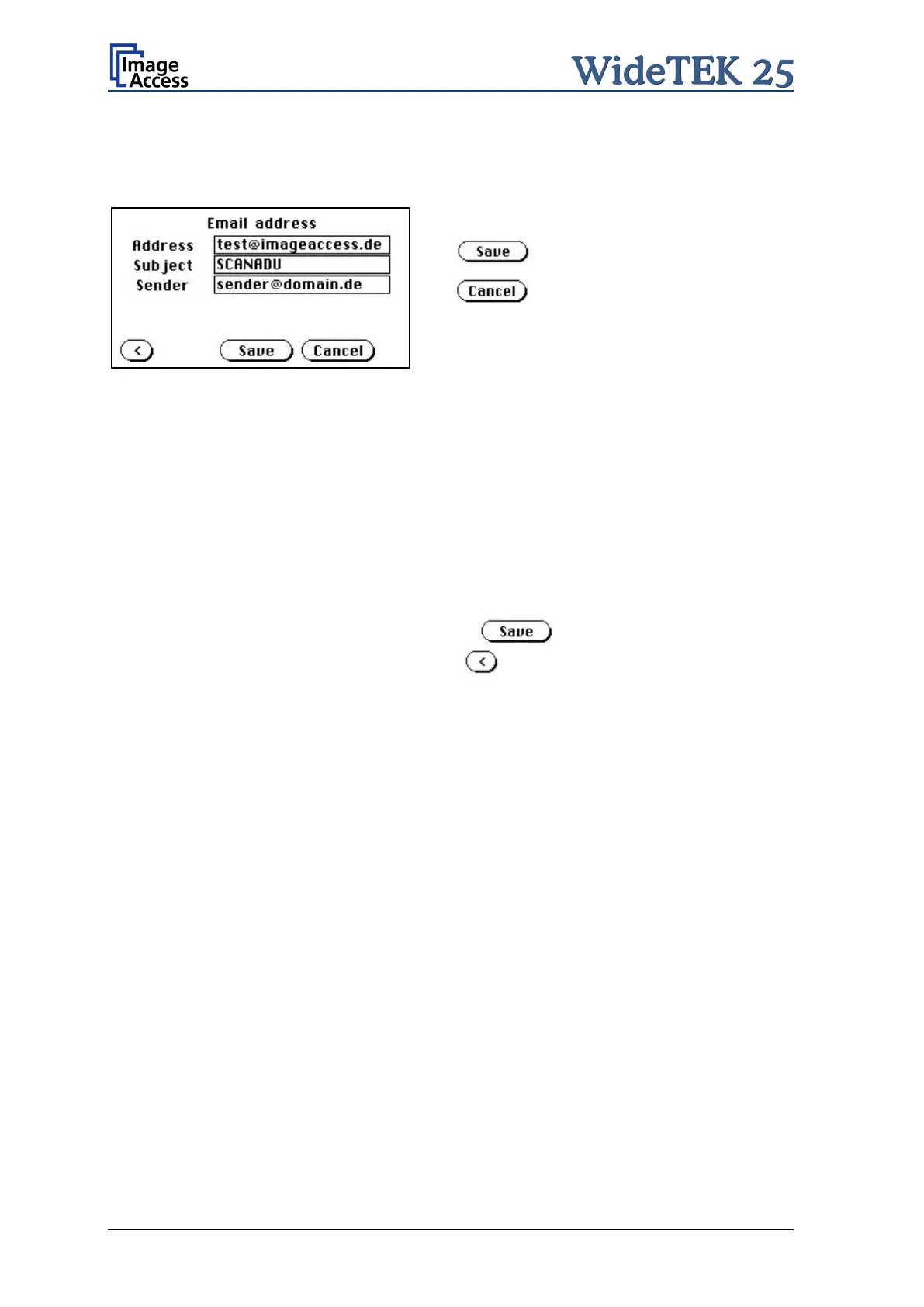
A.12.8.1.2 Email Address
This menu item enables the user to send the scanned image to any arbitrary e-mail
address.
Stores all parameters.
Erases all changes.
Picture 24: E-mail address parameters
How to enter an E-mail address
Tap on the line of the e-mail address. The screen changes to input mode as shown in
Picture 10 and Picture 11. Enter the desired e-mail address. The symbol @ is found on
the keyboard in the capital letter layout in the bottom line.
To delete a character place the cursor below the character and tap on the X key.
When the complete e-mail address is entered, tap on the checkmark to return to the
previous screen.
To store all entries of this menu touch the button .
To return to the former menu, touch the button .
If entries have been changed, a screen opens where the changes must be confirmed.
Yes confirms the changes, No discards the changes.











 To Next Page