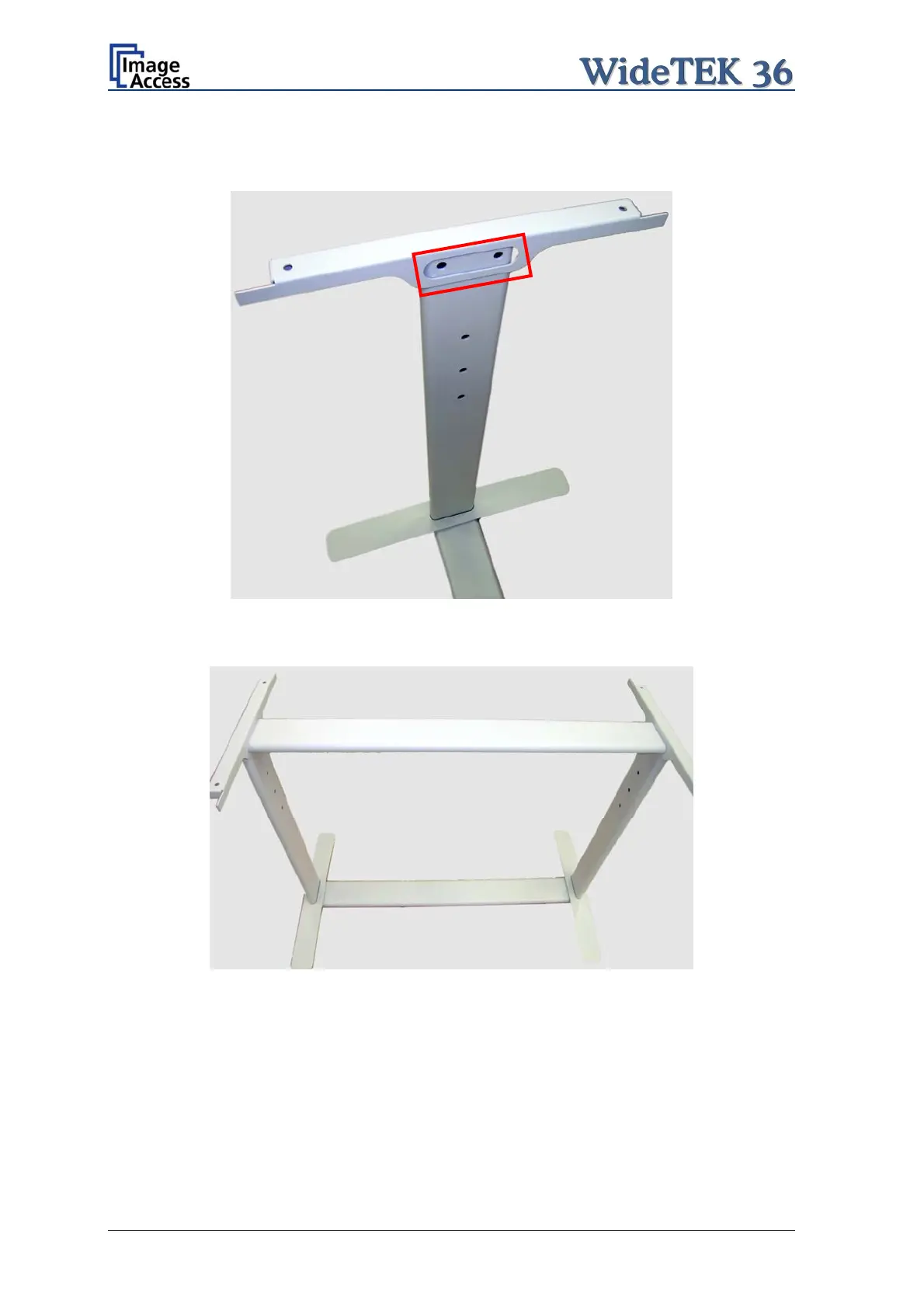
Place the top brackets on the vertical legs. The oval cut-out must face to the inner side.
Picture 10: Top bracket on vertical leg
Insert the second traverse between the side legs.
Picture 11: Upper traverse inserted
Assemble the traverse, the top brackets and the legs with two ISO 4016 – M8x50x22-WS
screws and a washer on each side.
Tighten all screws on the floor stand with the combination wrench, size 13.
Page 20 Setup and Assembly Manual



 To Next Page
 Loading...






