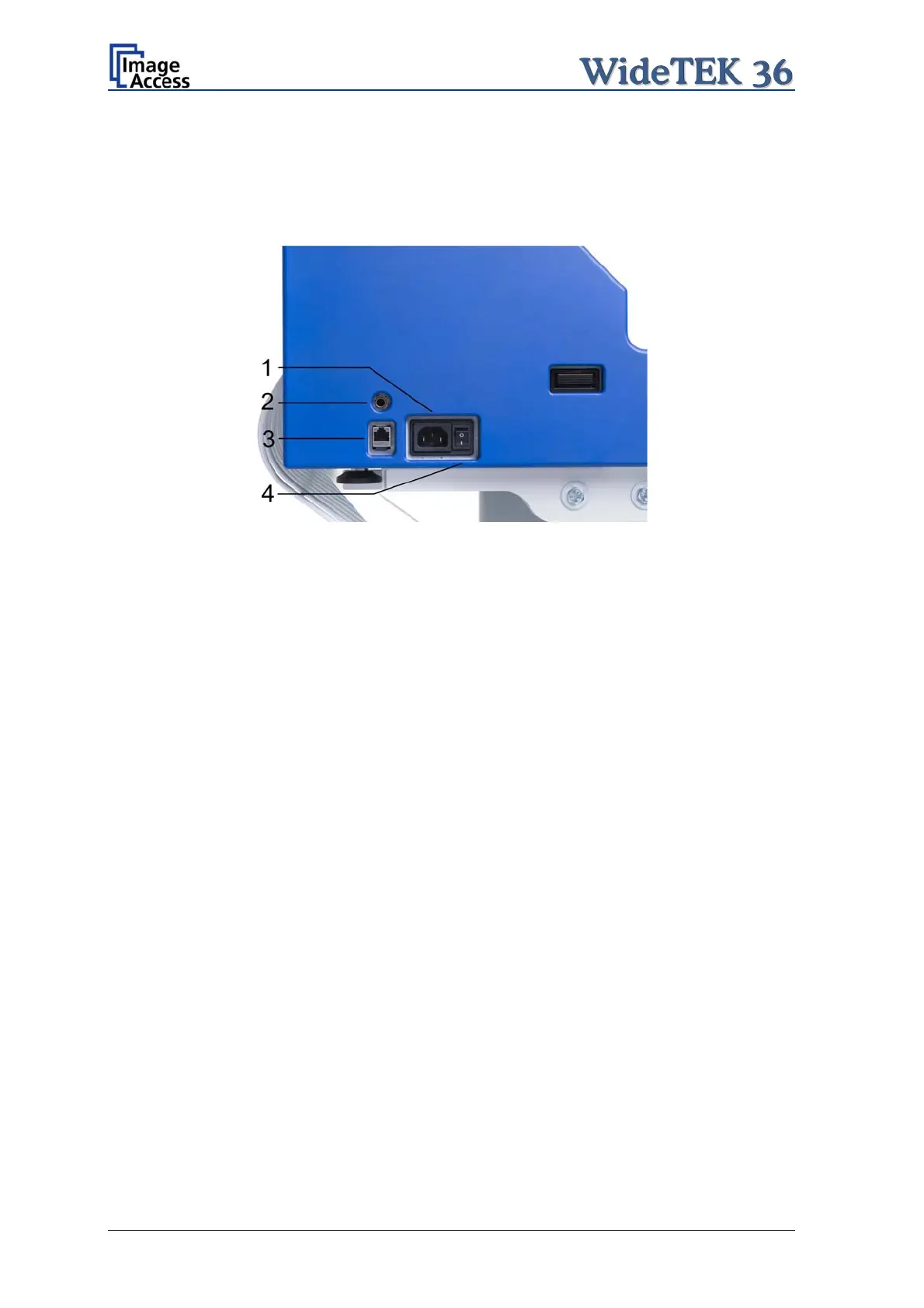
A.4.1 Connectors at the Scanner
The connectors are positioned at the left side of the housing, seen from the operators
view (i.e. from the front of the scanner).
Picture 20: Connectors at WideTEK 36
1: Power connector
2: Foot pedal connector
3: Network cable connector
4: Main power switch
Page 26 Setup and Assembly Manual


 To Next Page
 Loading...






