B.3.7 White Balance
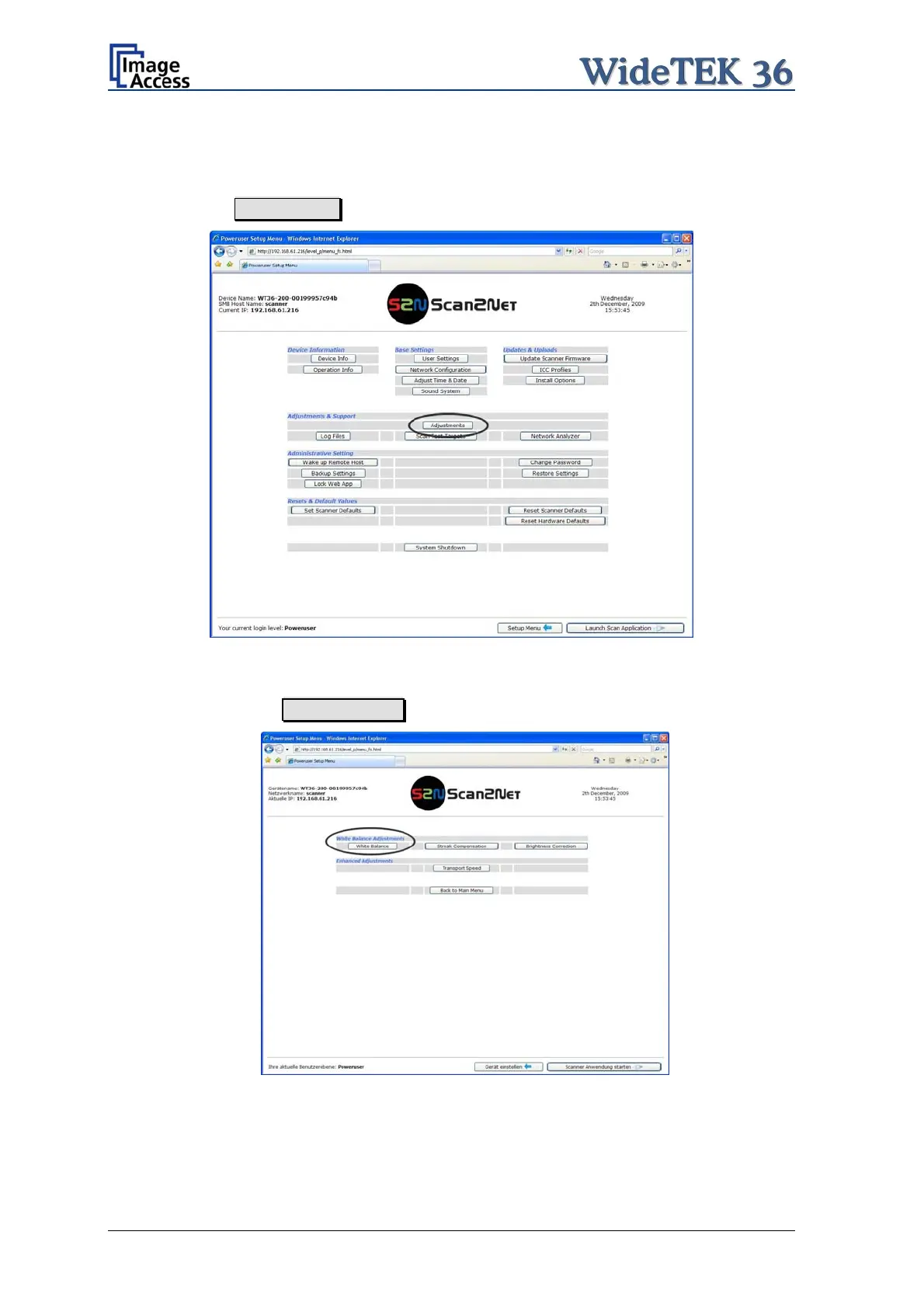
In the Poweruser main menu screen, locate the section Adjustments & Support.
Click the button Adjustments .
Picture 47: Click the marked button
In the next screen, locate the section White Balance Adjustments. In this section
click on the button White Balance .
Picture 48: Select „White Balance“
Page 48 Setup and Assembly Manual


 To Next Page
 Loading...






