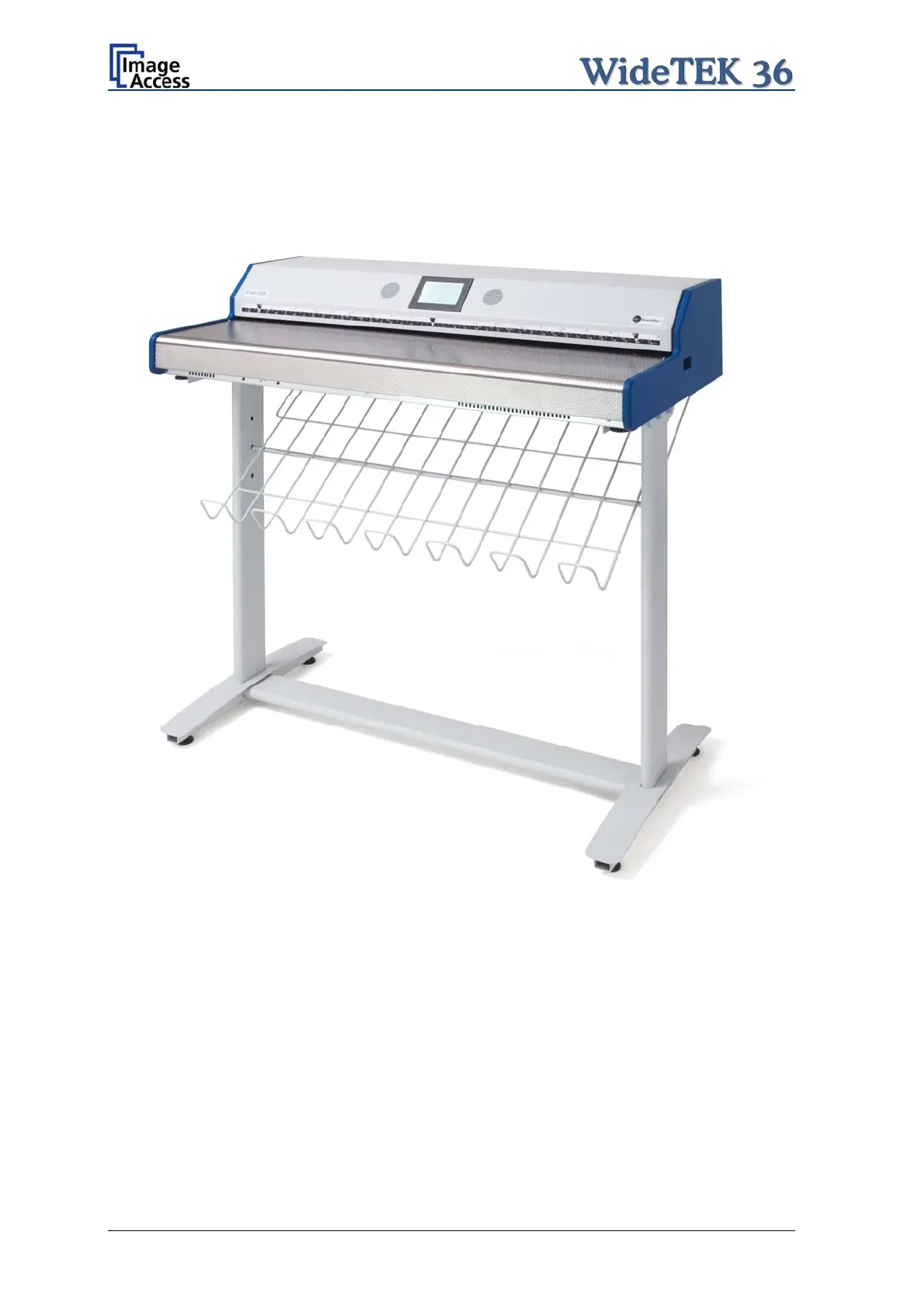
After fastening the scanner on the floor stand, insert the paper exit basket. It is
recommended to insert the paper exit basket from the back of the scanner. Place it on the
rod and fix it with the hooks on the rear side of the WideTEK 36.
Picture 19: WideTEK 36 placed on floor stand, ready to use
Page 24 Setup and Assembly Manual


 To Next Page
 Loading...






