B.3.8 Brightness Correction
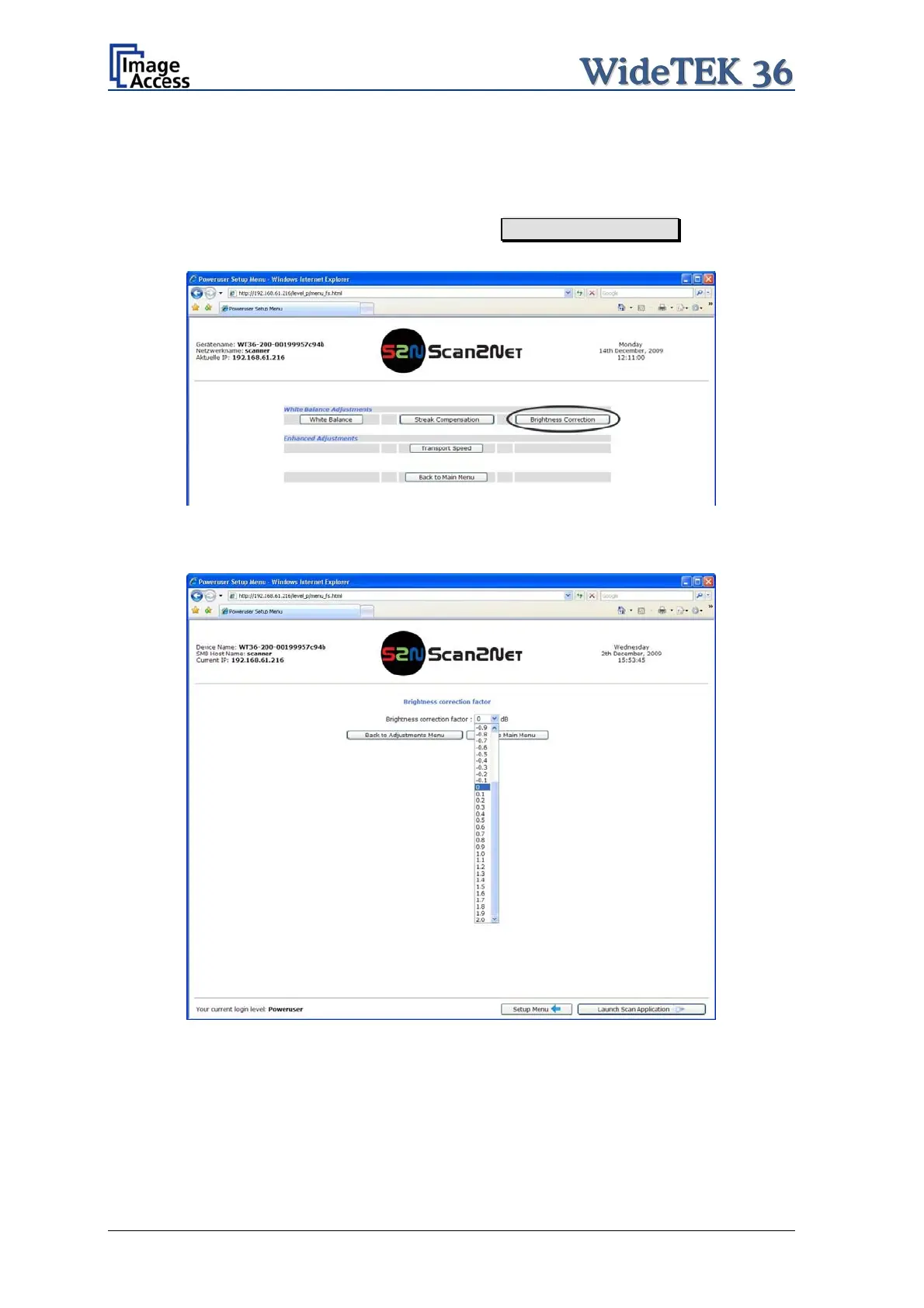
This function enables the user to change the gains settings up to +/- 2 dB, while positive
values make the scan look brighter.
To set the Brightness Correction, click the button Brightness Correction in the section
White Balance Adjustments.
Picture 50: Selecting “Brightness Correction”
This will open a screen in which the desired value can be selected from a list.
Picture 51: Selecting the correction factor
Page 50 Setup and Assembly Manual



 To Next Page
 Loading...






