B.3.5 Install ICC Profiles
Find the section Updates and Uploads in the Poweruser main menu screen and go to
ICC Profile .
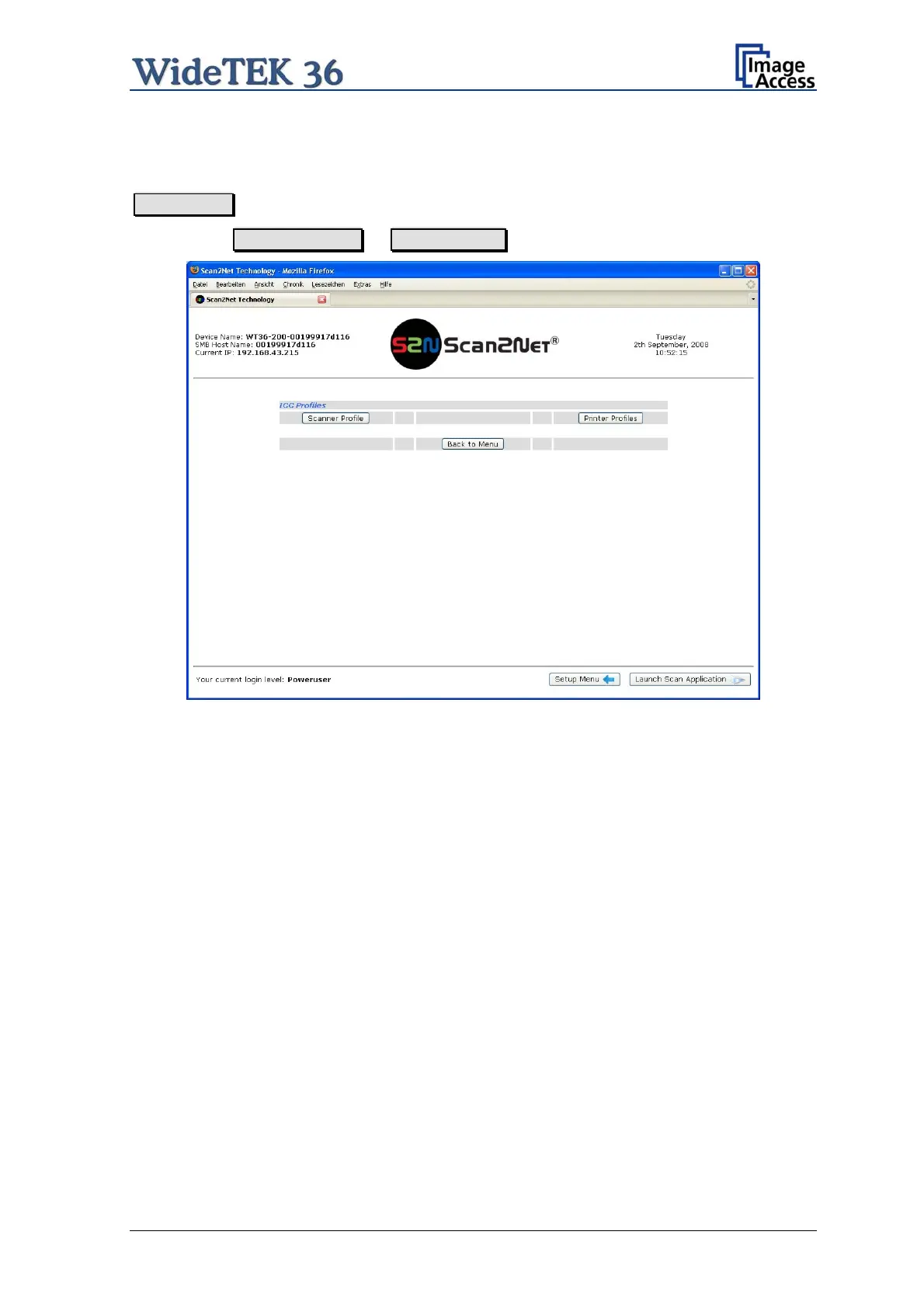
Select either Scanner Profile or Printer Profile .
Picture 43: ICC Profile screen
ICC profiles will be integrated in the image file data. ICC profiles adapt the color space
between scanner and image editing software or between scanner and printer.
By using an ICC profile a color-true reproduction of the scanned documents can be
provided.
Setup and Assembly Manual Page 45


 To Next Page
 Loading...






