Open the upper unit by clicking the locking lashes at the left and right side of the housing.
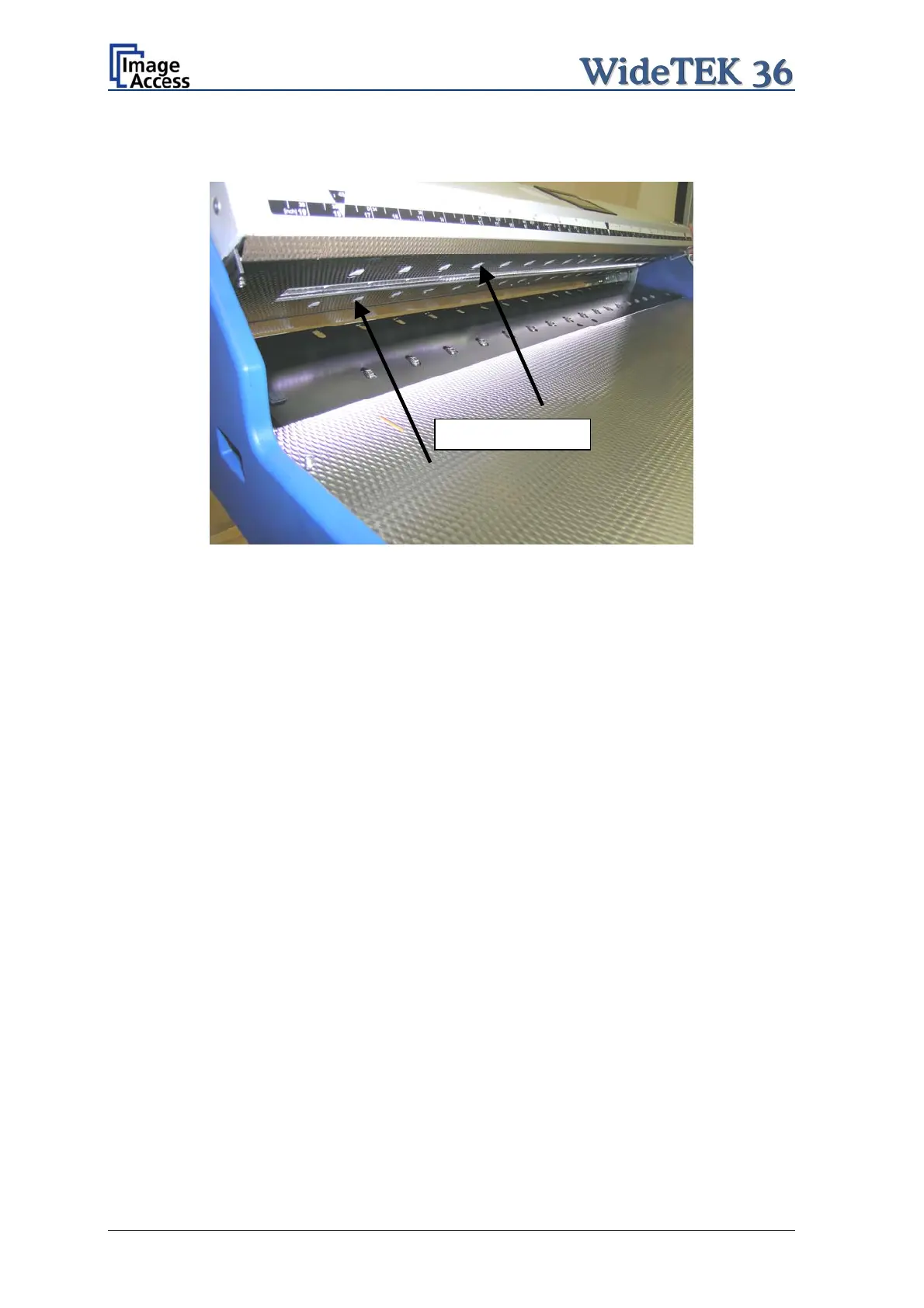
Both transport drum are now visible.
Transport drums
Picture 53: Transport drums at front and back
Press and hold one of the triangle arrows on the display to start rotating the transport
drums.
Press the microfiber cloth at the transport drums.
Repeat this for each element of the transport drums.
Use a dry and fluff-free cloth to wipe off any remaining cleaning fluid from the transport
drums.
Page 52 Setup and Assembly Manual


 To Next Page
 Loading...






