B.3 Poweruser Login Level
For the following setup steps choose the login level Poweruser .
Default user name and default password for this login level are "Poweruser".
Note: Please consider that both the user name and the password are case-sensitive and
that the first letter of both the user name and password are upper case.
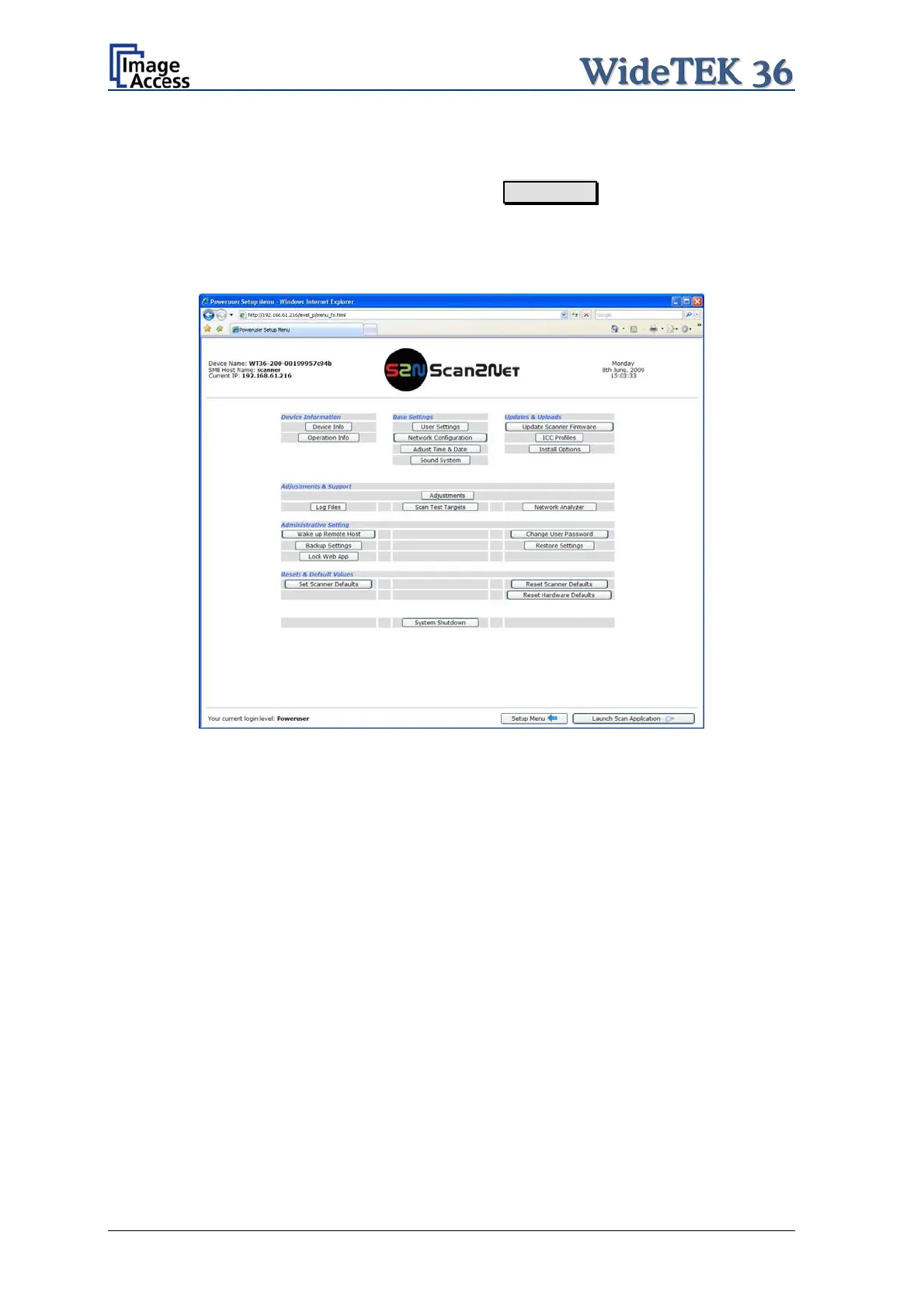
Picture 34: Poweruser main menu
The person having access to this level can change the password and thereby limit access
to normal operators.
The main menu screen for the Poweruser level opens. The main menu is separated in
several sections.
The subsequently described settings broaden the functionality of the scanner or activate
additional functions.
Page 36 Setup and Assembly Manual



 To Next Page
 Loading...






