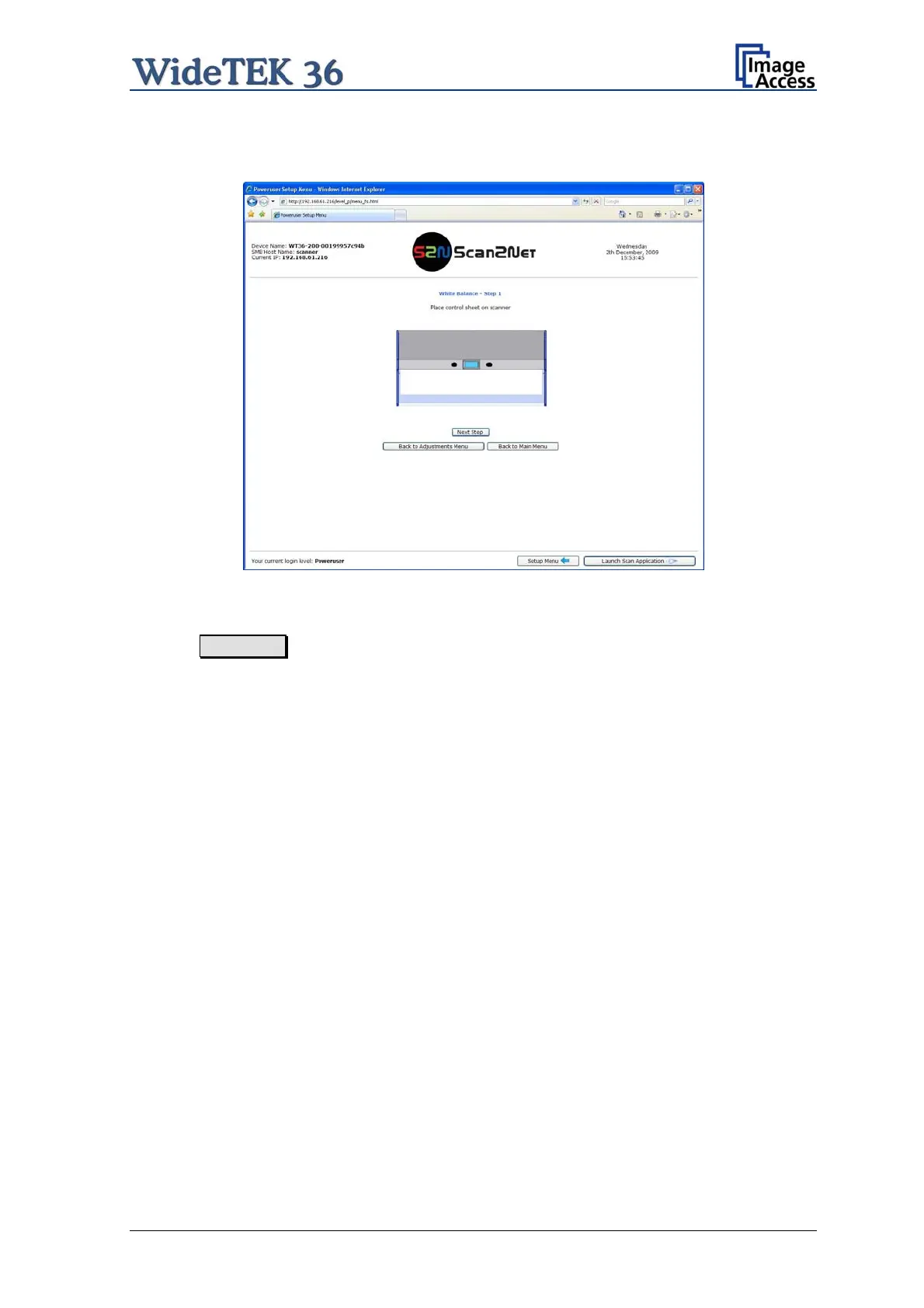
The next screen shows how to place the White Reference Target WT36-Z-02-A on the
document table.
wt36_setup_eng_020_b.jpg
Picture 49: White Reference Target on document table
Click on Next Step to start the White Balance Adjustment sequence.
After the White Balance Adjustment has finished, the results will be displayed in a status
screen.
Positive status will be displayed in green color.
Error message will be displayed in red color, followed by some explanatory remarks.
Setup and Assembly Manual Page 49



 To Next Page
 Loading...






