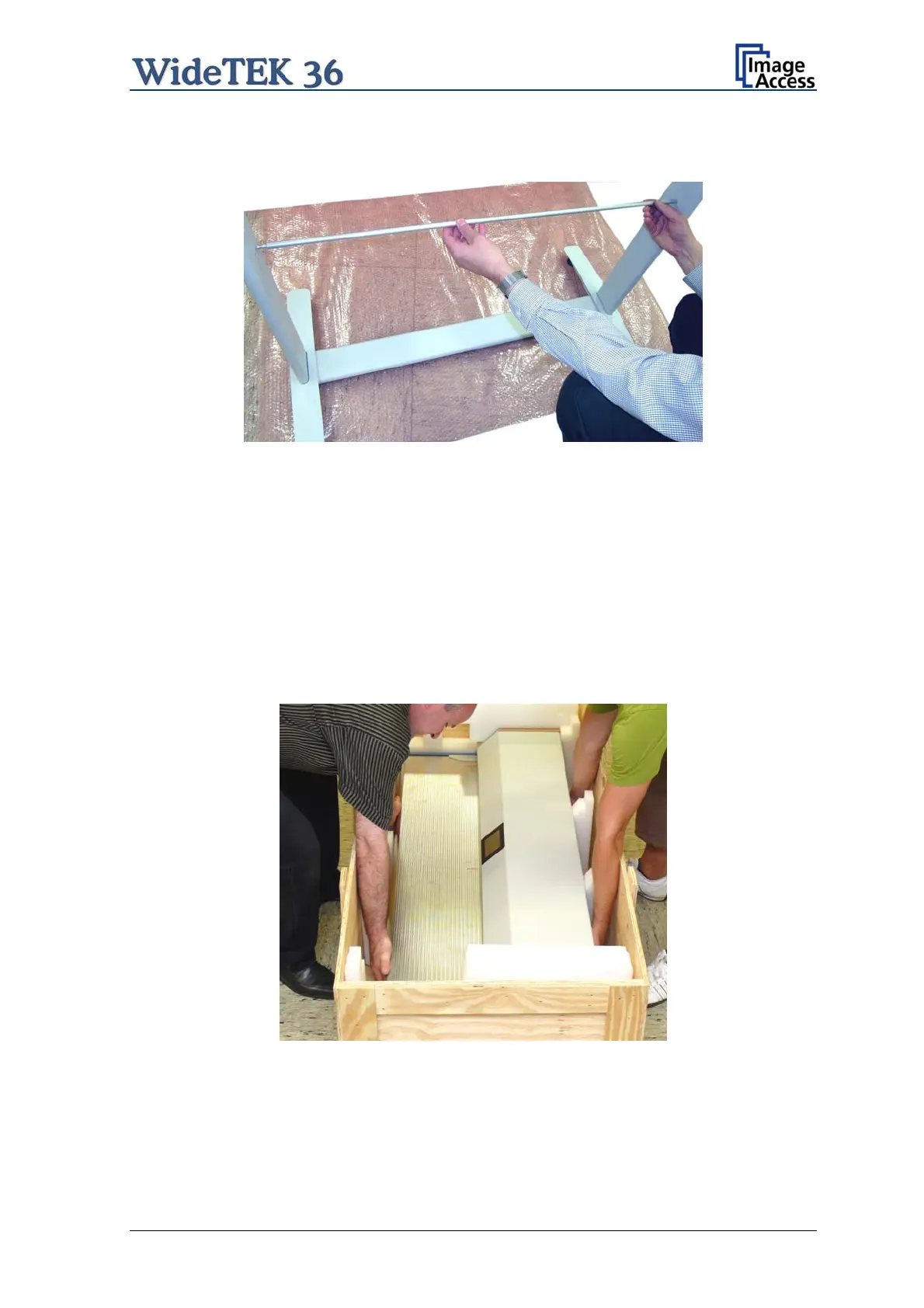
Finally, insert the rod between the side legs. This rod supports the paper output tray. It
has three positions for varying tray positions.
Picture 12: Inserting the rod
A.3 Combining Floor Stand and Scanner
After assembling the floor stand, the WideTEK 36 scanner can easily be placed on it in a
safe position.
Note: For safety reasons, the scanner should be handled by two persons.
The transport box has notches at each corner in order to lift the scanner easily out of the
box.
Picture 13: Two persons lifting the scanner out of the transport box
Setup and Assembly Manual Page 21


 To Next Page
 Loading...






