C.4.2 Scan IT8 Test Target
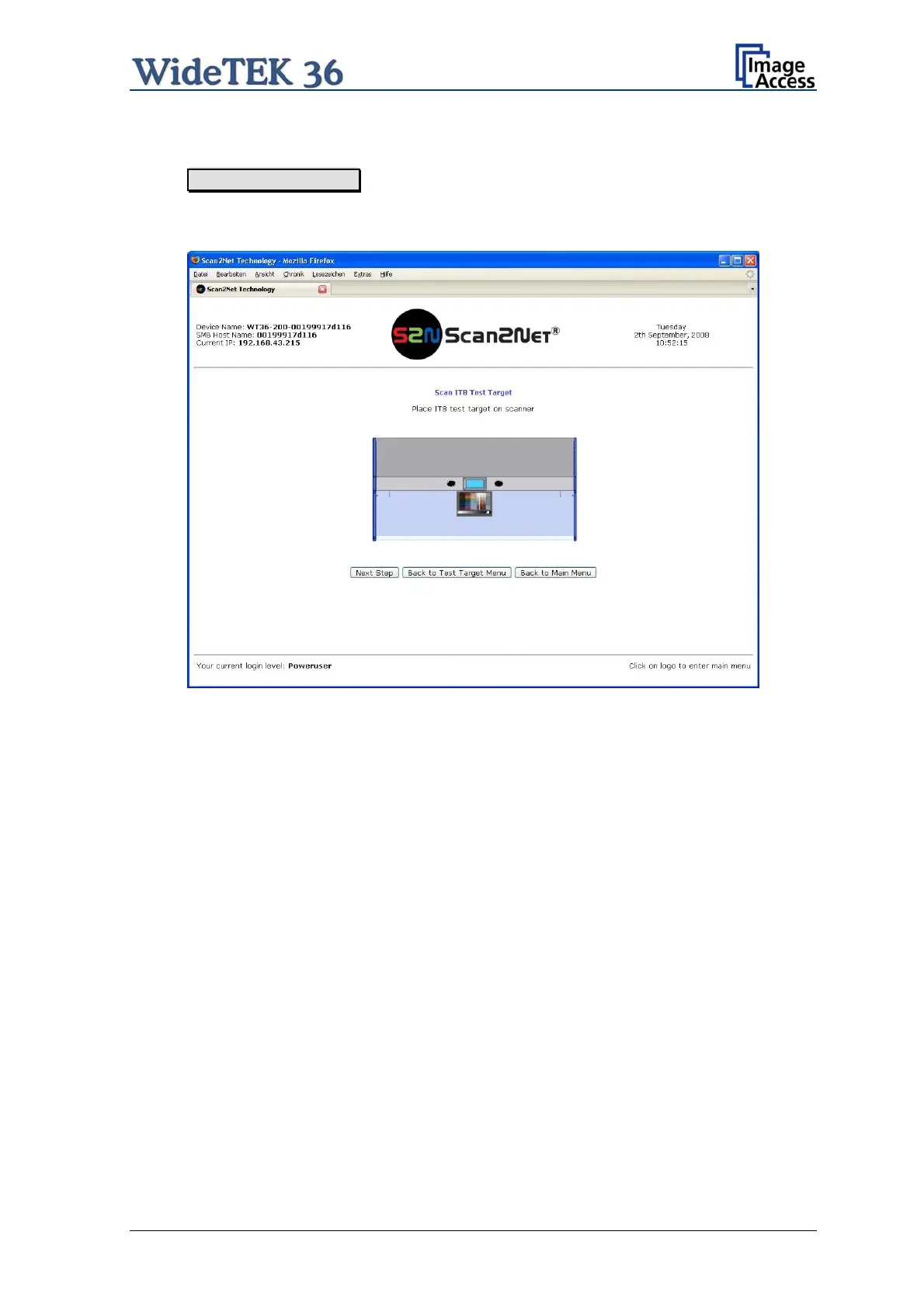
When Scan IT8 Test Target is selected, the next screen shows how to position the
target on the document table.
Picture 69: Position of IT8 test target on the document table
The test target will be scanned and the image will be saved to a directory which is defined
by the user. The saved image can be used for support purposes.
Setup and Assembly Manual Page 59



 To Next Page
 Loading...






