13
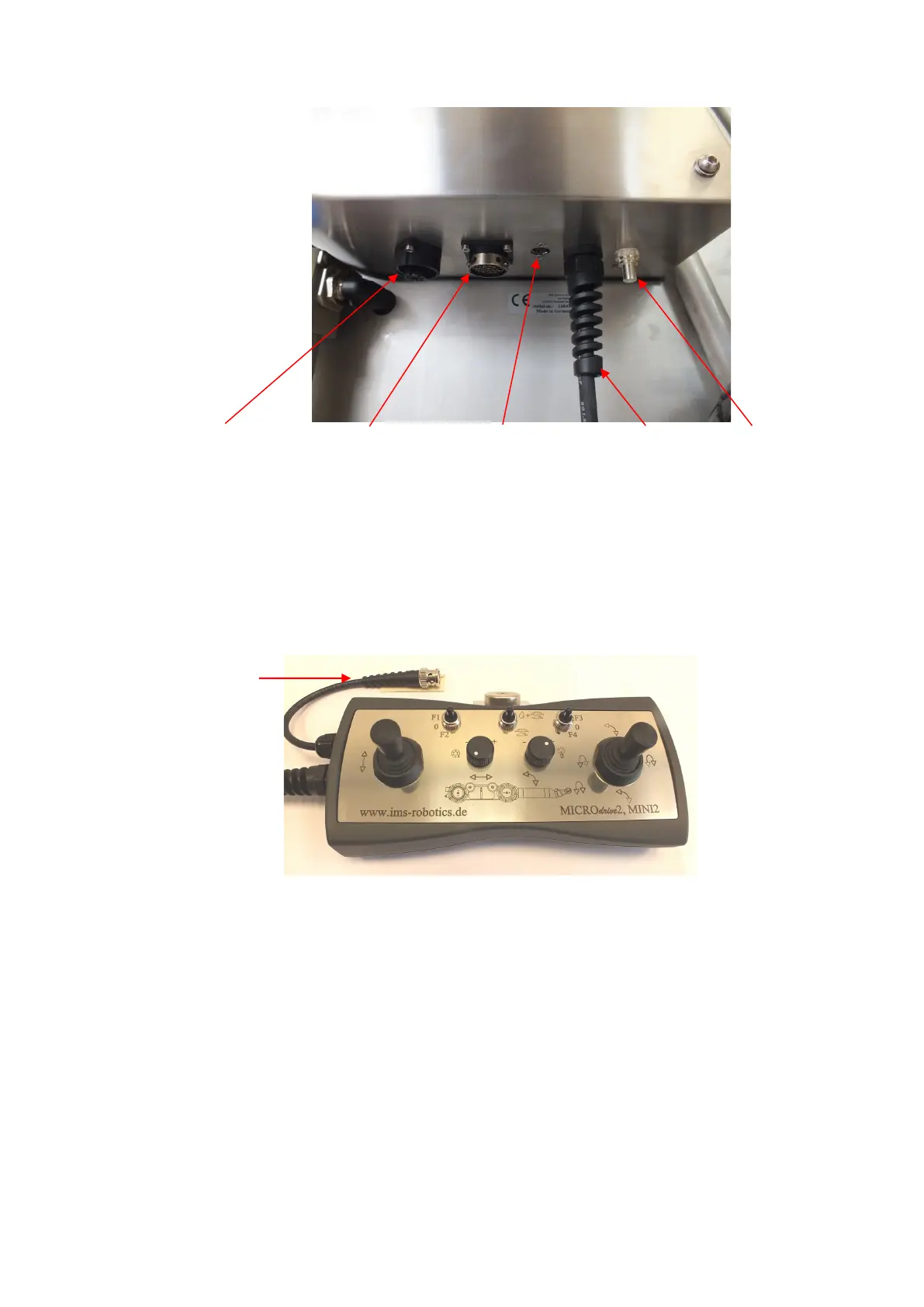
- If not already connected, connect the control unit with the drum! All switches on the
control unit need to be in OFF position!
Optional available is an extension for the connection between the control unit and the
cable drum.
Connection of a monitor to the control unit
- Connect the monitor PSU to the power supply if required.
- Connect the drum to the power supply. The LED (green) on the drum on the left side
below the emergency stop must light up. Otherwise, the power supply units are broken
(contact service) or the supply leads are faulty. Check, that the emergency stop button
is not activated and press the release button.


 To Next Page