TechDoku_CC1000_VCC1000_CC3000_VCC3000_GenPM_GB_860
25010_86025110.doc
7.3.5 State Level
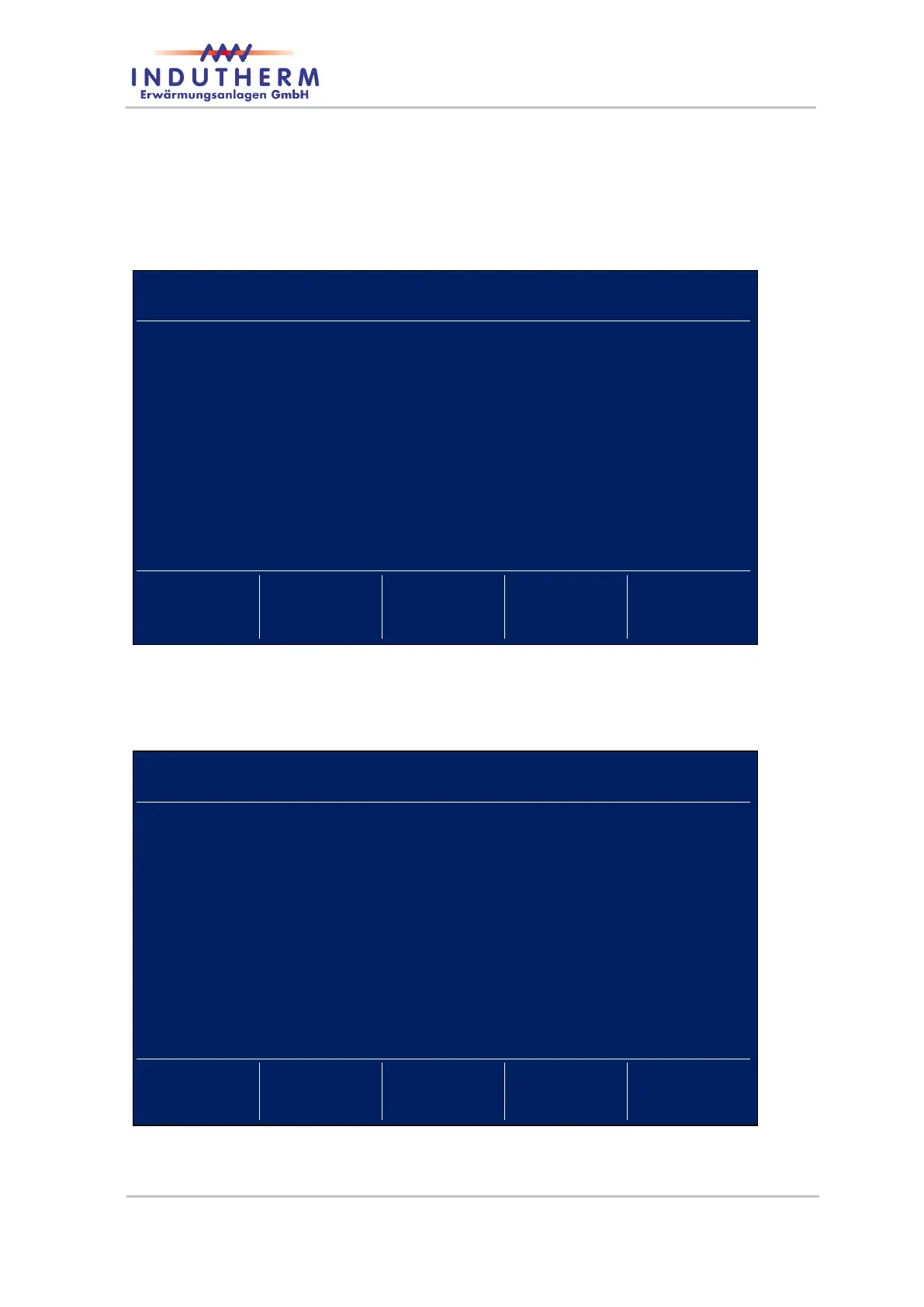
By pressing the ‘Service’-button once, you see the software ID, generator number and
machine number.
Figure 34: Service-Info-Page 1
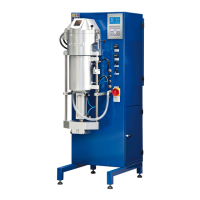
Pressing ‘Service’ second time display switches to the second service info page amongst
other with important information on the cooling water flow, generator temperature, ma-
chine state and signal strength of inbuilt modem.
Figure 35: Service-Info-Page 2
After pressing ‘Return’ switch display back to main page.


 To Next Page