TechDoku_CC1000_VCC1000_CC3000_VCC3000_GenPM_GB_860
25010_86025110.doc
7.3 Front panel
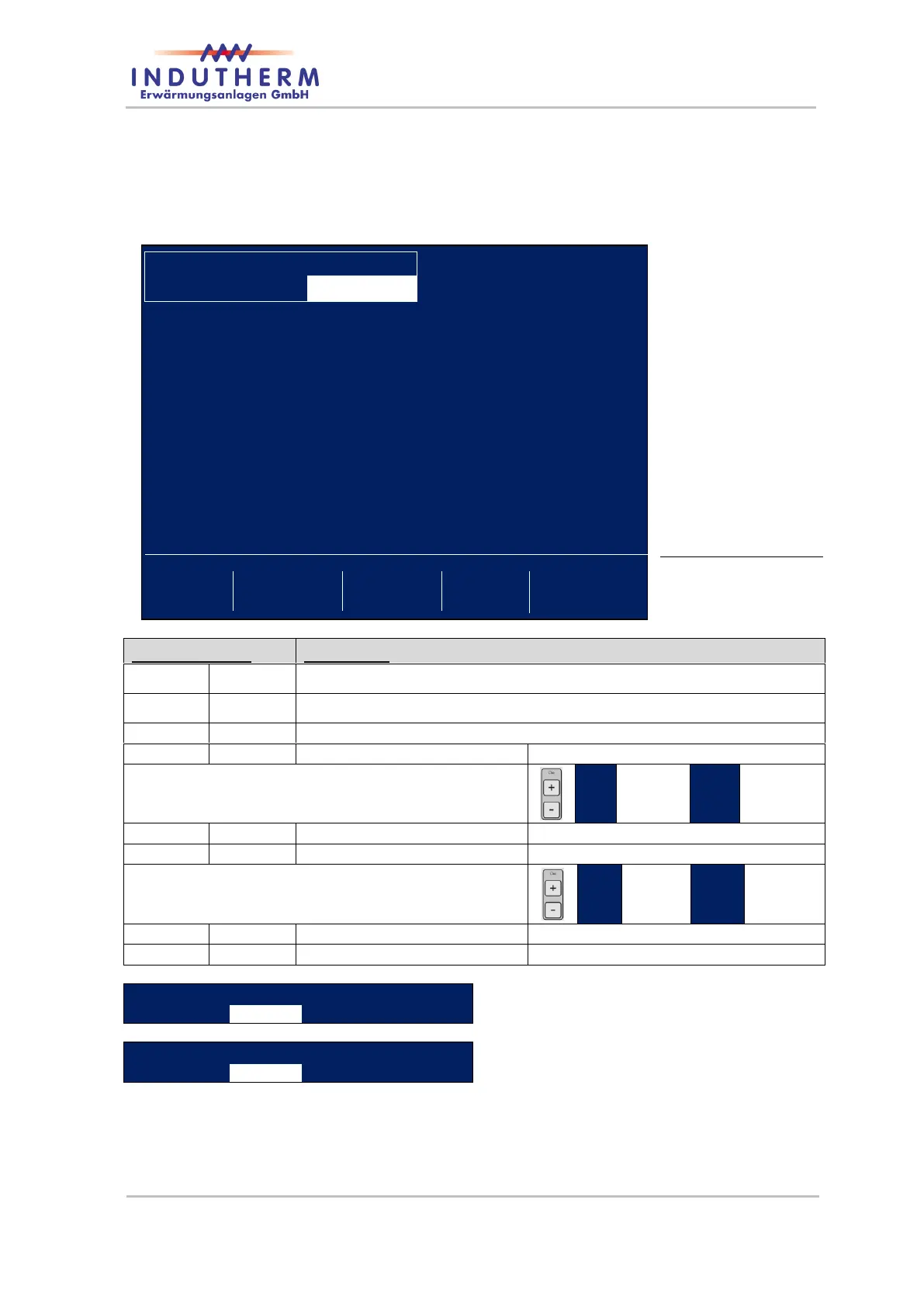
7.3.1 LCD screen after mains switch on
Upper area = actual
machine state
Actual temperature of the die in °C
Set area from 10…10…1300 °C
Or water flow with actual die temperature in the
row right side (use pls. button “DIE +” “<>” and
“+”).
Set area from 5…100…120 %
Or water flow with actual die temperature in the
row right side (use pls. buttons “DIE +”, “<>” and
“+”).
Set area from 10…20…80 °C
Example Die-Waterflow
Example Die-Watertemperature


 To Next Page