www.infocus.com
Display
44
Display
Auto PC adj.
SelectAutoPCAdj.functiontoadjustFine
sync,Hposition,Vposition,Hsizetobe
compatiblewiththecomputerautomatically.
Menu operation
AutoPCadj.
Press<MENU>buttonontheremotecontrol
oronthetopcontrolpaneltodisplaytheOSD
menu.Press
buttontoselectthedisplay
menu,thenpress<OK>or
button.
1. Press
buttontoselect[AutoPCadj.]
menu.
2. Press<OK>button.
Fine sync
(OnlyforPCsignalinput)
Adjustimagetothebeststatewhentheimage
jitters,ortheimageoutlinedims.
1. Press
buttontoselect[Finesync]
menu.
2. Press<OK>button.
3. Press
buttontoadjustFinesync.
Adjustmentrangeisfrom0to+31.Please
adjusttotheleastinterferencestate.
H Position
(OnlyforPCsignalinput)
Onthepremisethattherelativepositionof
bothprojectorandthescreenissetupright,
youcanmovetheimagehorizontalposition,
ifthepositionoftheprojectedimageonthe
screenisdeviated.
1. Press
buttontoselect[Hposition]
menu.
2. Press<OK>button.
3. Press
buttontoadjustimageH
position.
Adjustmentrangeisfrom-5to+5.
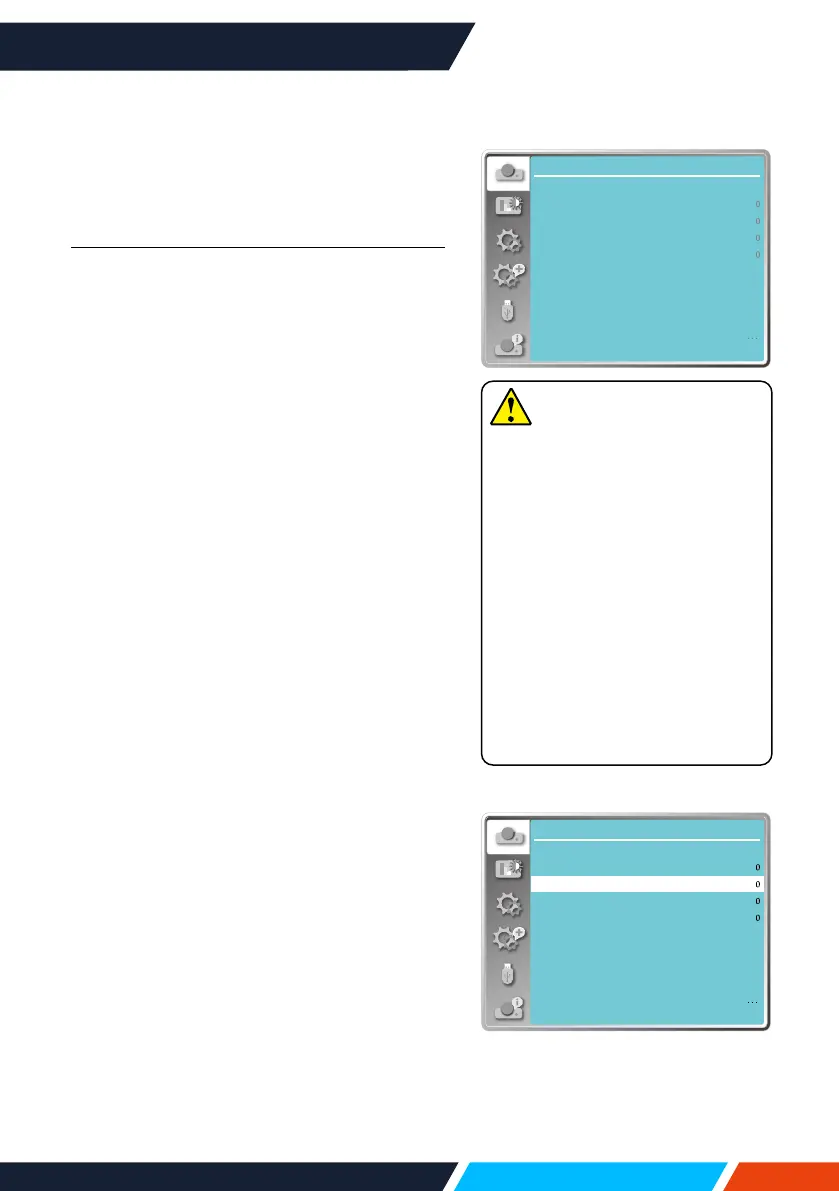
Display
Auto PC adj.
Fine sync
H position
V position
H.Size
Aspect Wide
Front
Upper left
Blue
Project way
Menu position
Background display
System
Note
• Theprojectorwillperform
AutoPCAdjustmentfunction
automatically,whenitssignalis
inputforthersttime.
• AutoPCAdjustmentfunction
mayfailtoworkifcomputer
modelsisnotcompatiblewith
theinputsignal.
• AutoPCAdjustmentfunction
mayfailtoworkifyouselect
thefollowingsystemsignal
format:480i,576i,480p,576p,
720p,1080i,1080p,orsignals
fromtheHDMIterminal.
AutoPCadj.menu
Display
Auto PC adj.
Fine sync
H position
V position
H.Size
Aspect Wide
Front
Upper left
Blue
Project way
Menu position
Background display
System
Hpositionmenu









 To Next Page