www.infocus.com
Expand
65
entered,press<MENU>buttontomovethe
cursortothenumberyouwanttochange,
press
buttontoselectthecorrectone.
• Repeatthissteptotypeina3-digitnumber.
Movethecursortosetafteryouhavetyped
the3-digitnumber.Press<OK>button.
• Ifthepasswordisinvalid,thepassword
displayedas“***”willbeinred.Pleasetry
againwithavalidone.
• AfteryouhaveenteredvalidlogoscreenPIN
code,youmaypress
buttontotoggle
switchOandOn.
Logo PIN Code change
YoumaychangetheLogoPINCodetoany
3-digitnumberyoulike.PressOKkeytoselect
LogoPINCodechange.TheLogoPINCode
changedialogueboxprompts,pressarrow
buttontogiveavalidnewcode.TheNew
LogoPINCodedialogueboxprompts.Set
upanewLogoPINCode,checkcontents
containedinthedialoguebox,selectYesand
thenewpasswordissetnow.
Pleaserememberyournewpasswordandkeep
itsafe.YoucannotchangetheLogoPINCode
againifyouforgotthepasswordyouhaveset.
Security
Setapasswordtolockthecontrolpanelor
remotecontrolkeypadtopreventunauthorized
personnelfromoperatingyourprojector.Once
theprojectorison,the[EnterPassword]
screenwillbedisplayed.
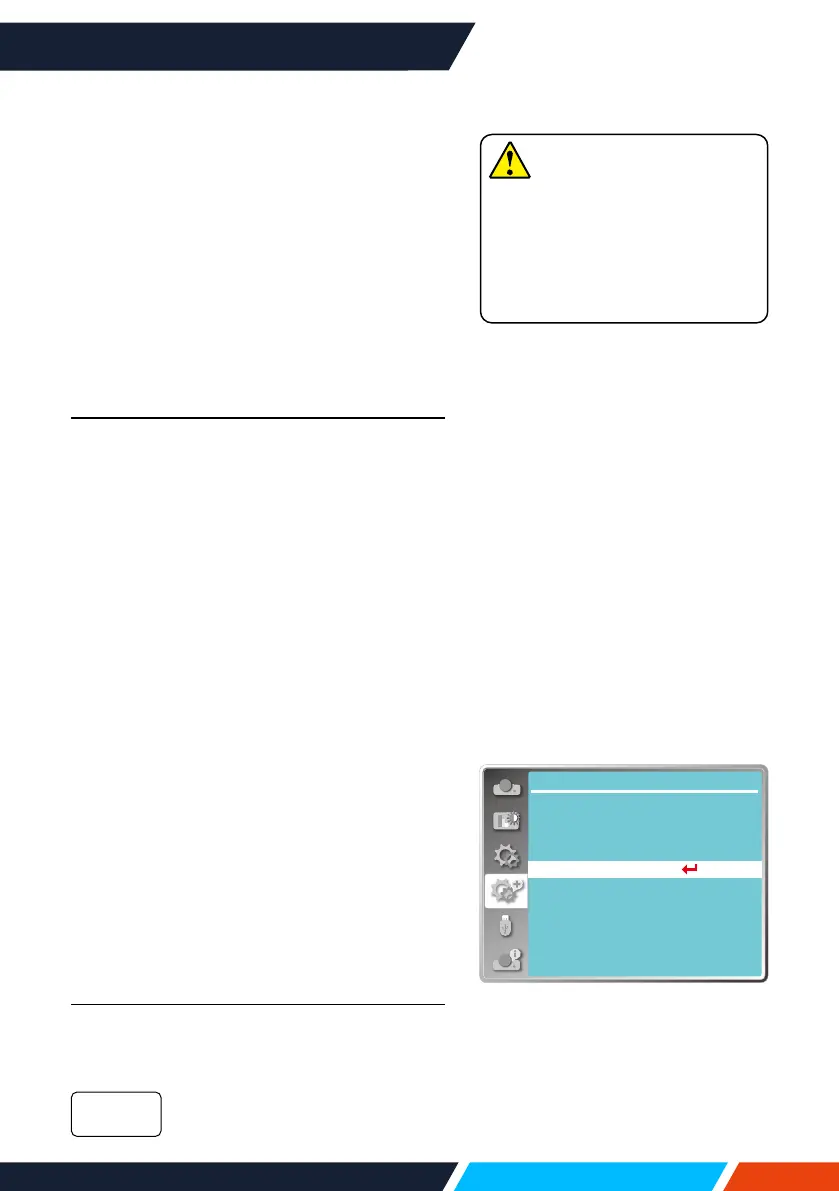
1. Press
buttontoselect[Security]
menu.
2. Press<OK>button.
3. Press
buttontoswitchrequireditem.
PIN Code lock
Thisfunctionpreventstheprojectorfrom
beingoperatedbyunauthorizedpersonsand
providesthefollowingsettingoptions:
Unlocked.
O
Network
...
Expand
Language
Auto setup
Keystone
Logo
Security
Power management
Filter counter
Test pattern
Factory default
Securitymenu
Note
• AfterchangingtheLogoPIN
Codetoanewnumber,please
rememberitandkeepitsafe
TheLogoPINCodecannot
bechangedagainifthenew
passwordislostorforgotten.









 To Next Page