www.infocus.com
Info.
73
Info.
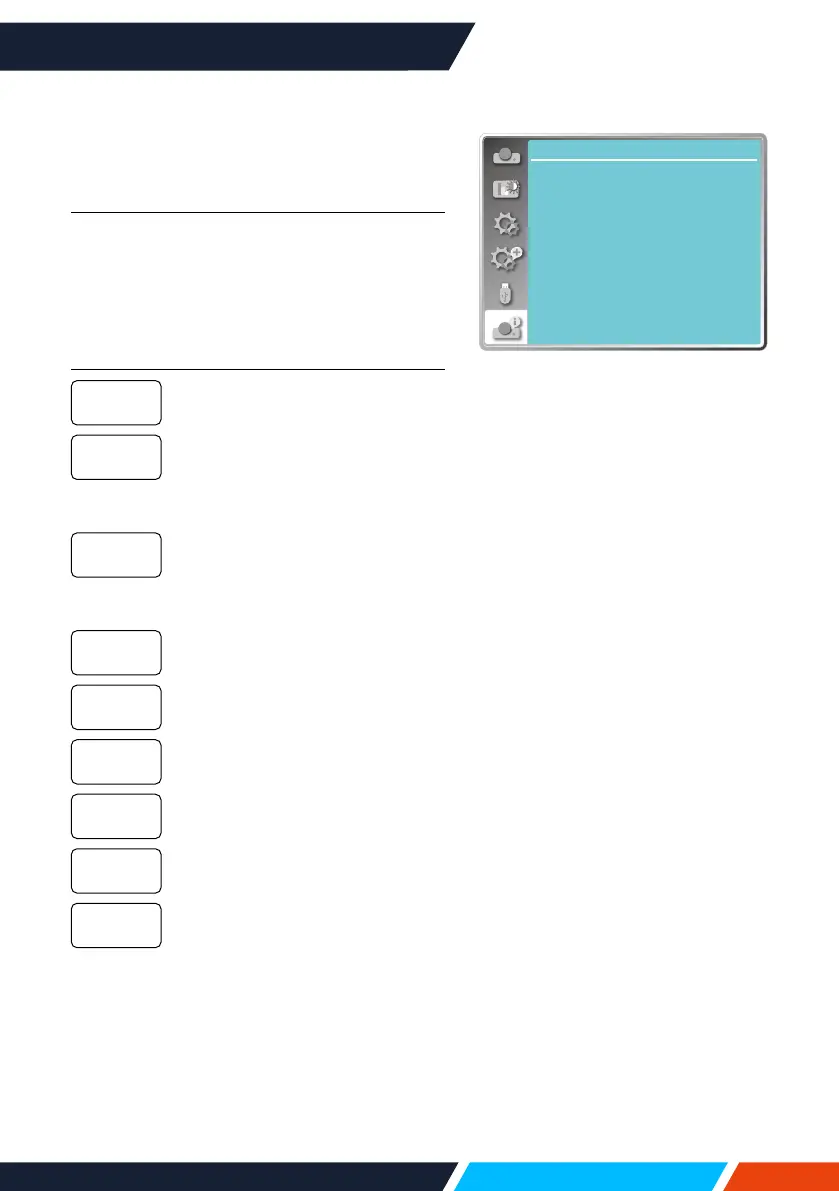
Select Info. function to detect the projected
image signal and the projector operating
status.
Menu operation
Press<Info.>buttonontheremotecontrol
or<MENU>buttononthecontrolpanelto
displaytheOSDmenu.Press
buttonto
selecttheinfo.menu,thenpress<OK>or
button.
Info. display as follows:
Displayselectedinputsource.
DisplayH-sync.Freq.ofinput
signalinunitofKHz.
Show“---KHz”whennosignals
areinexistence.
DisplayV-sync.Freqofinput
signalinunitofKHz.
Show“---KHz”whennosignals
areinexistence.
Displaythelamp'susagetime.
Displayselectedpower
managementmode.
Displayselectedimagemode.
Displaytheprojector'smodel
name.
Displaytheprojector'sserial
number.
Displaytheprojector'srmware
version.
Input
H-sync.freq
V-sync.freq
Lightsource
counter
Power
management
Imagemode
ModelName
S/N
Firmware
Version
Info.
Input
V-sync freq.
H-sync freq.
Light source counter
Image mode
Model Name
S/N
VGA1
...
... KHZ
... HZ
Standard
Power management Off
5 H
xxxxx
xxxxx
Firmware Version 1.00.010









 To Next Page