User Manual for the Thermographic System VarioCAM
®
high resolution
8. Operation
User Manual © InfraTec GmbH 2013 55
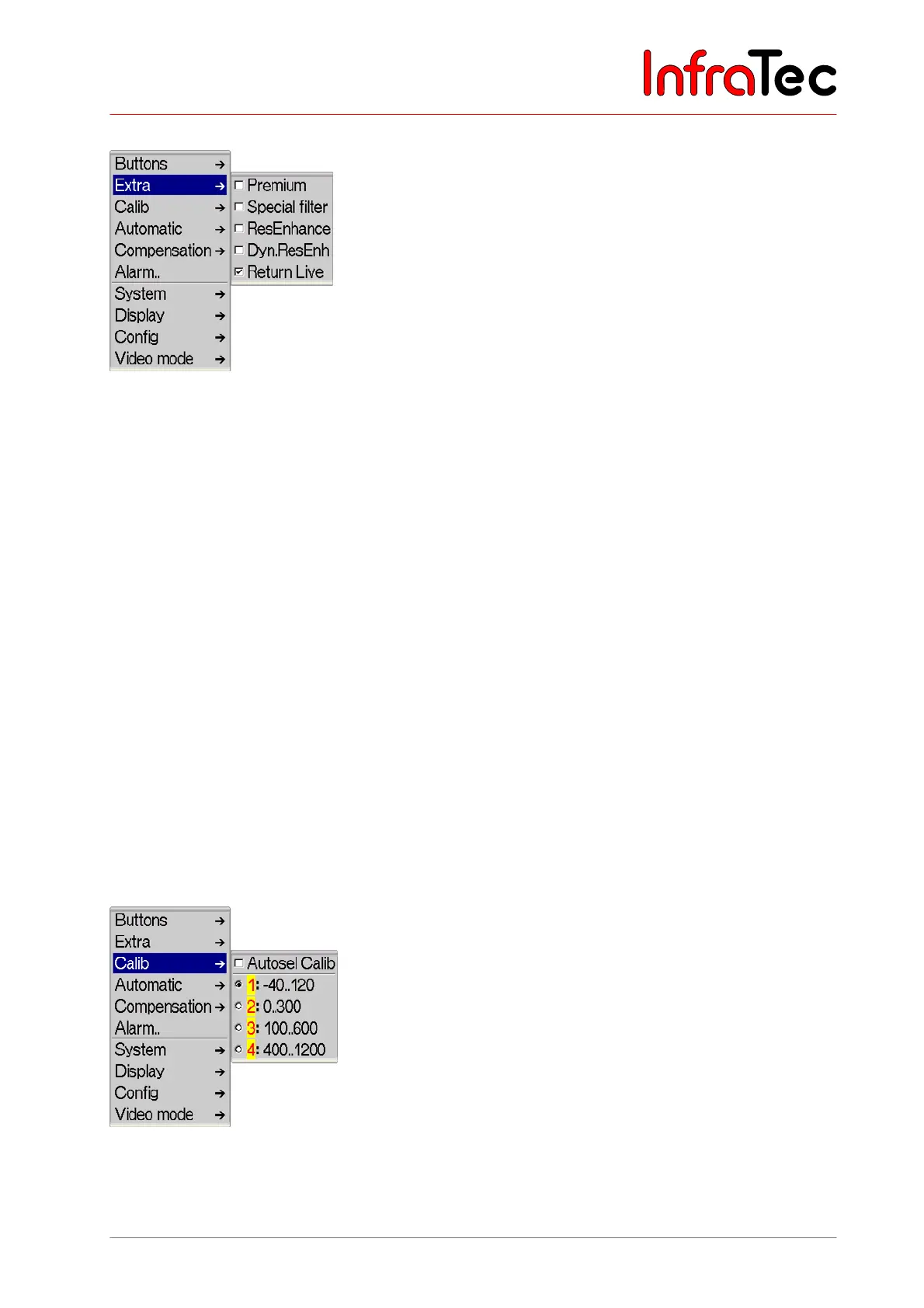
Menu item "Extra"
Fig. 115 Menu "Settings" - "Extra"
The menu item "Premium" activates image enhancement of the thermal images, for which immediately
prior to saving the data an internal line-up of the detector elements is carried out and special image
filtering for reducing noise is performed. For using Premium saving, the function is to be activated in the
menu and the data are to be saved by SL out of the live mode.
The menu item "ResEnhanc"* (Resolution Enhancement) activates a hardware-based, resolution-
improving recording method. The thermal image is optically scanned several times, whereas, by shifting
the pixel allocation by respectively half the pixel width, the geometric resolution of (384 x 288) is
increased to (768 x 576) or from (640 x 480) to (1,280 x 960) pixels, accordingly (micro-scanning). Using
the Resolution Enhancement function requires the fixed positioning of the thermographic system (tripod)
and only makes sense to be applied to fixed objects to be measured at a constant temperature.
The menu item "DynResEnh"* (Dynamic Resolution Enhancement) activates a software-based image
improvement method. Using this feature requires special analysis tools*.
The menu item “Return Live” is enabled by default. After having activated the focus mode the camera
takes you back to the live mode by default after approx. 10 seconds. If this function is deactivated the
camera stays in focus mode until the menu will be exited by choosing Enter.
Activated functions are respectively checkmarked in the menu.
Menu item "Calib"
Fig. 116 Menu "Settings" – "Calib"



 To Next Page