User Manual for the Thermographic System VarioCAM
®
high resolution
8. Operation
User Manual © InfraTec GmbH 2013 61
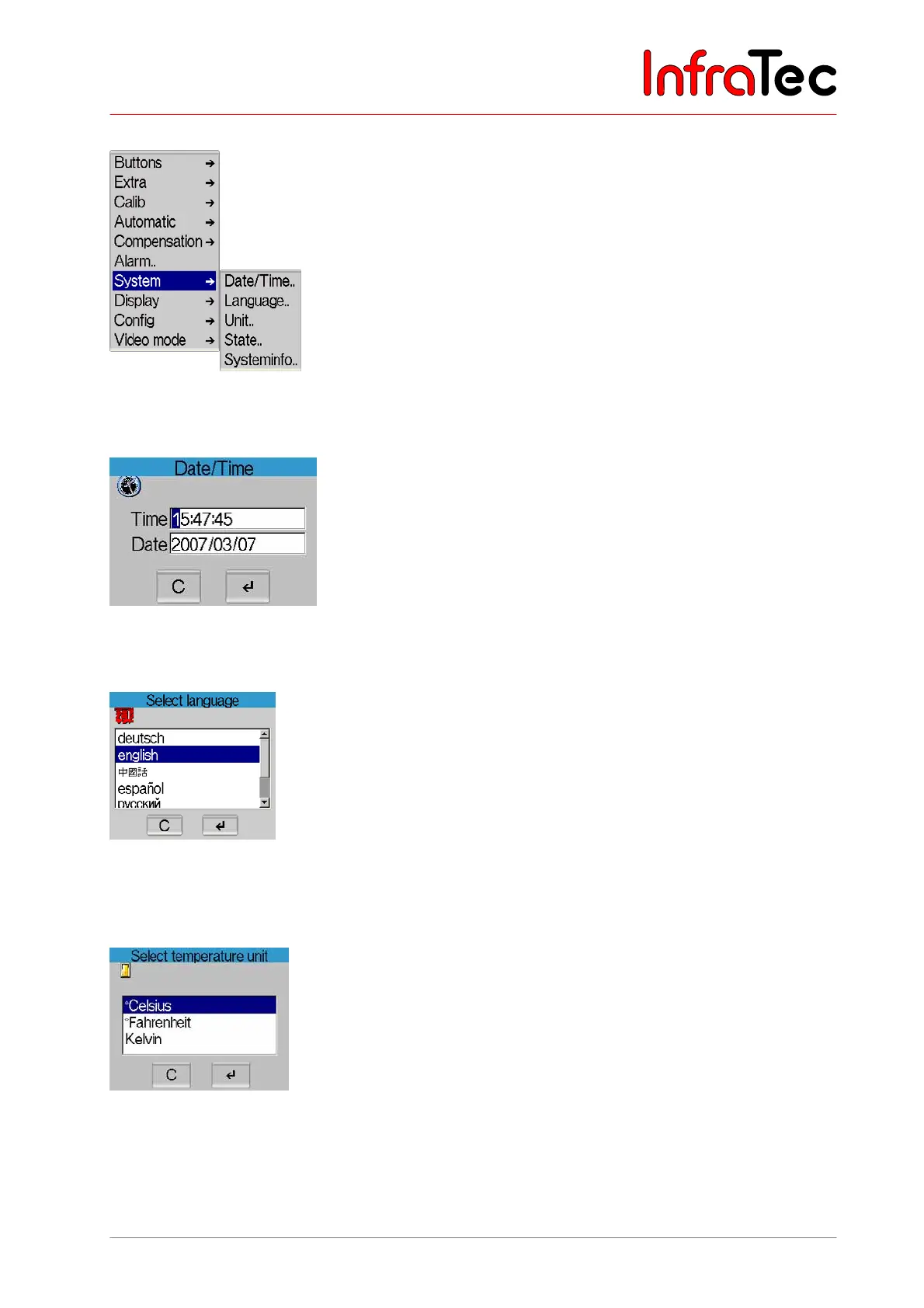
Menu item "System"
Fig. 130 Menu "Settings" - "System"
In menu item "System", system settings can be changed.
Fig. 131 Dialogue "Date/Time"
In menu item "Date/Time..", the date and the current time are set.
Fig. 132 Dialogue "Select language"
In menu item "Language..", the language for the graphical user interface of the VarioCAM
®
hr is
selected.
Fig. 133 Dialogue "Select temperature unit"
In menu item "Unit..", selection can be made from among temperature units "°Celsius", "°Fahrenheit"
or "Kelvin".



 To Next Page