User Manual for the Thermographic System VarioCAM
®
high resolution
8. Operation
64 © InfraTec GmbH 2013 User Manual
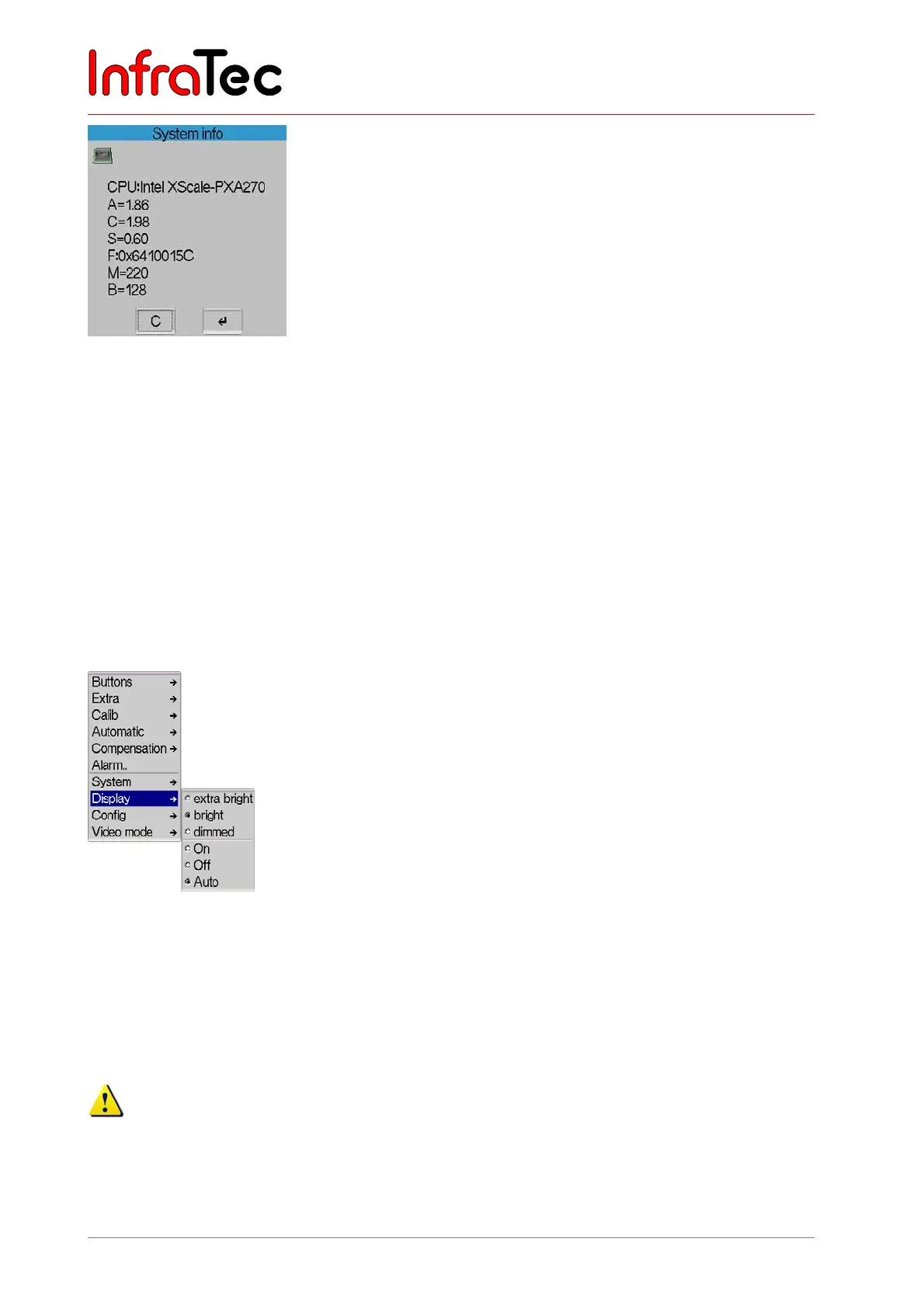
Fig. 140 Dialogue "System info"
In menu item "System info", system infirmation can be retrieved. By means of an abbreviation, the
respective firmware is identified, followed by its current version:
■ A
Firmware of the CPU - version
■ C
Companion device driver - version
■ S
SSP device driver - Version
■ F
FPGA - version
■ M
OMI firmware - version
■ B
OMI Bootloader - version
■ GUID
ID-No.
Menu item "Display"*
Fig. 141 Menu "Settings" - "Display"
Menu item "Display" serves to make settings affecting the digital 3.5" active-colour TFT display
.
With the help of menu items "extra bright", "bright" and "dimmed", the brightness of the display can be
adjusted. The activated option is checkmarked.
If the display is put on extra bright, power consumption of the thermographic camera is higher. The
possible operating time with an accumulator will respectively be reduced.



 To Next Page