User Manual for the Thermographic System VarioCAM
®
high resolution
8. Operation
66 © InfraTec GmbH 2013 User Manual
■ "Autoimage" VarioCAM
®
hr adjusts the temperature range to the current measurement scene
(Autoimage).
■ "AutoLevel" VarioCAM
®
hr adjusts the temperature level to the current measurement scene
(Autolevel).
■ "AutoCalib" VarioCAM
®
hr adjusts the calibration range according to the current temperature
scene.
■ "FixLevel" VarioCAM
®
hr starts at the temperature level currently set in the configuration.
■ "FixSpan" VarioCAM
®
hr starts in the temperature range currently set in the configuration.
For saving the desired start settings press Enter, whereupon the dialogue will close. Subsequently, the
respective configuration acc. to the dialogue in Fig. 144, Dialogue "Save configuration" page 65 is to be
saved.
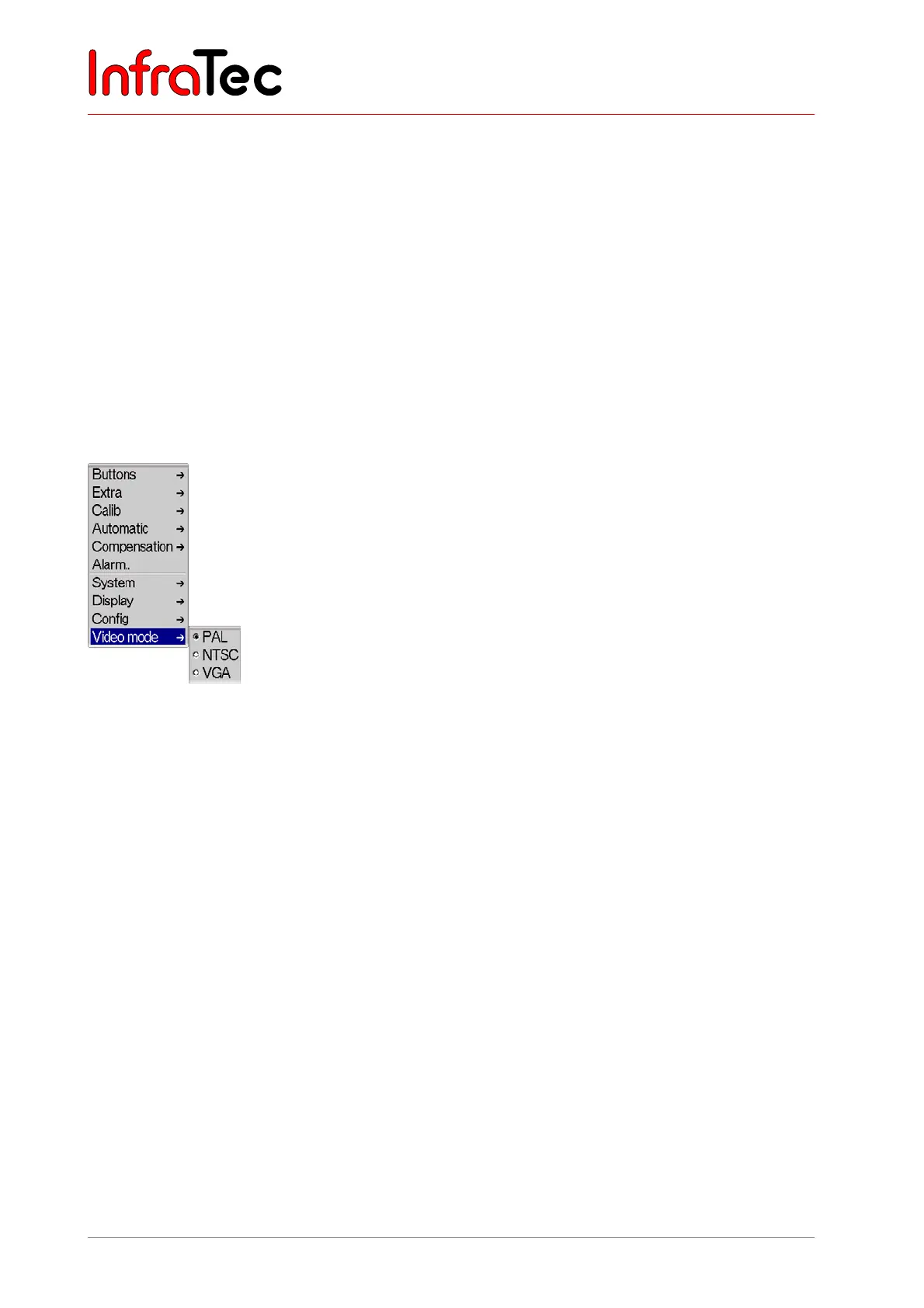
Menu item "Video mode"
Fig. 146 Menu „Settings" - "Video mode"
In menu item “Video mode”, the video output of the thermographic camera can be changed.



 To Next Page