NV200 Family User Manual
<< Back to Contents
Copyright © Innovative Technology Ltd 2016 Doc: NV200 Family Manual
Version: 1.0
Page 11 of 119
2.4.2 User Interfaces
2.4.2.1 Dip Switches on the NV200
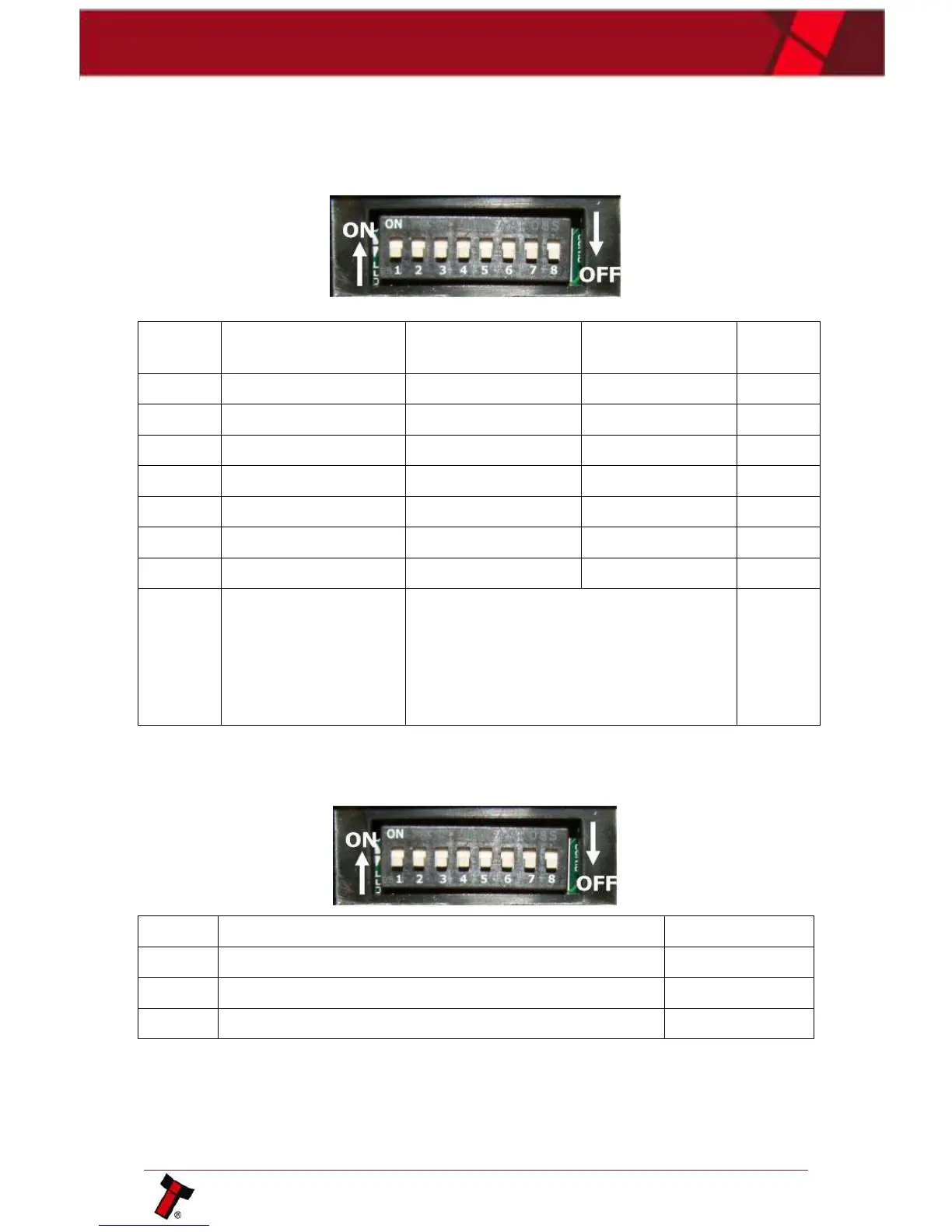
The NV200 has a Dual Inline Package (DIP) switch bank that is used to set the
various options for the unit. A summary of the switch options are shown below:
2.4.2.2 Dip Switches on the Payout module
The SMART Payout unit has a Dual Inline Package (DIP) switch bank that is used to
set the various options for the unit. A summary of the switch options are below:
Prevents the NV200 from updating the payout module
Forces the diverter to close (unit must be powered)
2.4.2.3 Smart Ticket Button
The SMART Ticket Has a button on the rear of the unit.
*Switches between the primary
(selected) protocol and SSP (used for
Programming). The switch needs to be
toggled ON and OFF to alternate
between the two. This will cause the
unit to reset.















 To Next Page