NV200 Family User Manual
<< Back to Contents
Copyright © Innovative Technology Ltd 2016 Doc: NV200 Family Manual
Version: 1.0
Page 48 of 119
Should an error occur whilst updating the unit via the DA3, a flash code will be
displayed on the DA3 Mode LED indicator as shown below:
1 Long flash followed by –
6.3.3 SD Card
6.3.3.1 General Description
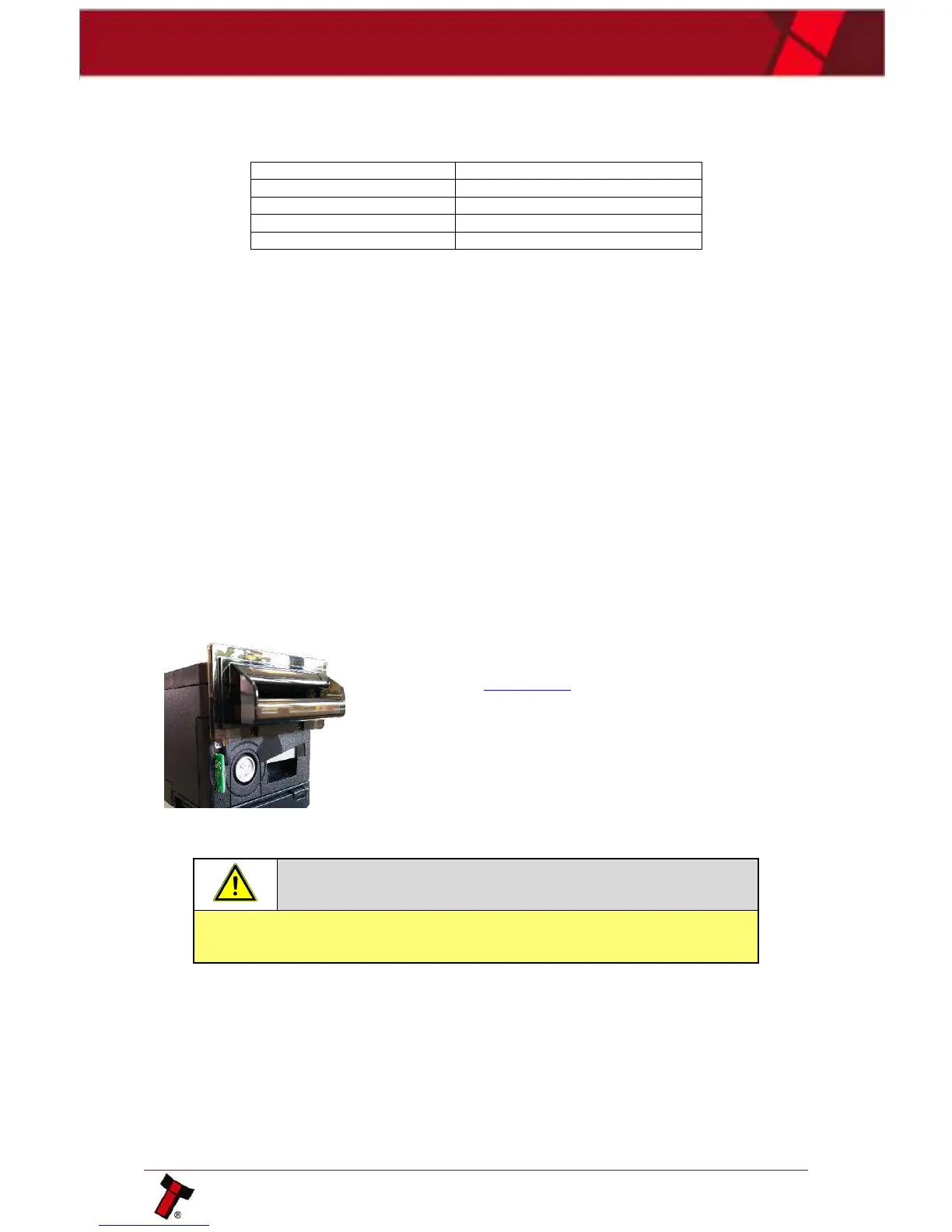
The NV200 can also be reprogrammed through the SD slot on the front of the unit;
to program a card to update the unit NV Card Utilities must be used. NV Card
Utilities allows the user to create update cards for the NV200 family of products.
6.3.3.2 System Requirements
• Windows XP SP3 or above
• .Net Framework 4
• 2015 C++ Redistributable
• 256mb ram
• 50mb hard disk free
• ITL Drivers
• Connected DA3 with active com port
• NV Card Utilities
• Data Flash Card (PA01121) / SD Card (ICO2017)
6.3.3.3 Re-programming via SD Card
A full guide of how to create an update card can be
found in the software manual (GA02037), a link to which
can be found in Section 1.1. Once the appropriate card
has been generated insert it into the card slot on the
NV200. The bezel will begin to flash blue and pink, once
the download is complete the bezel will go solid green.
Remove the SD card, the NV200 will begin to update any
attached device (Payout, Ticket and/or TEBS).
If a device is attached its LED Status Indicator will flash
indicating the unit is being updated.
6.3.4 Remote Updates
The unit can be updated through an SSP command which sets the validator into an
update mode before downloading the firmware file. Details of how this process is
implemented can be found in ITL’s eSSP Implementation Manual (GA973) and is
available on request.















 To Next Page