NV200 Family User Manual
<< Back to Contents
Copyright © Innovative Technology Ltd 2016 Doc: NV200 Family Manual
Version: 1.0
Page 59 of 119
The smart payout has encountered an issue and a note has
jammed, follow the steps as described in Section 9.2.
Payout Jam
recovery in
progress
The smart payout encountered a jam and is attempting to
recover. 5 notes will be moved to the cashbox, from the payout.
Once the unit has completed this it will go back in service.
8.2 NV200 Module Flash Codes
Each additional module for the NV200 has its own flash codes, below the following
flash codes are outlined and recommended recovery procedures are explained.
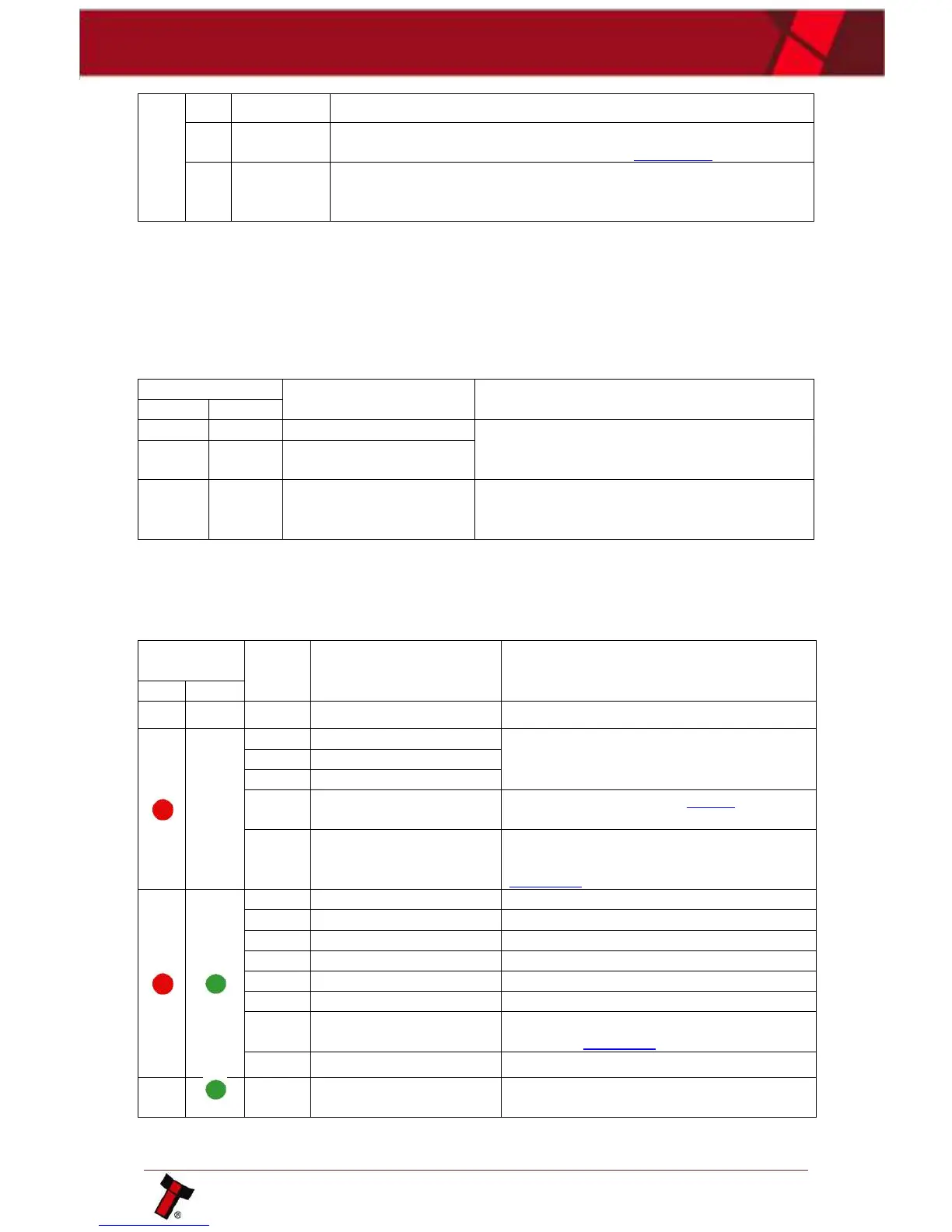
8.2.1 TEBS Lock Flash Codes
The TEBS cashbox can display a flash code on the lock cam.
Arrange for the unit to be returned to the
nearest repair centre; details of which can be
found on our website.
Send the Clear TEBS Log command through
validator manager this will reset the logs and the
error should clear.
8.2.2 Payout Module Flash Codes
An LED on the rear of the payout module can flash error codes to aid
troubleshooting.
Ensure the required power is being provided
Arrange for the unit to be returned to the
nearest repair centre; details of which can be
found on our website.
Remove trapped note (see Section 9.2 of this
manual set)
Switch Payout module DIP switch 8 on and
off with power on (diverter position shown in
Section 9.3)
Providing information, not an error.
Providing information, not an error.
Providing information, not an error.
Providing information, not an error.
Providing information, not an error.
Check power supply is within specification as
outlined in Section 3.4.
Ensure the unit is grounded.
Providing information, not an error.















 To Next Page