NV200 Family User Manual
<< Back to Contents
Copyright © Innovative Technology Ltd 2016 Doc: NV200 Family Manual
Version: 1.0
Page 27 of 119
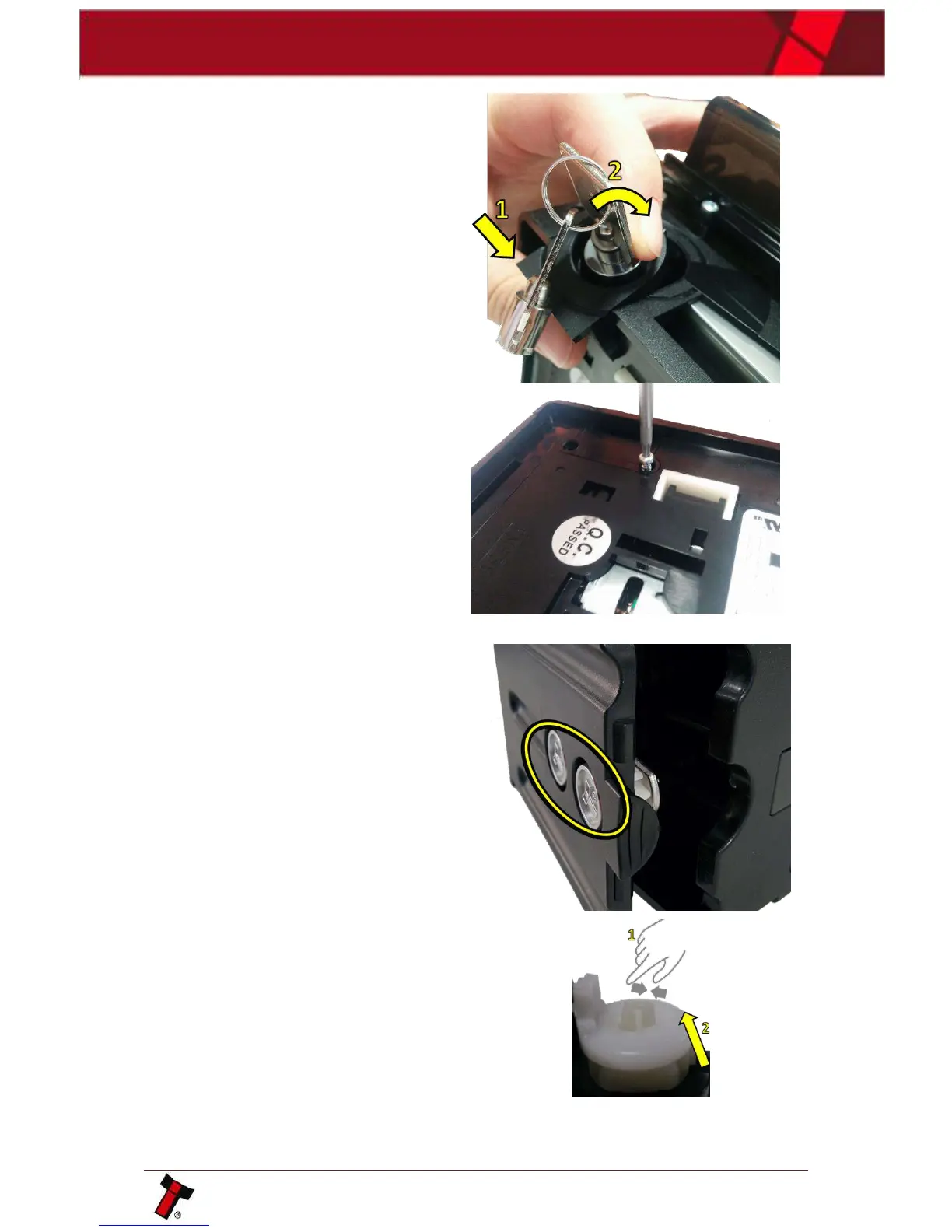
To fit the assembled lock into the unit
place the bottom in first the push the
top into position.
Turn the unit upside down and screw in
the 2xT8 screws previously removed.
4.5.2 Lock fitting – Standard Cashbox
The standard NV200 cashbox can be
fitted with 2 locks for security. These are
located on the bottom of the cashbox on
the hinged door.
Similarly, to fitting a lock on the front of
the NV200 remove the locking cam and
blanking plate which is there by default
and replace with the desired lock.















 To Next Page