NV200 Family User Manual
<< Back to Contents
Copyright © Innovative Technology Ltd 2016 Doc: NV200 Family Manual
Version: 1.0
Page 63 of 119
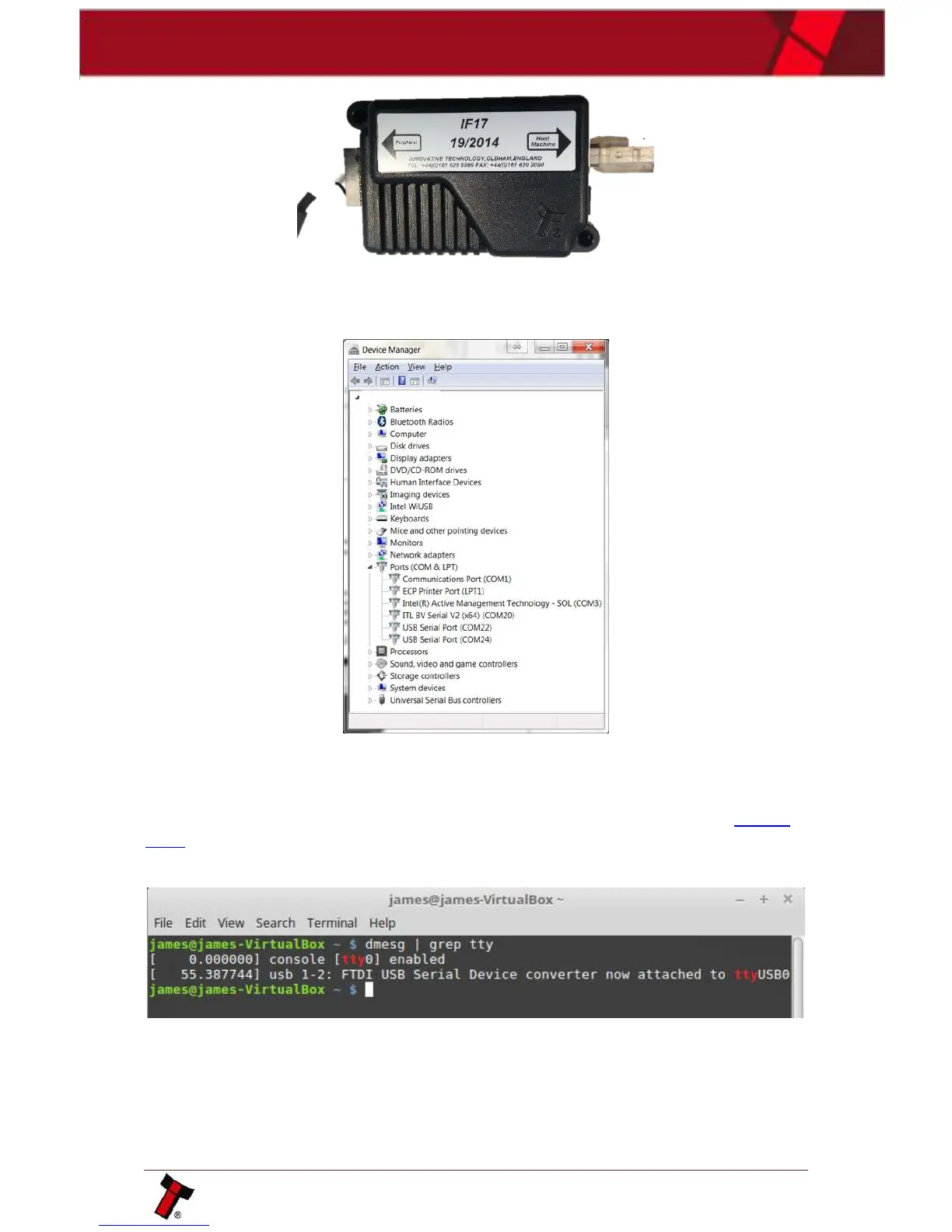
If the unit is connected, enter device manager and check the active com ports, there
should be a device labelled as USB Serial. If no com port is present replace the IF17
and a new device will register.
Check the connection to the host software, if there is still an issue replace the IF17
or switch com ports on the PC. If the unit is detected but there is a yellow triangle
next to the serial port then the drivers should be reinstalled as explained in Section
6.2.1.
For linux use the dmesg console command as shown below:















 To Next Page