MEDIAJET – Operating instructions V09 Installation
17
www.integra-biosciences.com
3.3 Removing and fitting the conversion set of MEDIAJET vario
The MEDIAJET vario can handle different Petri dish sizes. To adapt the device
to the desired Petri dishes, the appropriate conversion set must be mounted.
3.3.1 Overview
3.3.2 Dismounting in detail
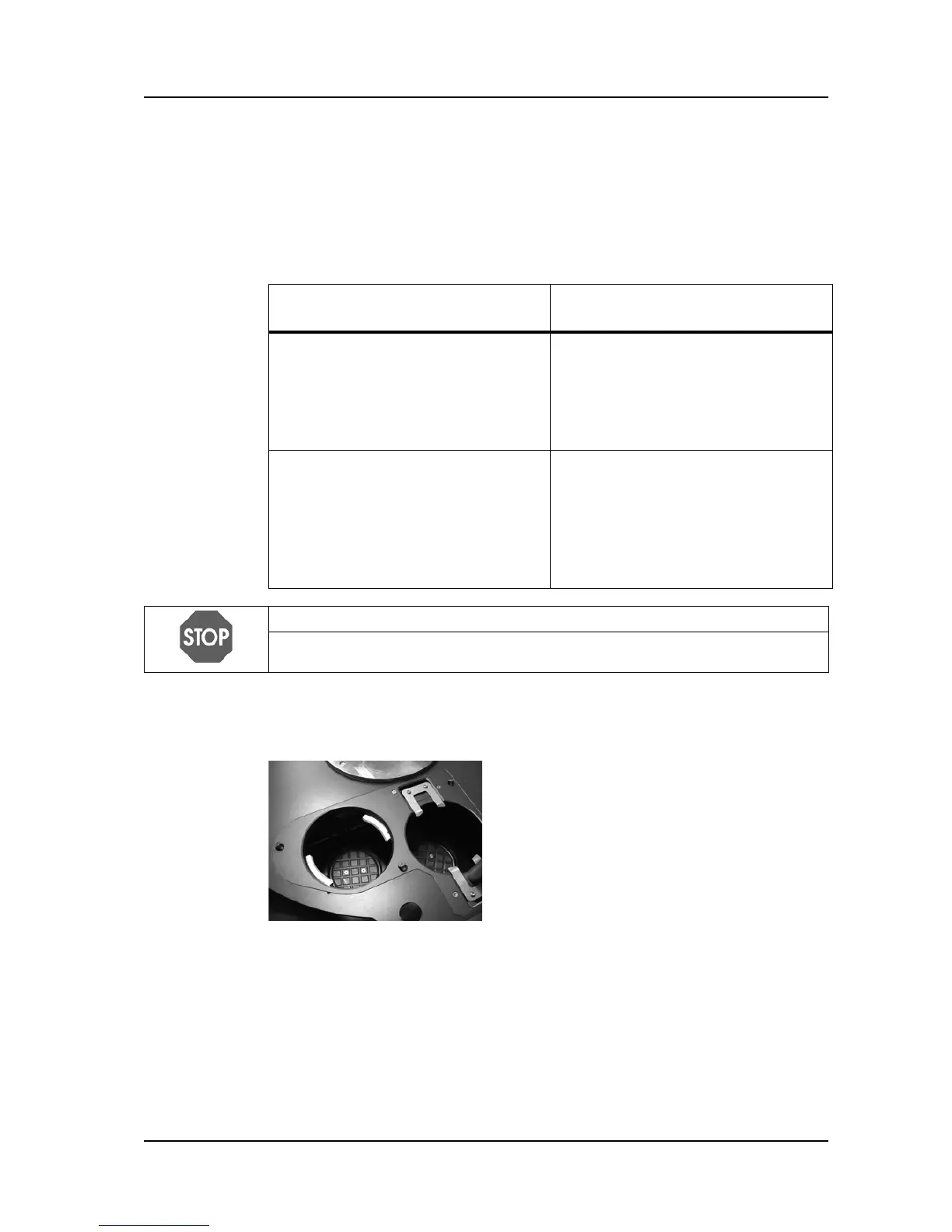
Removing the adaption insert
Conversion from
90 mm
to
35 or 60 mm Petri dish size
Conversion from
35 or 60 mm
to
90 mm Petri dish size
Removing the conversion set:
• Remove the adaption insert
• Unscrew the piston head plates
• Remove the flanges
Removing the conversion set:
• Remove the adaption insert
• Remove the extension gripper
lever
• Take off the piston head plates
• Remove the flanges
Inserting the conversion set for
35 or 60 mm Petri dishes:
• Insert the corresponding flanges
• Insert the corresponding head
plates tightly
• Mount the extension gripper lever
• Mount the adaption insert
Inserting the conversion set for
90 mm Petri dishes:
• Insert the corresponding flanges
• Mount the corresponding head
plates
• Mount the adaption insert
NOTICE
Make sure that the head plates of the
35 or 60 mm conversion set are tightly
inserted. Otherwise the Petri dishes may not be handled properly.
To exchange the conversion set, switch to the
CLEANING mode of the MAIN MENU.
Remove safety cover, carousel and rotor.
Unscrew the three countersink screws
M4x8 on the adaptation insert.
Remove the adaptation insert.



 To Next Page