MEDIAJET – Operating instructions V09 Installation
19
www.integra-biosciences.com
3.4 Assembly
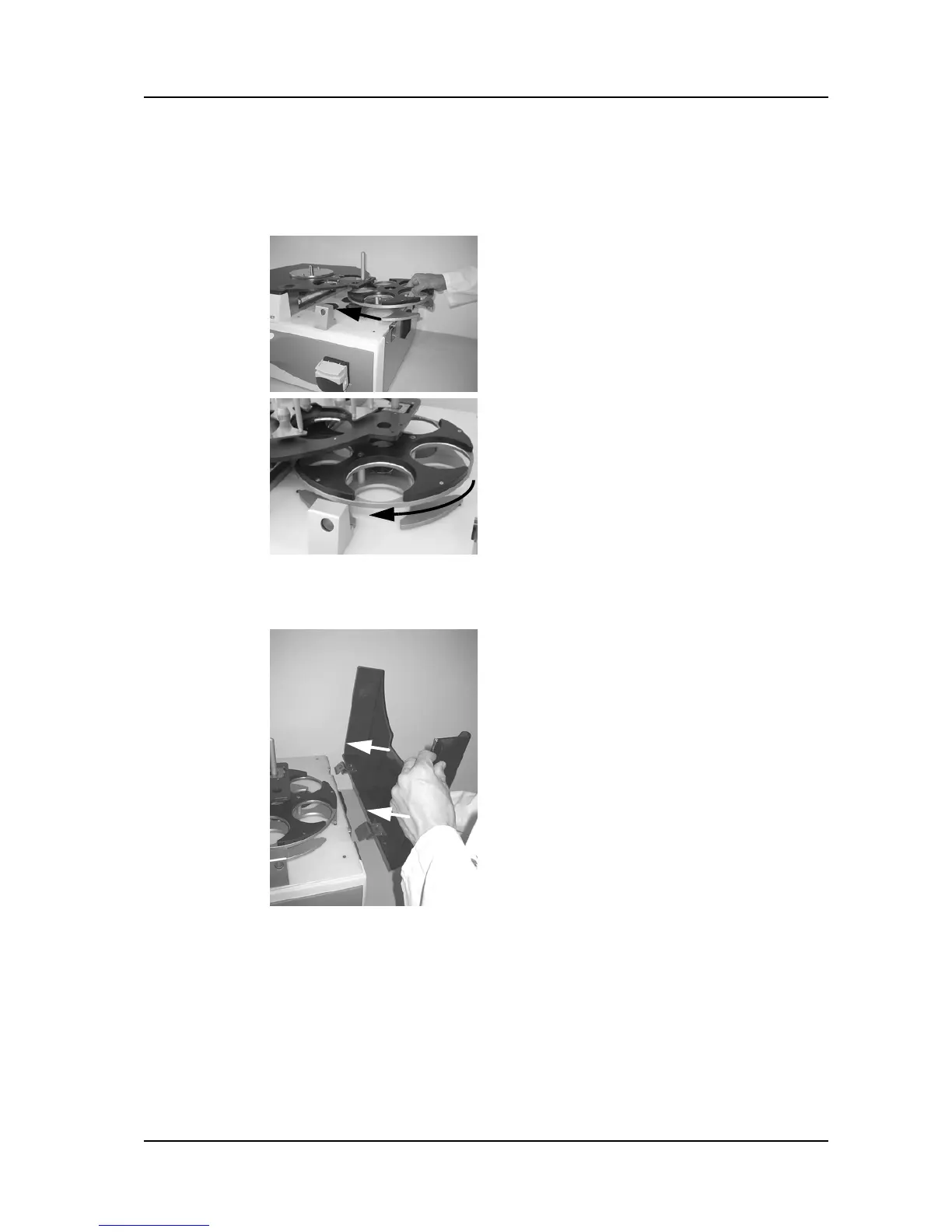
3.4.1 Rotor
3.4.2 Safety cover
Slide the rotor under the black plate.
Turn the rotor until the anchor bolt locks into
position.
Hang the safety cover into the two hinges
on the right hand side of the device.



 To Next Page