MEDIAJET – Operating instructions V09 Operation
38 INTEGRA Biosciences AG
4.5.7 Automatical end of the filling process
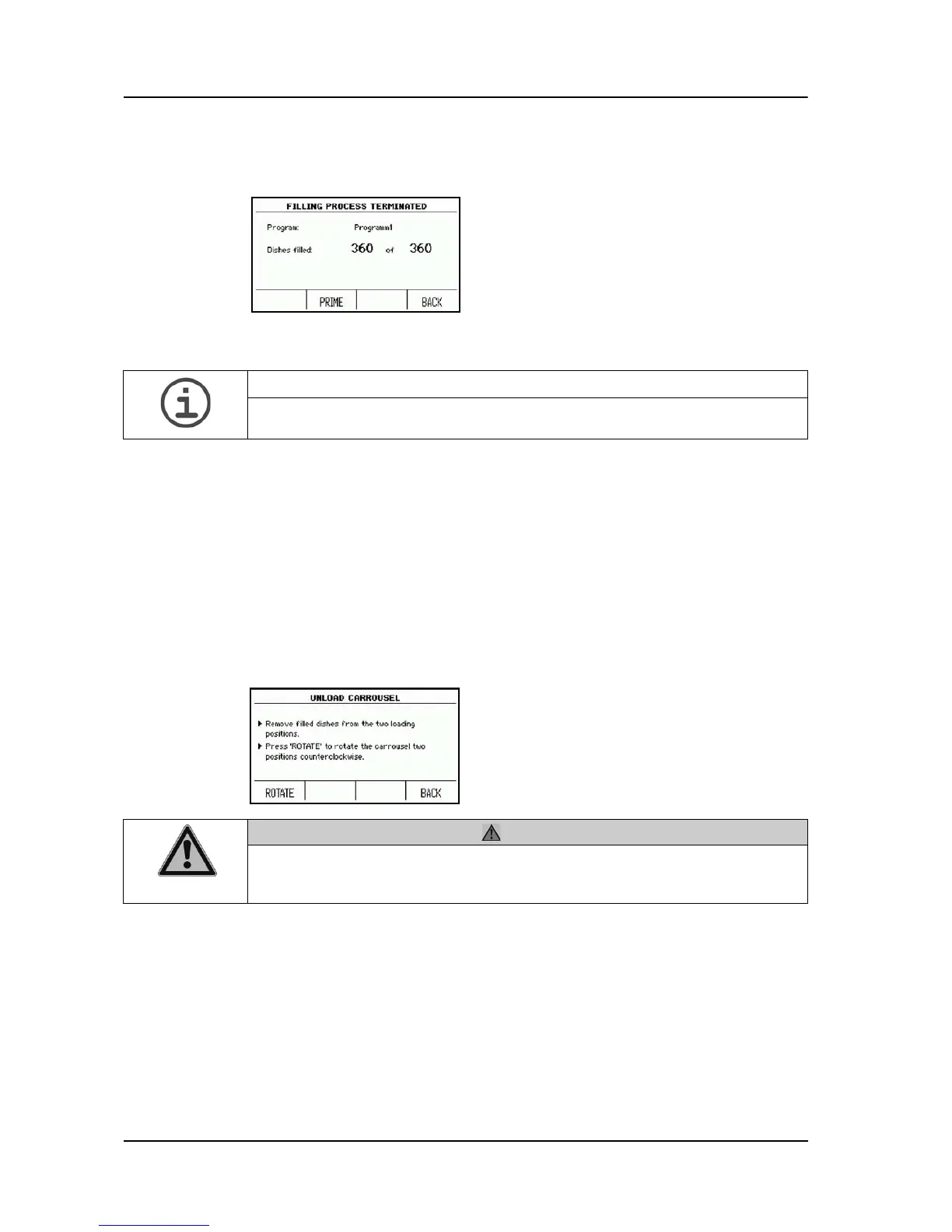
Following ending of the filling process, the PRIME function enables you to clean
the tubing set with warm water.
With the BACK key you return to the MAIN MENU.
4.5.8 Stopping the filling process
The filling process can be ended manually at any time.
Press PAUSE and then press ABORT PROCESS in order to end the process
finally.
4.6 Removing filled Petri dishes
As soon as the desired number of dishes have
been filled, the MEDIAJET will stop
automatically and will show the dialogue
FILLING PROCESS TERMINATED on the
screen.
ASSISTANCE
If PUMP OPTIONS in SYSTEM PARAMETER is enabled, press first PUMP
OPTIONS and then PRIME.
Press LOAD CAROUSEL in the MAIN
MENU.
Press UNLOAD.
CAUTION
While the MEDIAJET is in operation, pay attention to your fingers when
operating the carousel. Be particularly careful if your hands are in the
immediate vicinity of the loading positions.



 To Next Page