MEDIAJET – Operating instructions V09 Operation
39
www.integra-biosciences.com
4.7 Process documentation
The MEDIAJET enables you to document all process-relevant data. You can
issue this data on a label printer with a serial interface by connecting this printer
to the RS232 (2) port on the back of the MEDIAJET.
Alternatively, it is possible to transfer the data onto the built in printer of
MEDIACLAVE. This requires a MEDIACLAVE (Part No. 135 0xx) equipped with
a software version 1.9.1 or higher and communication interface cable (see “7.1
General accessories” on page 58).
If using MEDIACLAVE 10 (Part No. 136 0xx) or MEDIACLAVE 30 (Part No.
136 05x) all process relevant data of the MEDIAJET will also shown up in the
MEDIACLAVE electronic log file.
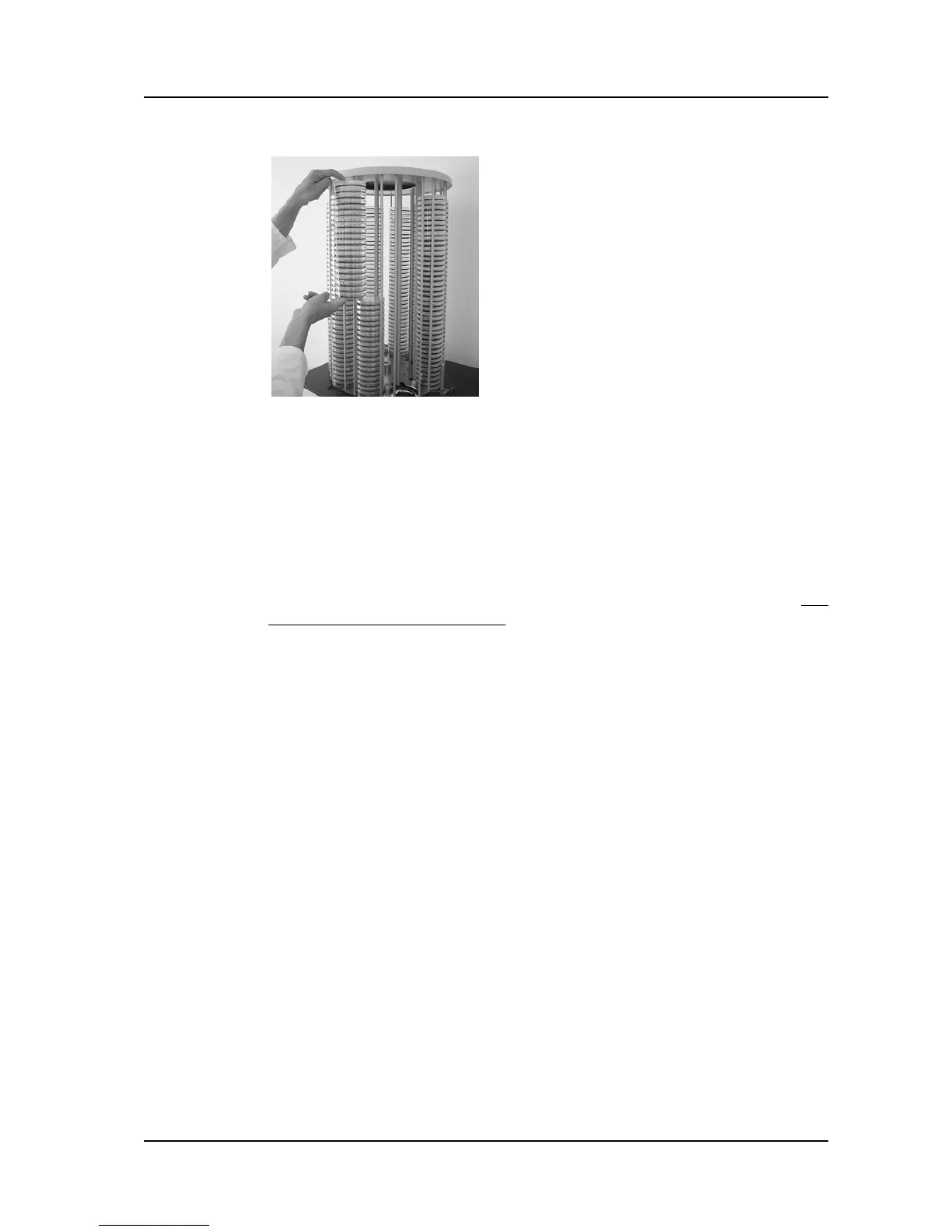
Remove the filled dishes from the two
loading positions.
Press ROTATE.
The carousel will turn two positions in
counter-clockwise direction.
Repeat the procedure described until all
Petri dishes have been removed.
The dishes have now been removed.



 To Next Page