MEDIAJET – Operating instructions V09 Operation
44 INTEGRA Biosciences AG
4.10 TUBEFILLER option
The TUBEFILLER option allows to automatically fill test-tube racks on
MEDIAJET. Please ensure that the option is correctly installed as described in
“3.7
TUBEFILLER option” on page 23.
4.10.1 Adapting a TUBEFILLER program
Press TUBE FILLER in the MAIN MENU to reach the individually stored
programs. Adjust the program with the function PROGRAM SETTINGS in the
same way as described in “4.4
Adapting a dish filling program” on page 30.
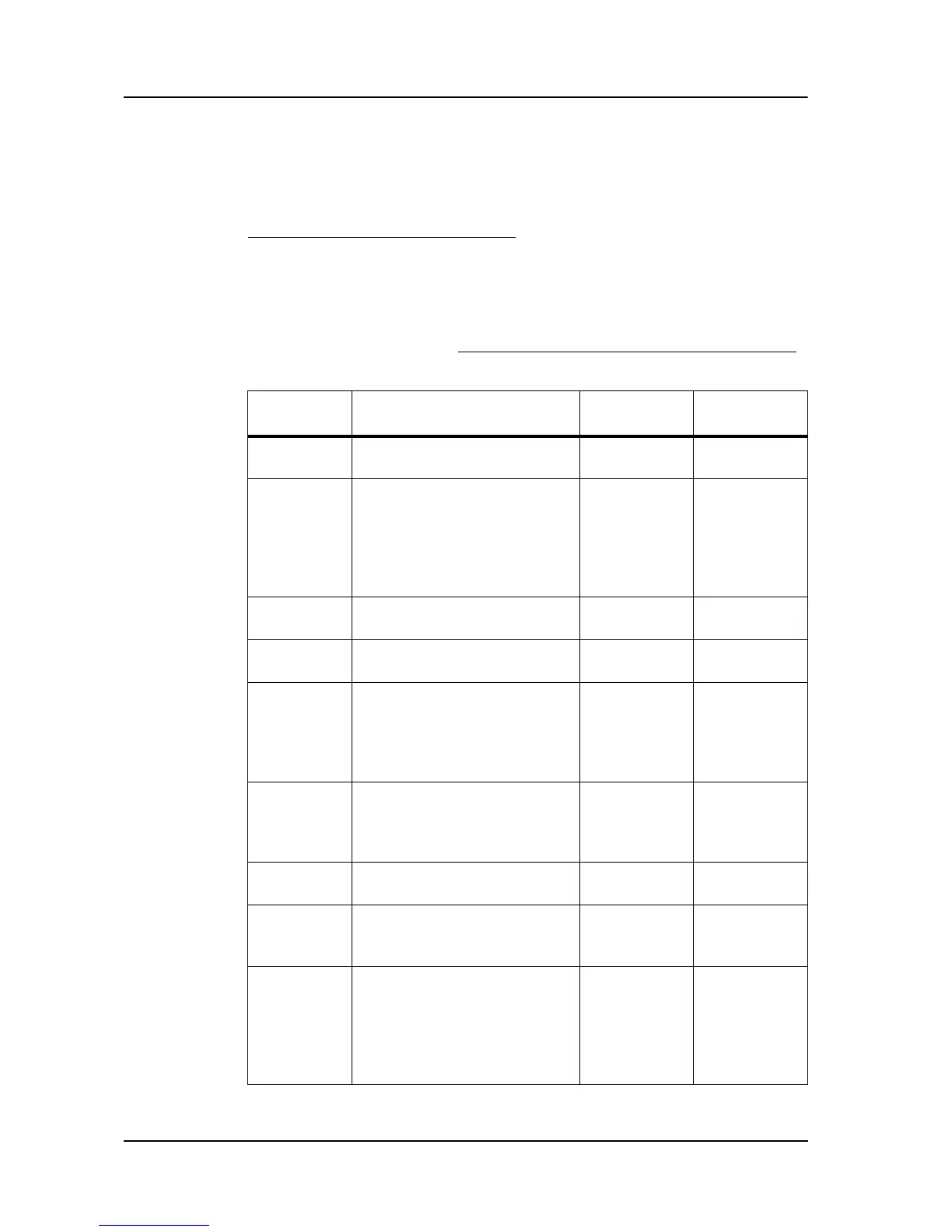
The following table gives an overview about the parameters to be set:
Program
parameter
Description Value range Basic
setting
Program
name
Defines the desired name of
the individual programs.
PRG xx
Rack type Defines the type of racks
used in the program.
Choosing the right rack type
is crucial to ensure the right
filling pattern during the
dispensing process.
13mm 6x15
16mm 5x12
20mm 4x10
25mm 3x8
30mm 3x7
16 mm 5x12
Dispensing
Volume (ml)
Defines the filling volume of
the test tubes.
0.5-99.9 ml 5 ml
Number of
racks
Defines the number of racks
to be filled in the program.
1-99 3
Tubing
inner
diameter
(mm)
Defines the type of silicone
tubing used in the program.
Choose the right tubing to
influence both dosing
accuracy and dosing time.
2.0 mm
3.0 mm
4.0 mm
3.0 mm
Pump
speed (%)
The setting 100 %
corresponds to a maximal
flow rate of approx. 500 ml/
min.
30-100 % 60 %
Anti-drip Prevents drop formation at
the end of a dosage.
ON
OFF
OFF
Pause time
(s)
Selectable pause time
between the dosing of two
individual test tubes.
0-9.9 s 0 s
Continuous
filling
When switched on the
number of programmed racks
will be continuously filled.
When switched off the unit
automatically stops after 3
racks are filled.
ON
OFF
ON



 To Next Page