MEDIAJET – Operating instructions V09 Operation
41
www.integra-biosciences.com
4.8 Dosing function
This function uses the peristaltic pump of the MEDIAJET for volumetric dosing
with a 6 mm ID tubing. The dosing can be optionally controlled with a foot switch
(see available accessories in “7.6
Accessories for dosing function” on page 62).
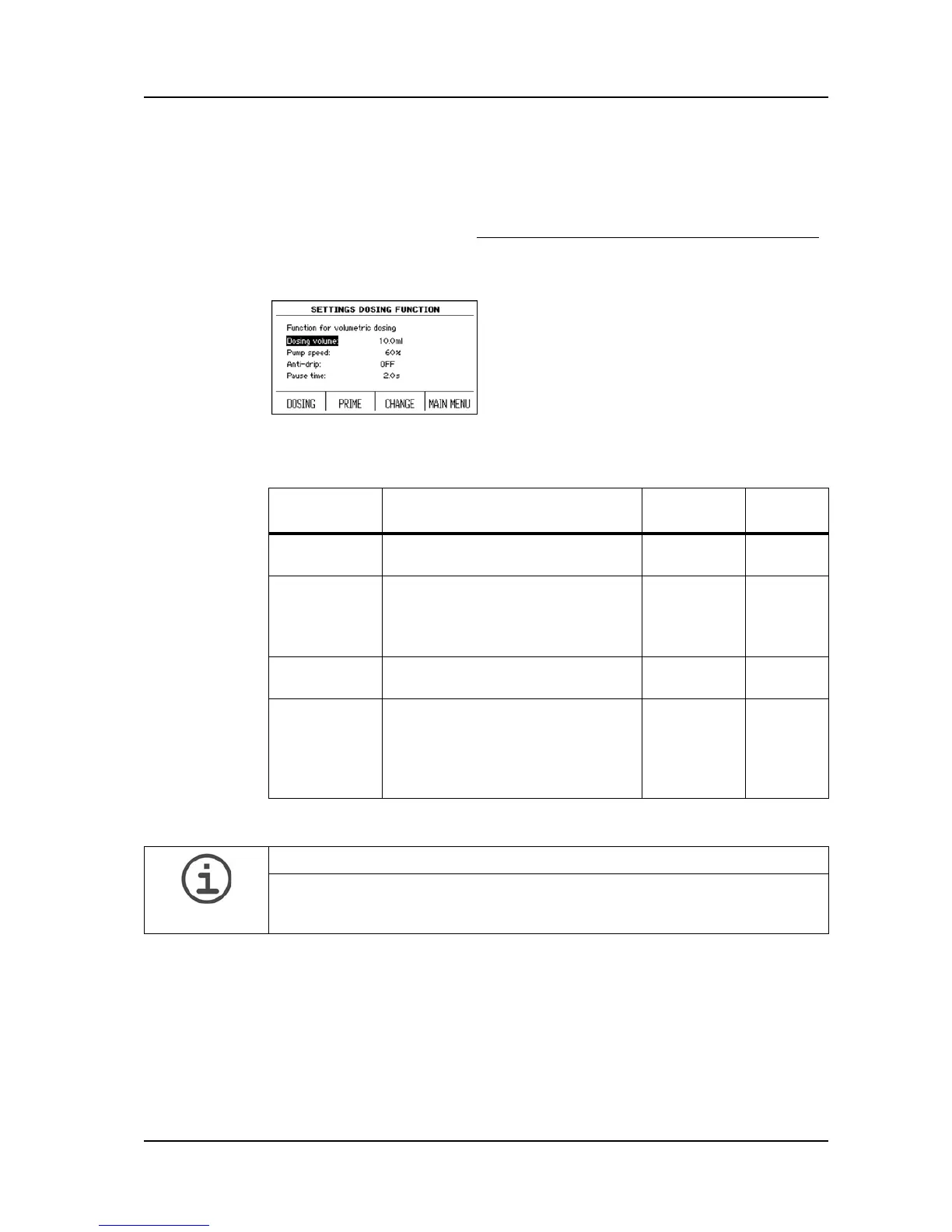
Press DOSING FUNCTION in the MAIN MENU to reach the parameter for
volumetric dosing.
Here the parameters and the value ranges are listed:
Press PRIME to fill the tubing and DOSING to start the program.
Use the arrow keys to select a parameter to
be changed.
Press CHANGE, and enter the desired
value.
Program
parameter
Description Value
range
Basic
setting
Dosing
volume
Defines the dosing volume. 1-999.9 ml 10 ml
Pump speed The setting 100% corresponds to
the maximum conveying amount
of the MEDIAJET pump of approx.
500 ml/min.
30-100% 60%
Anti-drip Prevents drop formation at the
end of a dosage.
ON
OFF
OFF
Pause time Enables adherence to a defined
waiting period between two dosing
steps. If set to manual, the dosing
is triggered by the push of the key
or by the foot switch.
0.1-9.9
manual
2 s
ASSISTANCE
If PUMP OPTIONS in SYSTEM PARAMETER is enabled, press DOSING -
PUMP OPTIONS - PRIME to fill the tubing and DOSING - START to start the
program.



 To Next Page