MEDIAJET – Operating instructions V09 Maintenance
48 INTEGRA Biosciences AG
5 Maintenance
Purpose This chapter describes the regularly required maintenance procedures of the
MEDIAJET.
5.1 Cleaning
Press CLEANING in the MAIN MENU.
Remove remaining Petri dishes from the carousel.
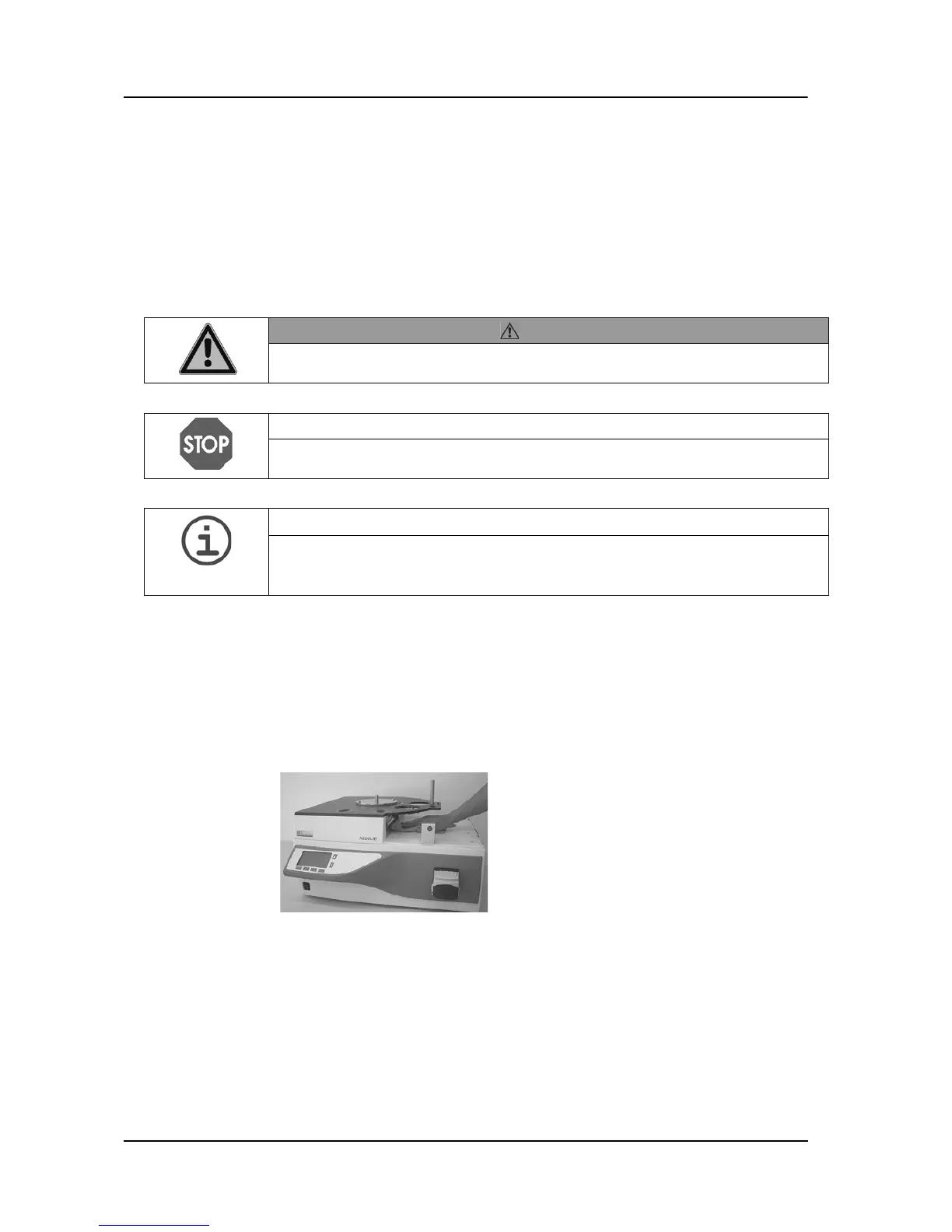
Hold the carousel on the central, thick rods and lift it vertically from the axis.
Remove the safety cover.
Lift the rotor from the axis and move it to the right out of the filling chamber.
-
MEDIAJET vario with biplate option: Thoroughly clean the glass plate of the
alignment sensor positioned in front of the filling nozzle holder.
Clean the base plate rotor and the base plate carousel. Remove any residual
(agar, petri dish abrasion) and soiling in the sensitive areas of the flap
bearing, UV-lamp and Feeding/Stacking pistons.
Clean the filling chamber, the rotor and the safety cover thoroughly.
WARNING
Before carrying out repair or maintenance work, the device must always be
switched off and disconnected from the electricity supply.
NOTICE
Do not clean the Plexiglas safety cover with organic solvent, Acetone or pure
alcohol.
ASSISTANCE
Regular cleaning of the MEDIAJET is important in order to maintain the device
in a good condition and thus ready for operation. We recommend carrying out
the cleaning protocol described below following each filling process.
Moisten a soft, fluff-free cloth with a mixture
of water and washing-up liquid.
Clean the glass window in front of the
reflection light sensors thoroughly (those
sensors are positioned above and below the
UV lamp). Make sure that the glass
windows are dry and free of soiling.



 To Next Page