MEDIAJET – Operating instructions V09 Operation
37
www.integra-biosciences.com
4.5.4 Start the filling process
4.5.5 Calibration of the pump during the filling process (option)
This calibration routine is specifically suited for user which like to determine the
filling volume of the Petri dishes using weight measurement.
Following calibration, insert the filling nozzle into the filling nozzle holder.
The pump is now calibrated.
4.5.6 Altering program settings of the filling process
While a process is running, you can adjust the program parameters at any time.
CAUTION
While the MEDIAJET is in operation, pay attention to your fingers when
operating the carousel. Be particularly careful if your hands are in the
immediate vicinity of the loading positions.
Press START.
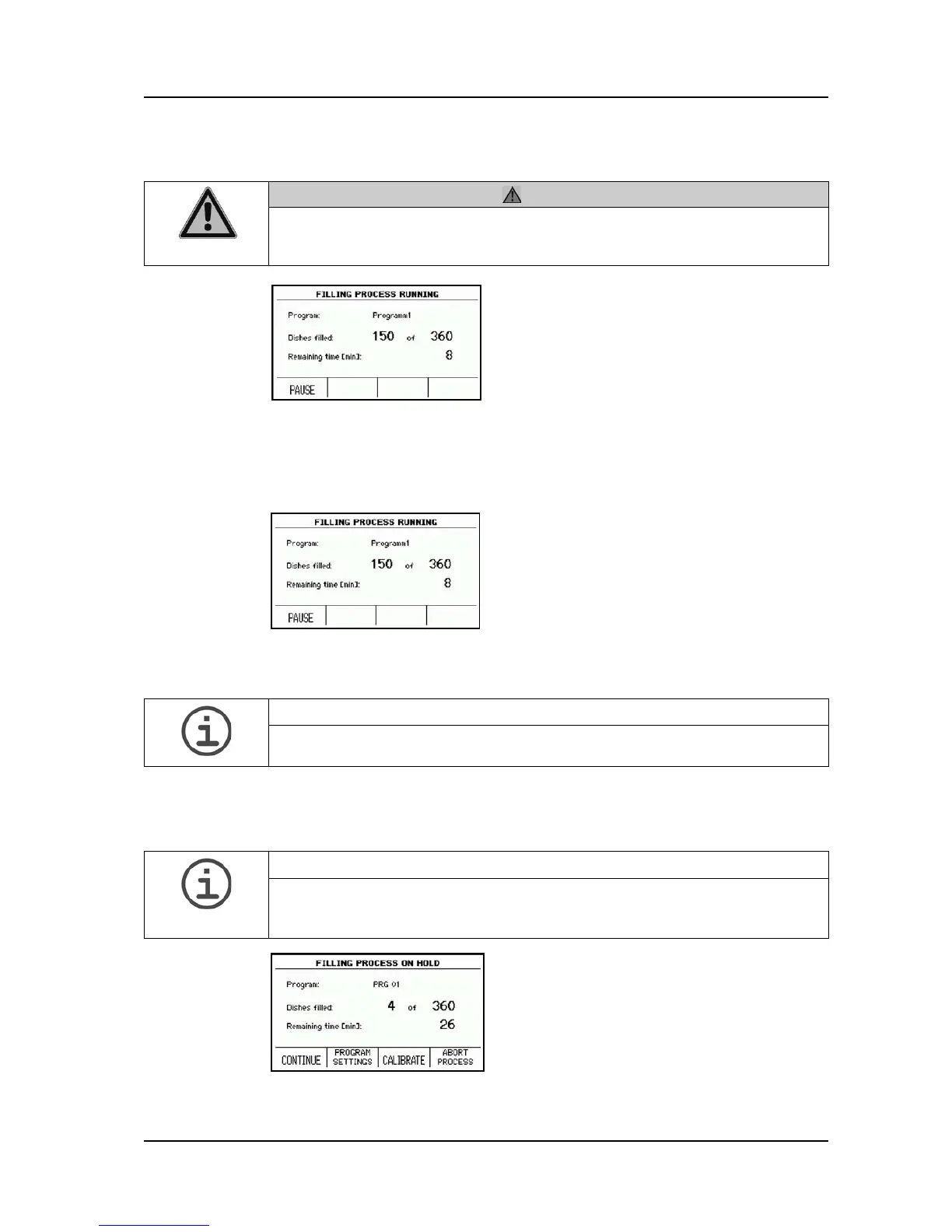
The screen always shows you how many
dishes you have already filled and how much
time there is remaining until the end of the
filling process.
Press PAUSE.
Press CALIBRATE.
Enter the volume measured and press
SAVE.
ASSISTANCE
If PUMP OPTIONS in SYSTEM PARAMETER is enabled, press first PUMP
OPTIONS and then CALIBRATE.
ASSISTANCE
Alterations to program parameters, carried out during the filling process, are
not automatically saved. Following ending of the filling process, you will be
asked whether you wish to save the alterations in the program.
Press PAUSE.
Press PROGRAM SETTINGS.
You can now alter the desired program
settings.



 To Next Page