MEDIAJET – Operating instructions V09 Operation
33
www.integra-biosciences.com
Continuous filling
If the program parameter continuous filling is switched on, the MEDIAJET fills
the total number of programmed plates without pause and the exchange of the
Petri dishes must be performed during the filling process.
Discontinuous filling
Alternatively, with the parameter continuous filling off, the filling process will be
paused automatically once all the dishes in the nine carousel positions have
been filled.
4.4.3 Filling dishes in Batch mode
The Batch mode can be used for applications where it is important to have a
highly planar agar surface, as for example automatic colony counting. In the
batch mode, only every second position of the carousel must be filled with empty
Petri dishes. These dish stacks are then processed by user-defined batches of
1-20 Petri dishes. This allows the agar of the filled batch to solidify before it gets
lifted by the next batch. That prevents that the uppermost dishes of the stack
become slightly tilted before the agar is solidified, resulting in very planar
surfaces. To enable this option, see “4.2
Adapt system parameter” on page 26.
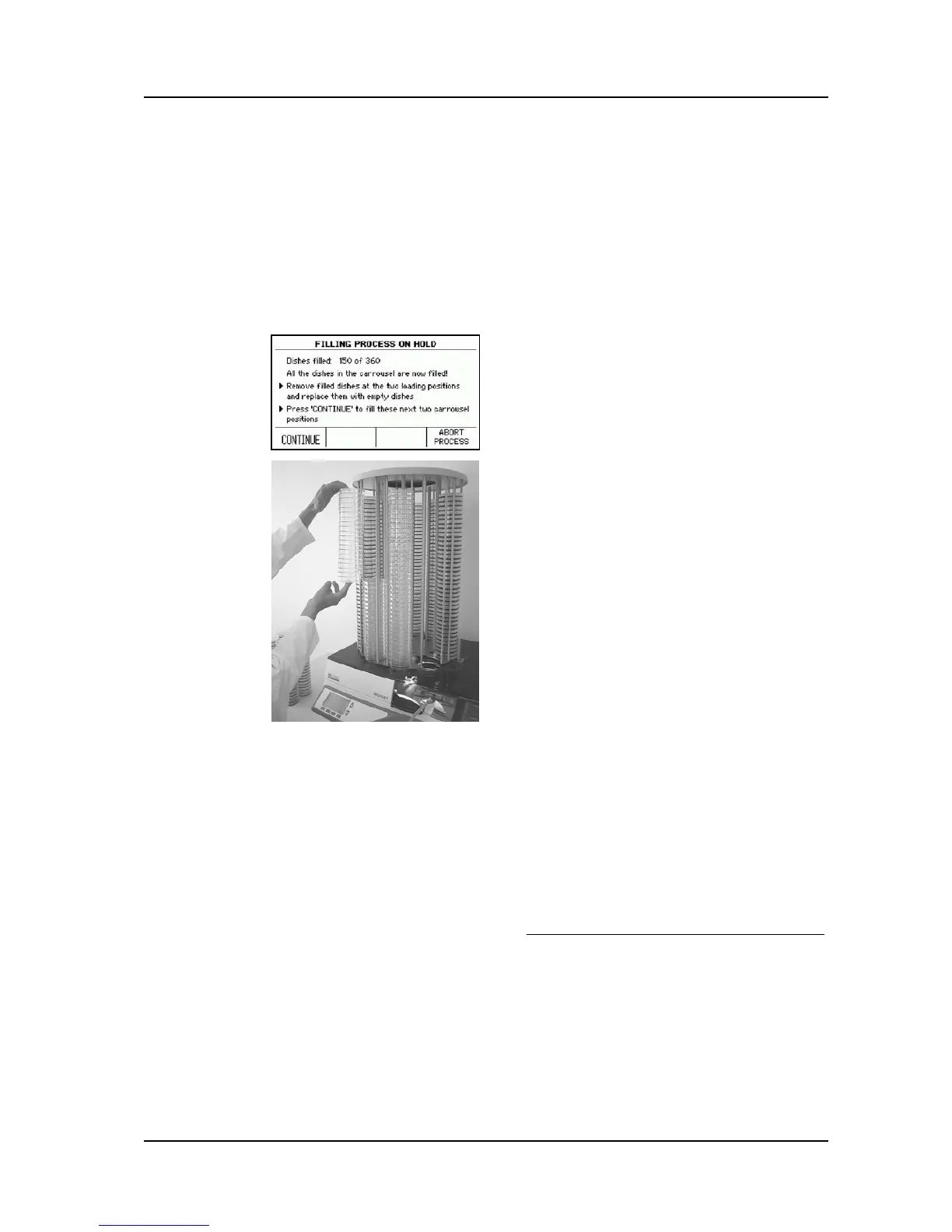
The device will then offer you a possibility in
the dialogue FILLING PROCESS ON HOLD to
continue the filling process with the dishes on
the next two carousel positions.
MEDIAJET will request you to remove the filled
dishes from the loading positions.
Remove the filled dishes from the two
loading positions.
Fill both positions again with empty dishes.
Press CONTINUE in order to fill the two new
stacks.
Continue this process until the programmed
number of Petri dishes have been filled.
You stop the program with ABORT
PROCESS.



 To Next Page