VIAFLO 96/384 – Operating instructions V11 Description of the device
10 INTEGRA Biosciences AG
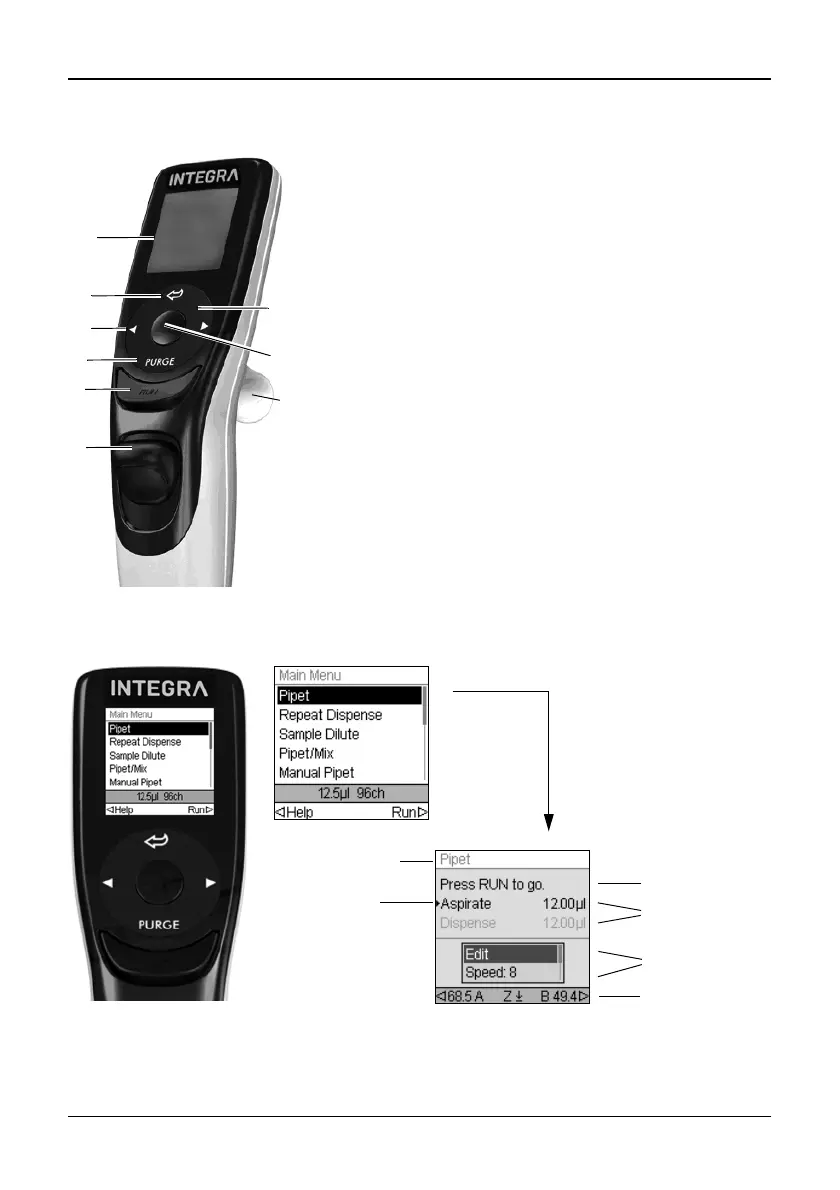
2.2.2 VIAFLO 96/384 control unit
2.2.3 Display
The Display shows all pipetting options.
11 Display
12 Back button, to navigate backward
13 Touch wheel, spin to scroll and move the cursor
14 OK button, to make a selection
15 Left and right arrow buttons, for selections
16 PURGE button, to empty tips
17 RUN key, to start operations
18 Tip ejector
19 Finger hook, facilitates easy operation
Instruction
Volumes
Options
Arrow buttons
to set Z height



 To Next Page