VIAFLO 96/384 – Operating instructions V11 Pipetting modes
www.integra-biosciences.com 39
5.2.9 Sample dilute/mix mode
Application: Use this mode to perform sample dilutions where mixing of sample and
diluent is required. This mode could also be used to introduce and mix diluent and sample
to the first column of a serial dilution plate.
Operation:
• With the tip(s) in liquid, press and release the RUN key to initiate aspiration 1. With the
tip(s) out of the liquid, press and release the RUN key for the Air Gap. Again in liquid,
press and release the RUN key to initiate aspiration 2.
• Press and release the RUN key to dispense the entire tip contents and begin the mixing
routine. Upon completing the desired number of mixes, a blowout occurs automatically.
Remove tips from liquid and press and release the RUN key to complete the blowout.
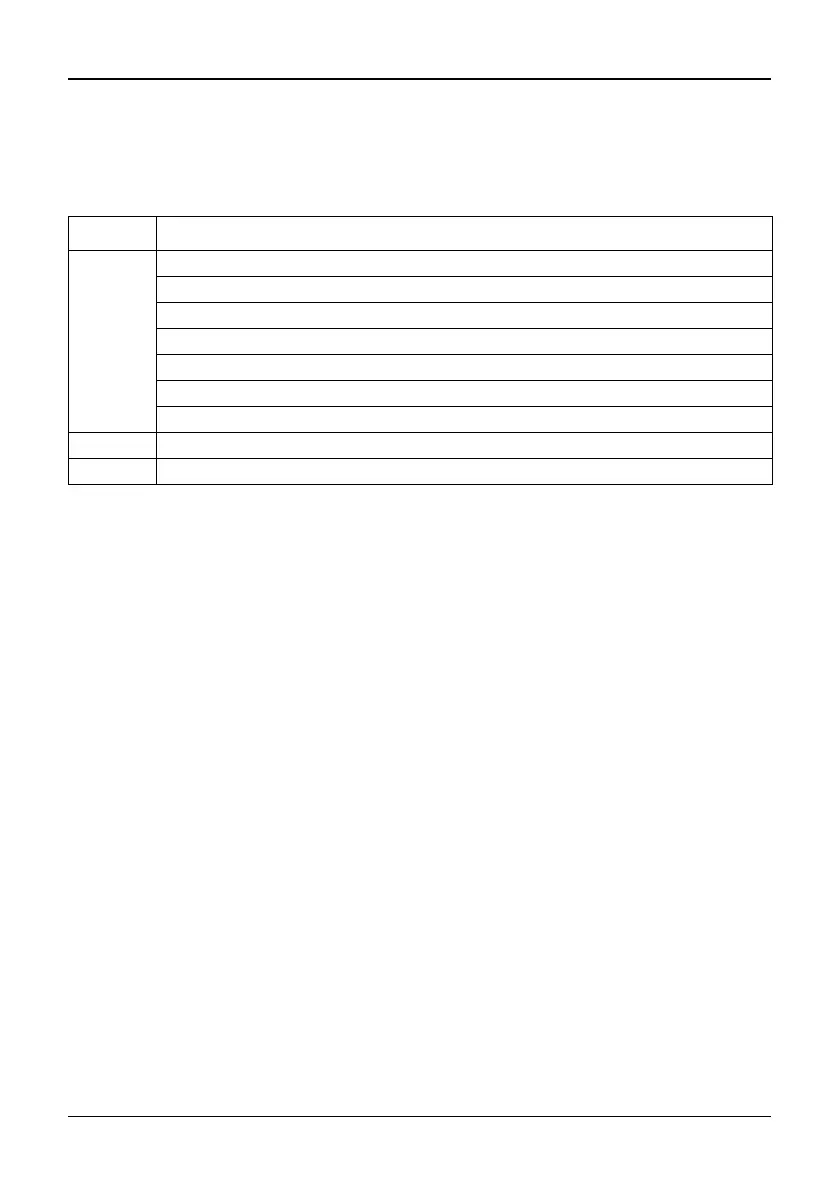
Options Steps Description
Edit Aspirate 1 Sets the volume of the sample aspirated first in the tip.
Air Gap Sets the volume of the air gap to keep both liquids separated.
Aspirate 2 Sets the volume of the diluent in the tip.
Mix Sets the mixing volume after dispensing.
Mix Cycles Sets the number of mix cycles.
Asp. Speed Sets speed uniquely for aspirating (1 = slow, 10 = fast).
Mix Speed Sets speed uniquely for mixing (1 = slow, 10 = fast).
Speed Sets speed of the current pipetting step.
Custom Converts the predefined program into a custom program.



 To Next Page