VIAFLO 96/384 – Operating instructions V11 Pipetting modes
44 INTEGRA Biosciences AG
5.3.2 Modify existing programs
Press Back to return to the list of Custom programs. To run the program, press
OK
.
5.3.3 Automatic custom program
The Automatic Mode performs automatically a defined series of liquid handling
operations. This mode is by default inactive and has to be manually enabled, see “3.4.4
Preferences” on page 16.
An automatic Program always starts with a Move X,Z step to define the starting position.
C
AUTION
Always ensure that the pipetting head is at a clear height for a movement to
the side.
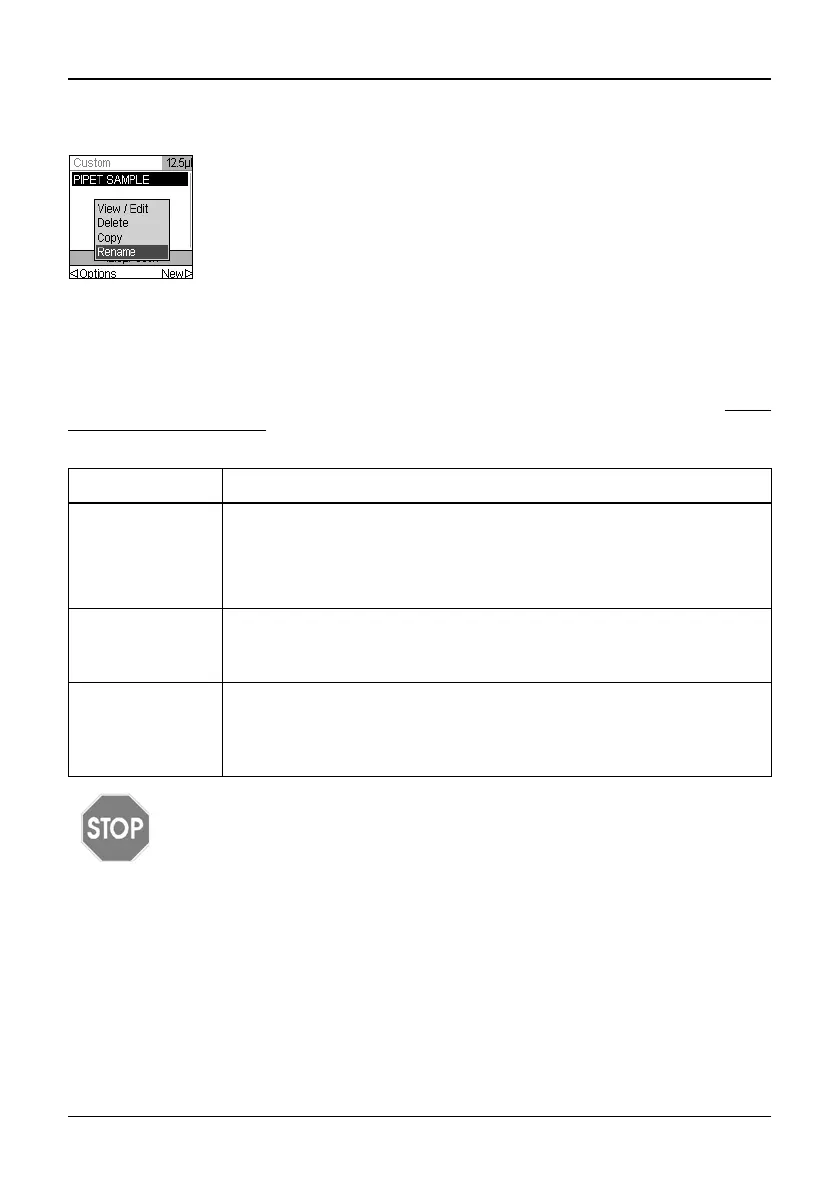
At the Custom program display, use the Touch wheel to highlight an
existing program. Press Options, use the Touch wheel to select an
option (View/Edit, Delete, Copy, Rename) to modify the program and
press OK
Step Description
Move X,Z Teach the unit by moving the pipetting unit to the desired position.
Current Setting is the position to be used by the program, X and Z
indicates the momentary position. Move the pipetting head to the
desired position and press Set to adapt the Current Setting to the
momentary position.
Move Z Move the pipetting head to the desired position and press OK to
adapt the Current Setting to the Actual Position.
The pipetting unit moves to the defined absolute Z height.
Move X This command travels the set distance in X-direction relative to the
actual position. Setting a negative value (mm) moves the unit to the
left, setting a positive value (mm) moves the unit to the right.
Use the Touch wheel to enter the desired value and press OK.



 To Next Page