21 Programming — Controller Setup
Verifying Firmware Revision Level
Check to see the latest revision numbers at the website, www.intermatic.com. Then verify the
controller is updated.
Follow this procedure to locate the controller’s current rmware revision numbers.
1. Press and release any button to activate the controller.
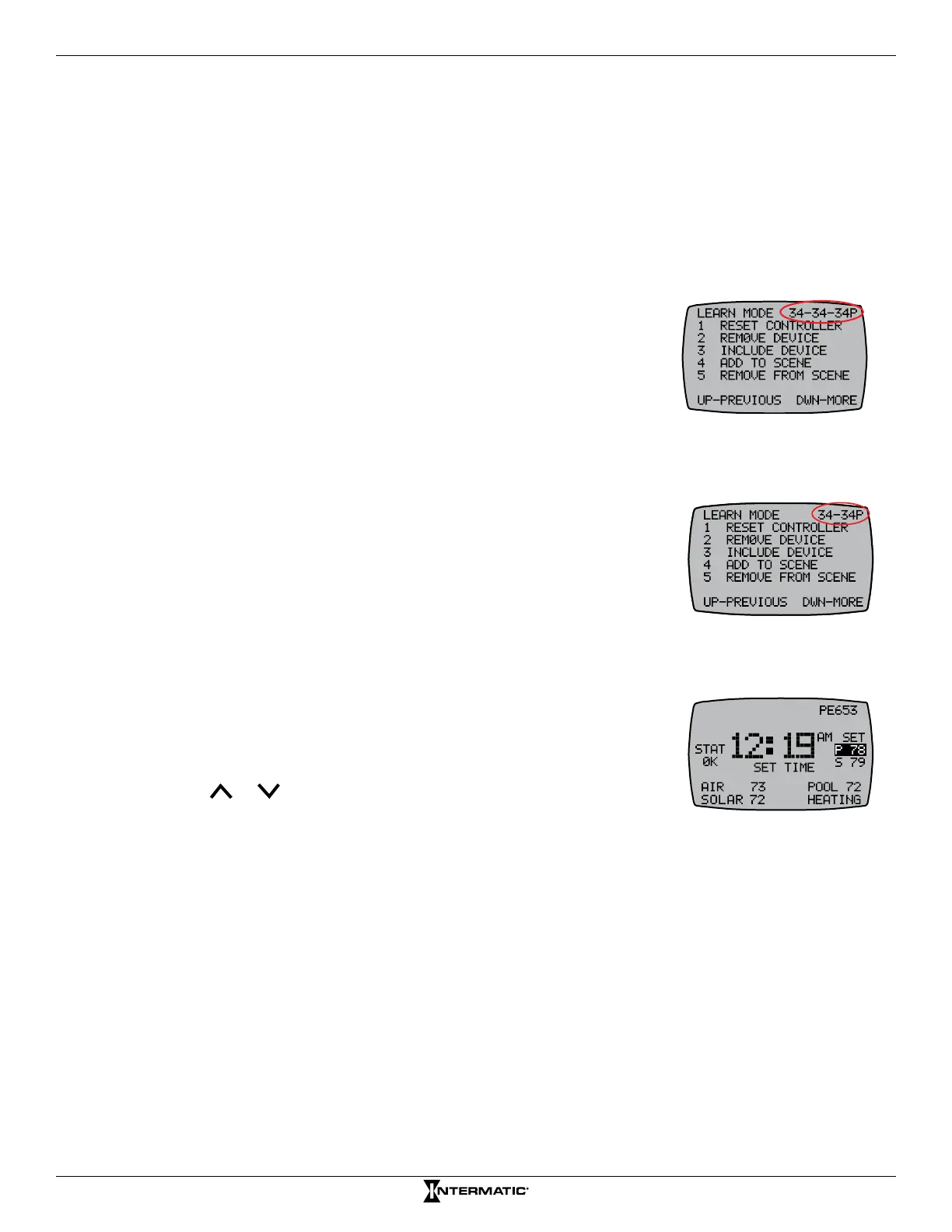
2. Press P/S and ENTER simultaneously to access LEARN MODE. The revision numbers are
displayed in the upper right corner.
If the system has an expansion module, three revision numbers will
display, separated by dashes and followed by a “P” (on primary
controllers) or an “S” (on secondary controllers). On systems with
expansion modules:
• The rst number shows the rmware version installed in
the expansion module.
• The second number shows the receiver’s version.
• The third number shows the controller’s version.
On systems with no expansion module, there will be only two revision
numbers:
• The rst number shows the receiver’s rmware version.
• The second number shows the controller’s version.
Setting the Time of Day
1. From the main display screen, press and hold P/S until SET TIME
appears under the time.
NOTE: If you have a variable speed pump, you can also set the
time from the VARSPD screen.
2. Press or to select the desired time and press ENTER to
save.
NOTE: Hold the arrow button for ve seconds to rapidly scroll.










 To Next Page