47 User Operation
Chapter 13:
User Operation
Follow the instructions in this chapter to operate the MultiWave Control System:
¸ Using Receiver to Turn Circuits ON/OFF
¸ Using Controller to Turn Circuits ON/OFF
¸ Viewing and Controlling Pool and Spa Temperatures
¸ Setting Schedules
¸ Navigating to Other Controls
¸ Replacing Fuse F1 on the Receiver
NOTE: If the controller is idle for 1 minute, the display deactivates to save battery life. Press any
button to remove the controller from idle.
Using the Receiver to Turn Circuits ON/OFF
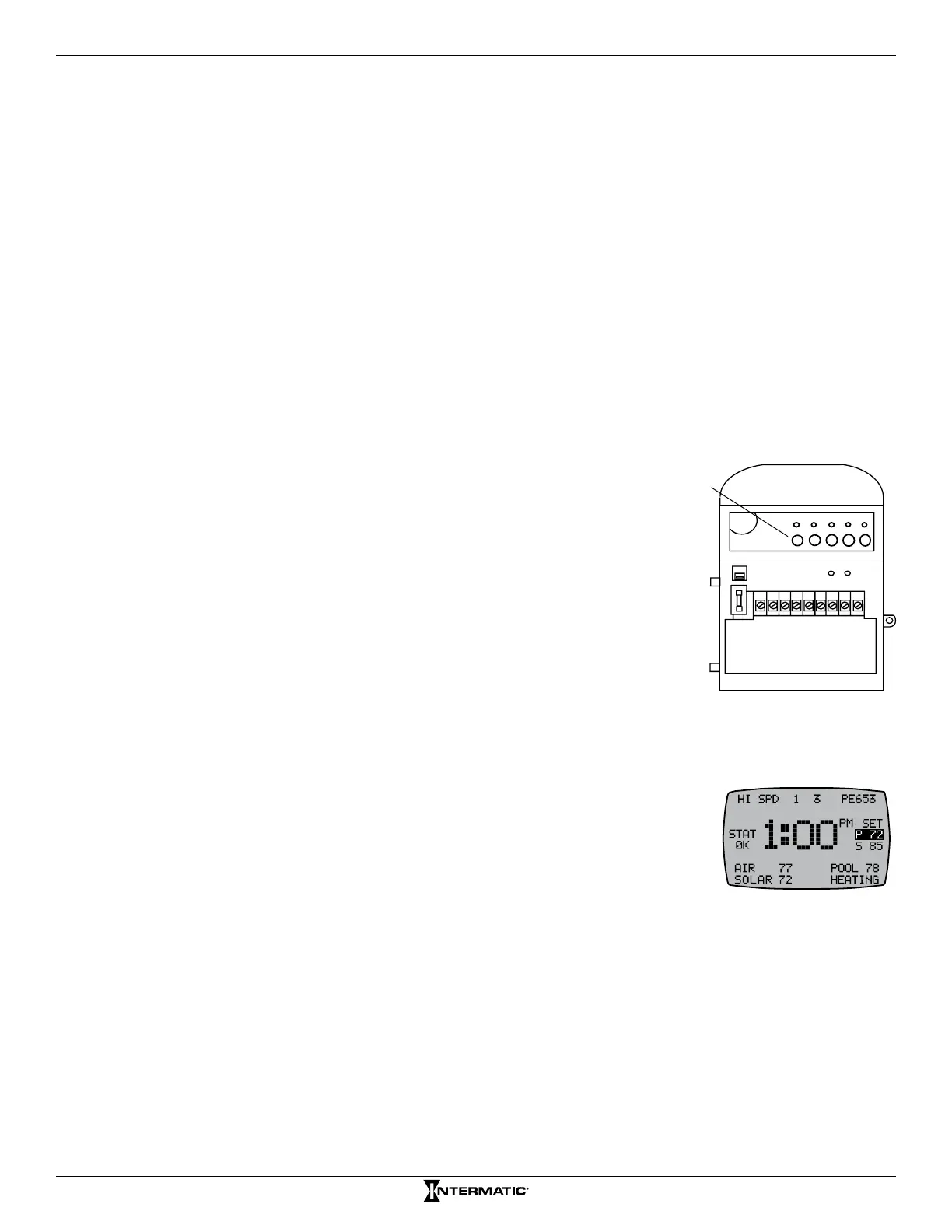
The ve circuits and pool/spa actuators can be operated manually
from the receiver.
To manually operate a circuit, press a circuit button on the receiver to
toggle between ON and OFF.
NOTE: Any manual circuit activation at the receiver is also reected
on the controller screen.
Using Controller to Turn Circuits ON/OFF
Depending on how the site has been installed with the receiver, there may
be up to ve circuits being controlled. The ve function buttons on the
controller will control the ve circuits in the receiver.
1. If necessary, press and release any button on the controller to wake it
from sleep.
2. If the display screen (shown at the right) is not displayed, press the
ENTER button until you see the display screen, as shown.
3. Press the function button for the circuit that you want to turn ON or OFF.
NOTE: The controller’s display shows the circuit number along the top of the screen.
INCLUDE
120 V
240 V
12345678 9
1234
5
Circuit
Buttons
Figure 13-1. Circuit buttons.










 To Next Page