35 Checking Out and Verifying the System
Chapter 9:
Checking Out and Verifying the System
After you have completed programming, verify the operation of the MultiWave system by
performing the verication procedures below.
9HULI\LQJWKH&RQWUROOHU6FUHHQ,V2SHUDWLQJ3URSHUO\
1. Press a button on the controller to activate the screen.
2. Take one of these actions:
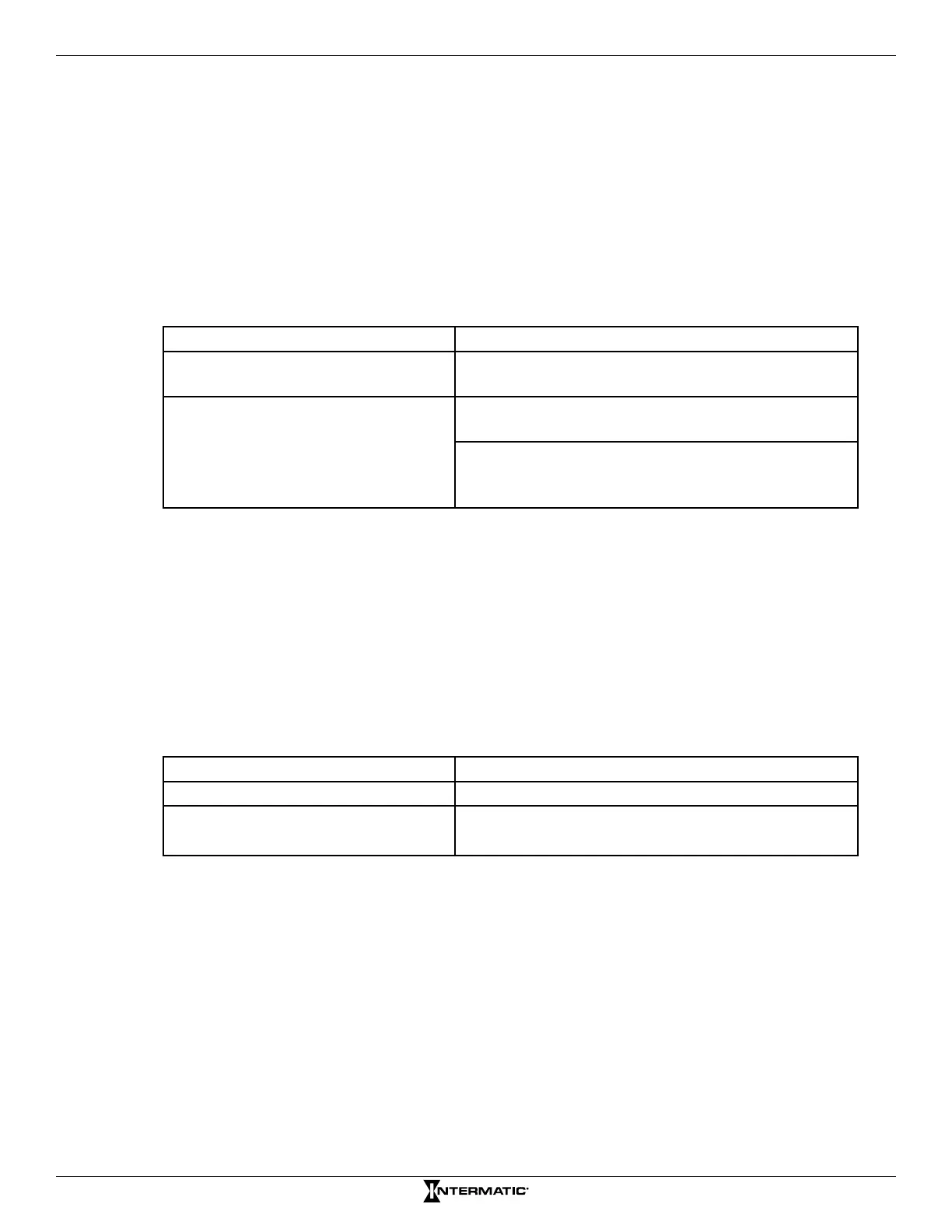
If the controller screen... Then...
Activates, The controller screen is operating properly.
The procedure is complete.
Does not activate, Replace the batteries. Perform the procedure
“Installing Batteries in Controller” on page 33.
Verify that the PE653 receiver has power. A red
illuminating light will appear next to the include
button.
3. Press a button on the controller to access the main screen.
4. If the screen does not activate, contact Intermatic support services.
9HULI\LQJ&XUUHQW7LPHRI'D\,V&RQÀJXUHGLQWKH
Controller
1. Press a button on the controller to activate the screen.
2. If the PE653 screen is not congured as the main screen, press ENTER to scroll to the
PE653 screen.
3. Observe the time of day and then take one of these actions:
If the time of day is ... Then...
Correct, The procedure is complete
Incorrect, Perform the procedure “Setting the Time of Day”
on page 21.










 To Next Page