www.intermatic.com
28
MultiWave Control System Programming and User Guide
Chapter 5:
Programming — Freeze Option Screen
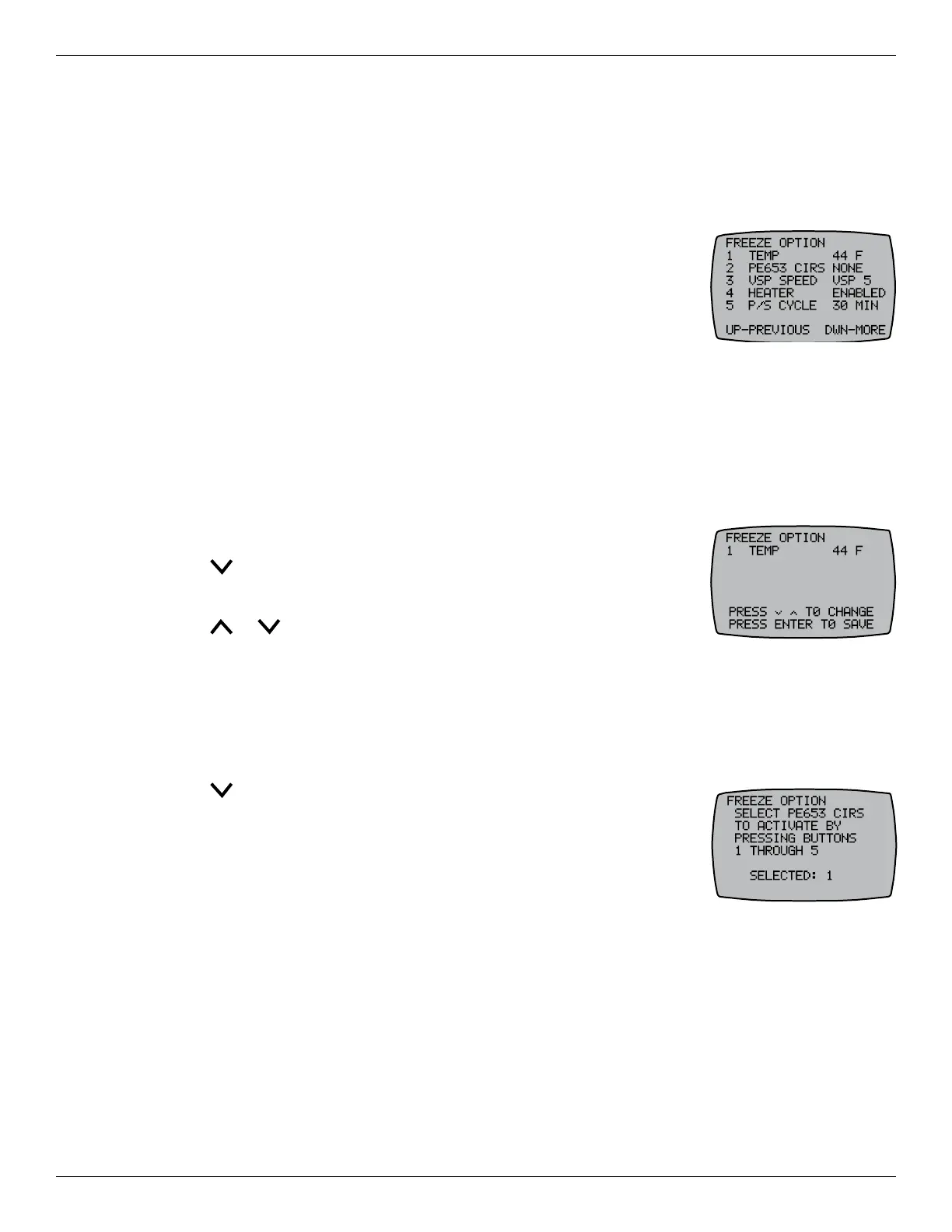
The freeze options protect the pool and/or spa from cold temperatures by turning the heater on.
Procedures include:
¸ Conguring the Freeze Temperature
¸ Dening the Circuits for the Freeze Condition
¸ Determining Speed During Freeze Condition (with variable
speed pump)
¸ Enabling/Disabling Heater During Freeze Condition (with water
probe)
¸ Dening Actuator Pool/Spa Cycle (with actuator control or expansion module)
&RQÀJXULQJWKH)UHH]H7HPSHUDWXUH
NOTE: This procedure applies only to pool/spa systems with the air sensor installed.
Follow this procedure to dene the freeze temperature initiation value — the temperature at
which the heater turns on.
1. Press P/S and ENTER simultaneously to access LEARN MODE.
2. Press to scroll to the FREEZE OPTION screen.
3. Press 1 to select TEMP.
4. Press or to choose the temperature (between 40°F and 44°F).
5. Press ENTER to save.
'HÀQLQJWKH&LUFXLWVIRUWKH)UHH]H&RQGLWLRQ
Follow this procedure to dene the circuits that activate when the freeze temperature is reached.
1. Press P/S and ENTER simultaneously to access LEARN MODE.
2. Press to scroll to the FREEZE OPTION screen.
3. Press 2 to select PE653 CIRS.
4. Press the applicable buttons (1 through 5) on the controller to activate
the desired circuits.
NOTE: If you have a 1-speed pump, press 1 to circulate water. If you
have a 2-speed pump, press 1 for high speed or 2 for low speed.
5. After the circuits are selected, press ENTER to save.










 To Next Page