25 Programming — PE653 Option Screen
6HWWLQJ8SD6RODU7HPSHUDWXUH6\VWHP
1. Press P/S and ENTER simultaneously to access LEARN MODE.
2. Press to scroll to the PE653 OPTION screen.
3. Press 5 to select HEATER.
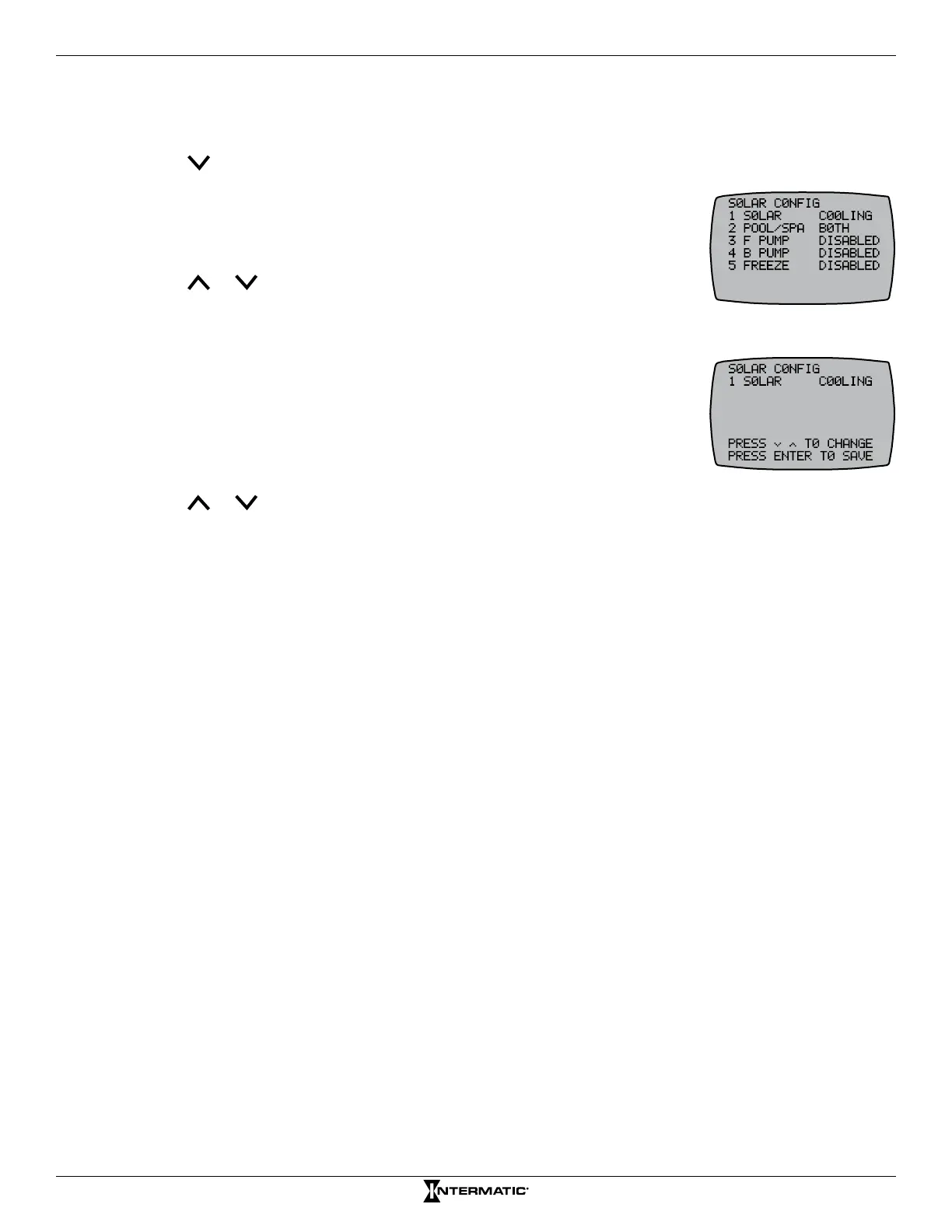
4. Press 1 to select SOLAR.
5. Press 1 again to select SOLAR.
6. Press or to choose between COOLING, HEATING, DISABLED,
or BOTH and press ENTER. The screen displays SUCCESSFUL and
returns to the previous screen.
7. Press 1 to select SOLAR.
8. Press 2 to select POOL/SPA.
9. Press 3 to select F PUMP.
10. Press 4 to select B PUMP.
11. Press 5 to select FREEZE.
12. Press or to choose between POOL, SPA, or BOTH and press ENTER. The screen displays
SUCCESSFUL and returns to the PE653 OPTION screen.










 To Next Page