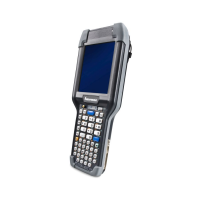
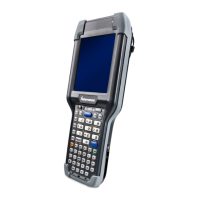
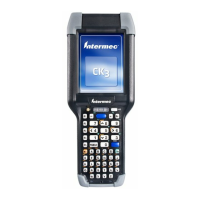
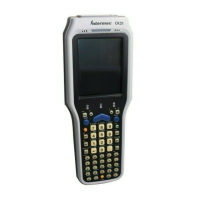
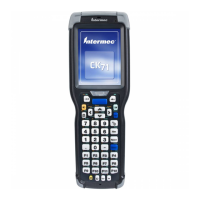
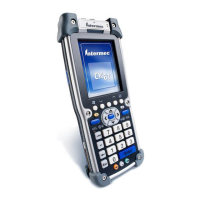
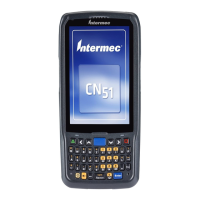
CK30 Handheld Computer User’s Manual 1
Using the CK30 Handheld
Computer
Use this chapter to familiarize yourself with the CK30 Handheld
Computer. In this chapter you will find these sections:
• Introducing the CK30 Handheld Computer
• What’s New?
• Using the Battery
• Using the Keypad
• Using the Screen
• Understanding the Status Lights
• Understanding the Beeps
• Scanning Bar Codes
• Installing an SD Card
1



 To Next Page