PASCAL
®
Synthesis Ophthalmic Scanning Laser Systems Page 45 of 141
88292-EN, Rev D
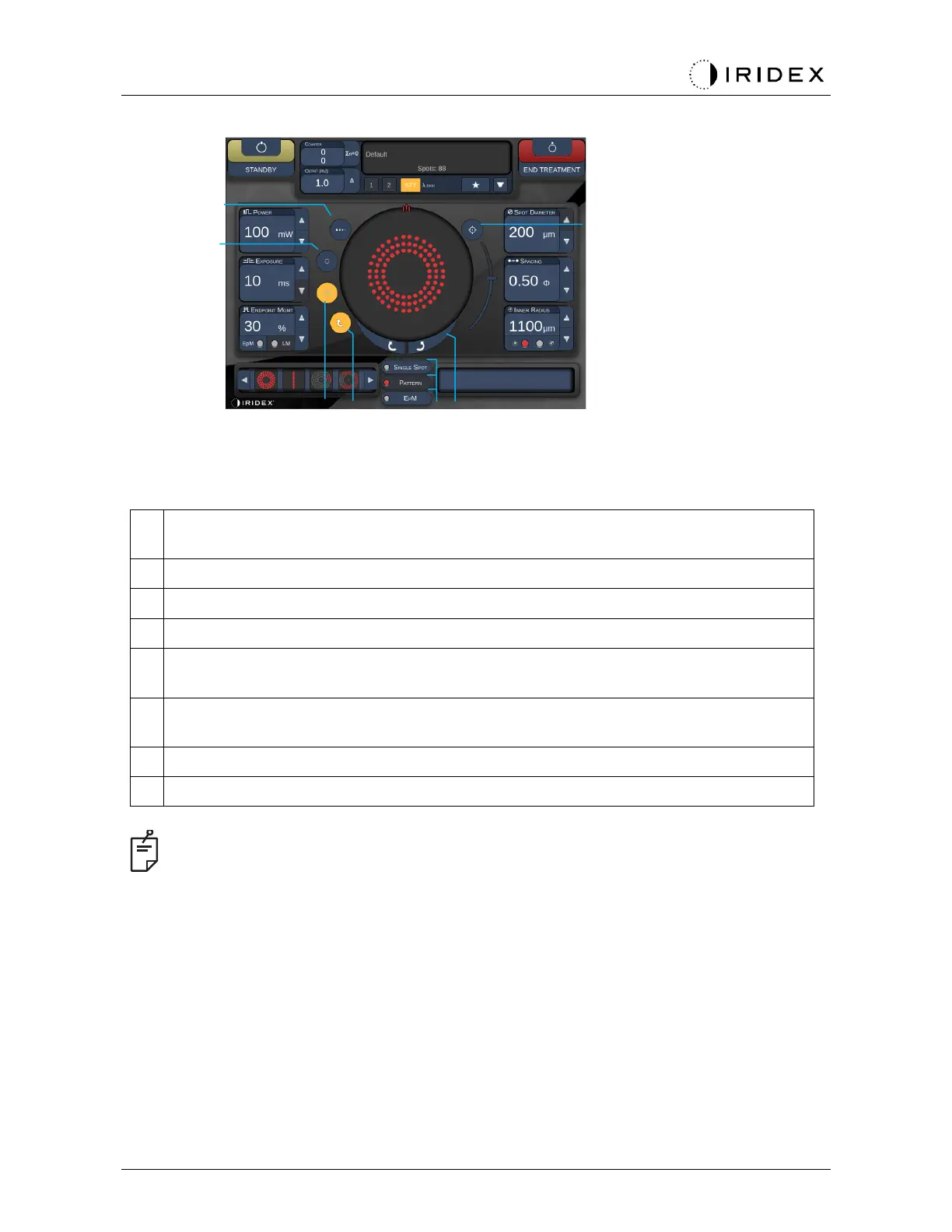
<Titrate> - press to switch to single spot to perform test burns, adjustable up to 4
spots; press again to revert to prior laser mode
<Fixation> - press to turn on fixation light (when applicable)
<Outline> - press to enable full pattern outline (when applicable)
<Auto> - press to enable automatic advancement (when applicable)
<AIM> - press to turn on/off aiming beam in STANDBY (always on in READY)
Aiming beam intensity - scroll up/down to adjust
<Single Spot>/<Pattern>/<EpM> - press to display patterns available at default
parameter setting
<Rotate> - press to rotate or advance pattern (when applicable)
<Center> - press to position the beam to optical center of the treatment
•
Parameter controls only show on screens when applicable to the pattern selected. See
the section “Pattern Descriptions/Pattern Parameters” for detailed information.
•
Center Button requires the micro manipulator is not being used



 To Next Page