Digital Network Public Address & Voice Alarm System
PTT music tone: Set the PPT music tone sensitivity when microphone speak, adjustable sensitivity range:
0 to 31.
Evacuation: Set the sensitivity of the evacuated voice information, adjustable sensitivity range: 0 to 31.
Warning: Set the sensitivity of the warning voice information, Adjustable sensitivity range: 0 to 31.
PSTN inputs: set the PSTN Input sensitivity when speak, Adjustable sensitivity range: 0 to 31.
PSTN output: set the PSTN output sensitivity of music tone when speak, Adjustable sensitivity range: 0 to
31.
Mic / Line 1: Set the microphone / line 1 input sensitivity, adjustable sensitivity range: 0 to 31.
Line 2: Set the Line 2 input sensitivity, adjustable sensitivity range: 0 to 31.
Line 3: Set the line 3 input sensitivity, adjustable sensitivity range: 0 to 31.
Line 4: Set the line 4 input sensitivity, adjustable sensitivity range: 0 to 31.
Background music: set the background music input sensitivity, adjustable sensitivity range: 0 to 31.
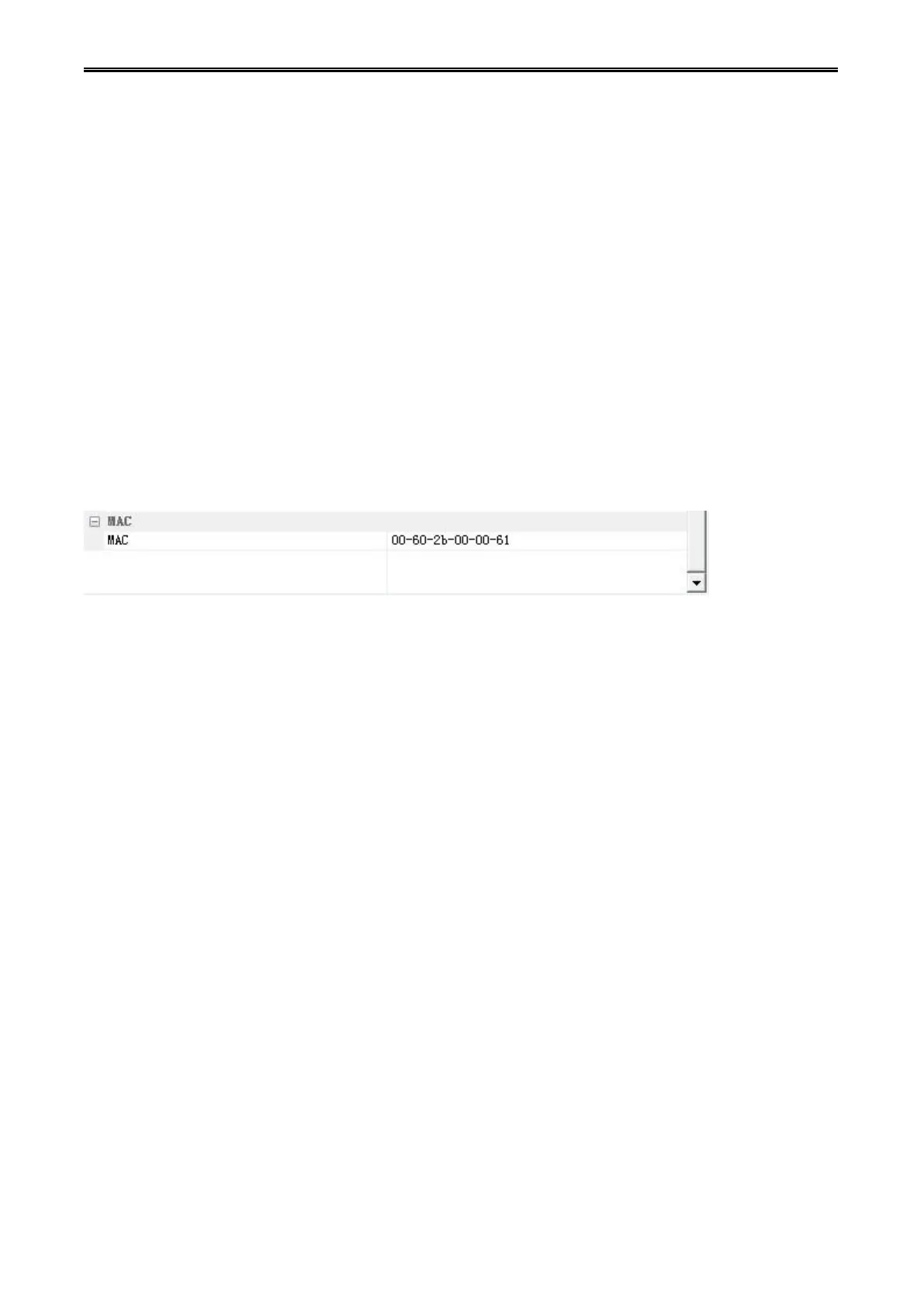
7) The controller MAC address configuration
MAC: You can change or add a controller MAC physical address. Click on the "..." in behind of the
controller’s MAC address, will pop up the controller “MAC Configuration" list box, select the MAC address
inside of the list box, and then click "OK" to change the controller’s MAC address; if you need to add a
new MAC address, click on the "Add" button, then write the new MAC address in the pop-up box, and
then click "OK" to add a new MAC address, the new MAC address will be in the MAC configuration list
box.


 To Next Page
 Loading...