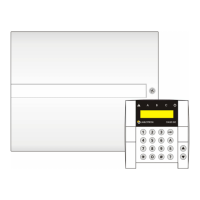
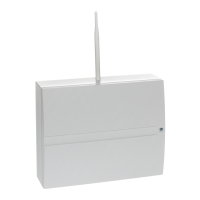
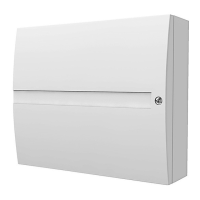
JA-101K(-LAN)(-LAN3G) and JA-106K(-3G)
Security System Control Panels 40 / 110 MLJ51410
9 System control options
The security system can be controlled a few ways. Basic control options are local or remote. Other options are
mentioned by the following table:
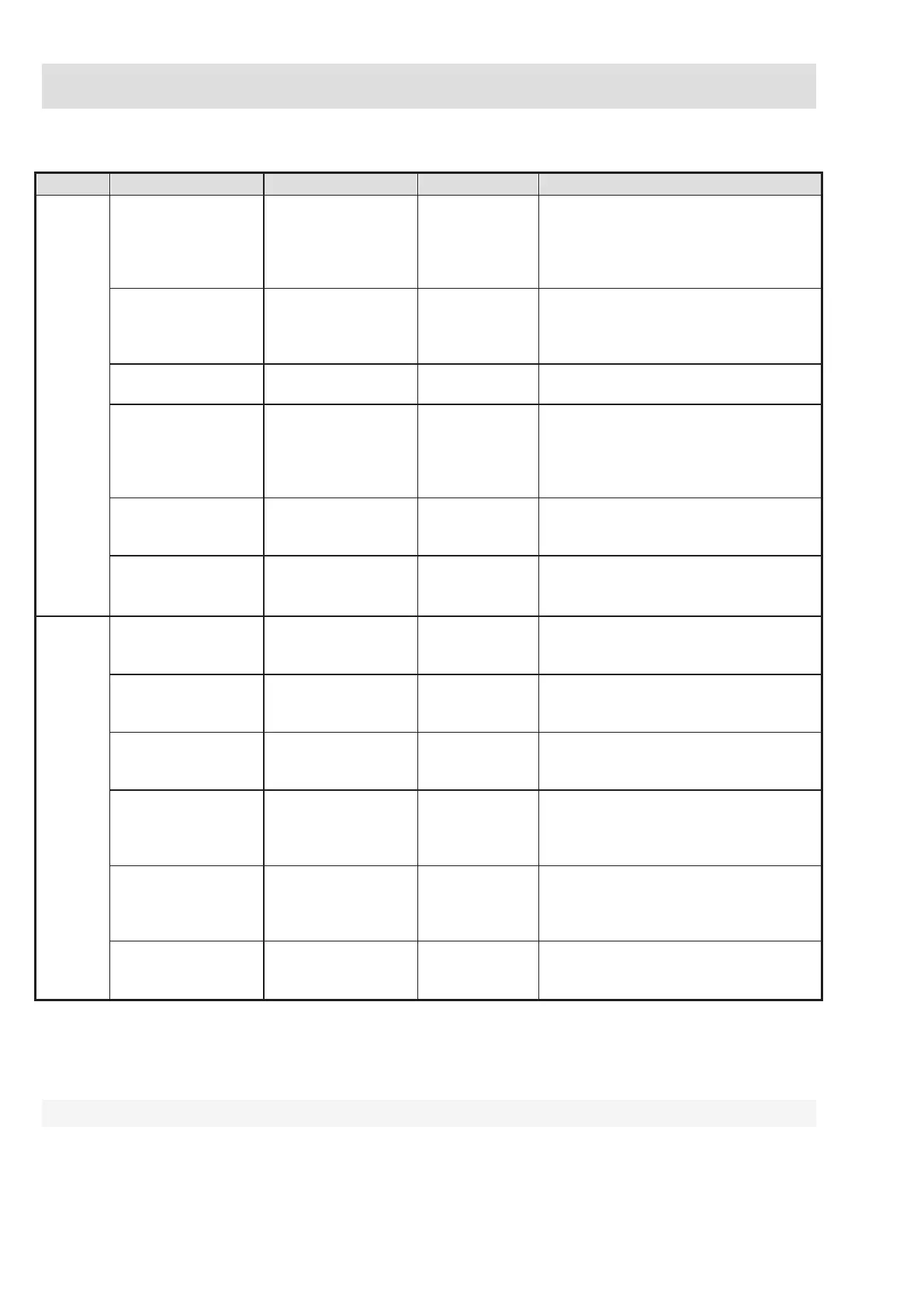
Type Way/mode Device Condition Control description
Local
Keypad with
control segment
JA-114E,
JA-113E,
JA-154E,
JA-153E,
JA-123E
The JA-11xR
radio module
for wireless
devices
Operation can be performed after
user authorization and pressing
a specific control segment or also
via the LCD keypad menu.
RFID reader with
control segment
JA-112E,
JA-152E;
JA-122E
(PC control only)
The JA-11xR
radio module
for wireless
devices
Operation can be performed after
user authorization using an RFID tag
and pressing a specific control
segment.
Remote controller
JA-15xJ,
JA-16xJ, JA-18xJ
The JA-11xR
radio module
Setting and unsetting by pressing
a pre-set button of a remote.
Calendar 20 calendar actions
Every calendar action has options
to select: event, time of its
performance, day of the week.
It can control sections and PG
outputs. PG outputs can be blocked.
J-Link (F-Link)
software
PC with Windows USB cable
Using a virtual keypad sections can
be controlled and also PG outputs
after authorization.
Control module
JA-111H-AD TRB
and
JA-121T
BUS
System can be controlled using
an arbitrary external device by module
wired input activation
Remote
Voice menu Telephone
GSM or PSTN
dialler
Calling the system telephone number
and control system by DTMF tones
after authorization.
SMS message Cell phone GSM dialler
Authorized command for setting
or unsetting sections and also control
of PG outputs.
Dialling in from
authorized
telephone number
Telephone (PG
control only)
GSM or PSTN
dialler
For every authorized telephone
number one specific PG output
can be controlled.
MyJABLOTRON
web app
PC
Jablotron
Security SIM
card in GSM
dialler
After authorization sections and PG
outputs can be controlled, photos
taken by photo-devices browsed
thermometers and electricity meters.
MyJABLOTRON
smart app
Smart phone or
tablet
Jablotron
Security SIM
card in GSM
dialler
After authorization sections and PG
outputs can be controlled, photos
taken by photo-devices browsed,
thermometers and electricity meters.
J-Link (F-Link)
software
PC with Windows
(XP SP 3 or higher)
GSM or LAN
dialler
Sections and PG outputs
can be controlled by virtual keypad
after authorization.
All mentioned ways can be used for system control (setting, partial setting, unsetting) for PG output control
(ON, OFF, timing). The only exceptions are JA-122E outdoor keypads and dialling in from an authorized
telephone number which can control a PG output.
9.1 Way of authorization
Authorization is the key factor to control the system and to verify if the user is really authorized for operation.
According to the authorization procedure the system decides if the user is authorized to set or unset sections,
switch on or off PG outputs using segments or if he can only browse the system status and history log using
an LCD keypad menu. Every user can have the following options assigned to authorize himself:


 To Next Page